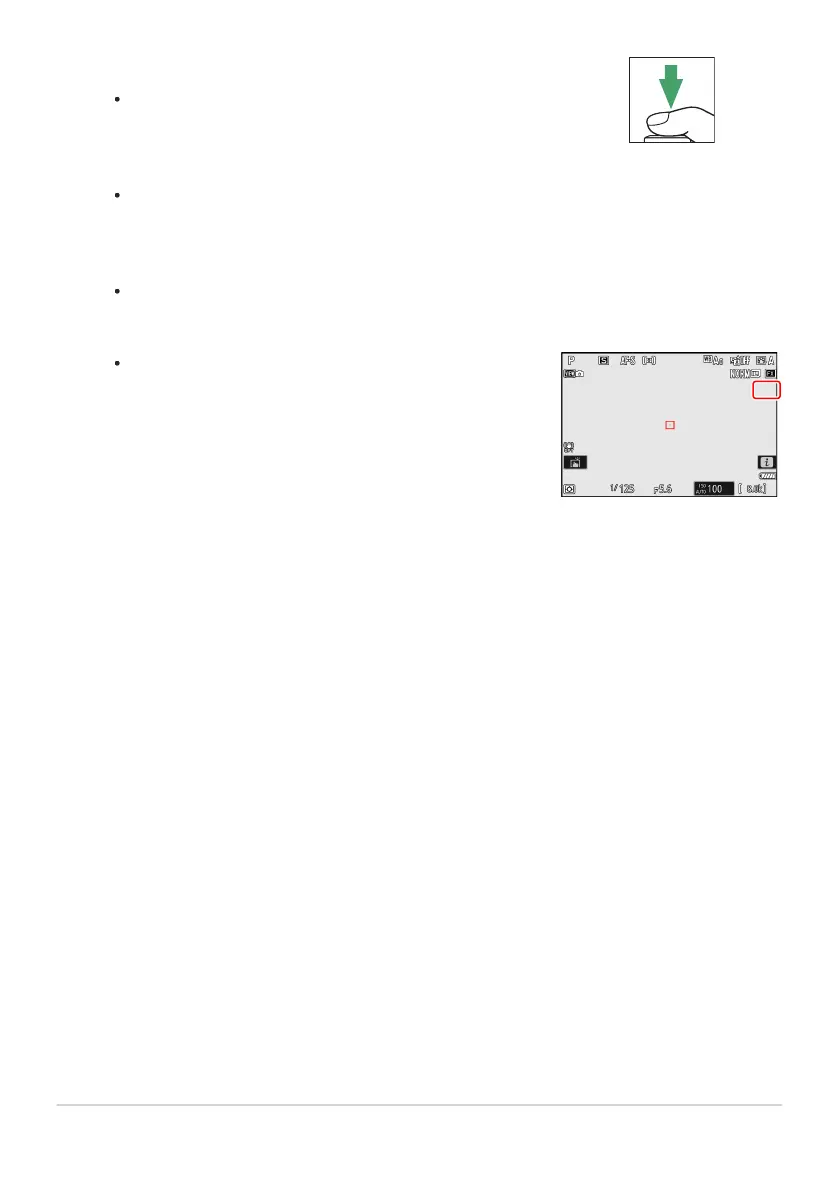
Start shooting.
Tak
e the selected number of shots. If you used [Select first
exposure (RAW)] to select an existing NEF (RAW) picture
as the first exposure in Step7, shooting will start from the
second exposure.
Once you have taken the selected number of shots, the
pictures will be overlaid to create a multiple exposure.
Multiple exposures are recorded in JPEG format regardless
of the option selected for image quality.
If [On (series)] is selected for [Multiple exposure mode],
you can continue to take additional multiple exposures until
[Off] is selected.
If [On (single photo)] is select
ed, the camera will exit
multiple exposure mode once the number of shots selected
in Step3 has been taken.
475
Multiple Exposure
8



 To Next Page