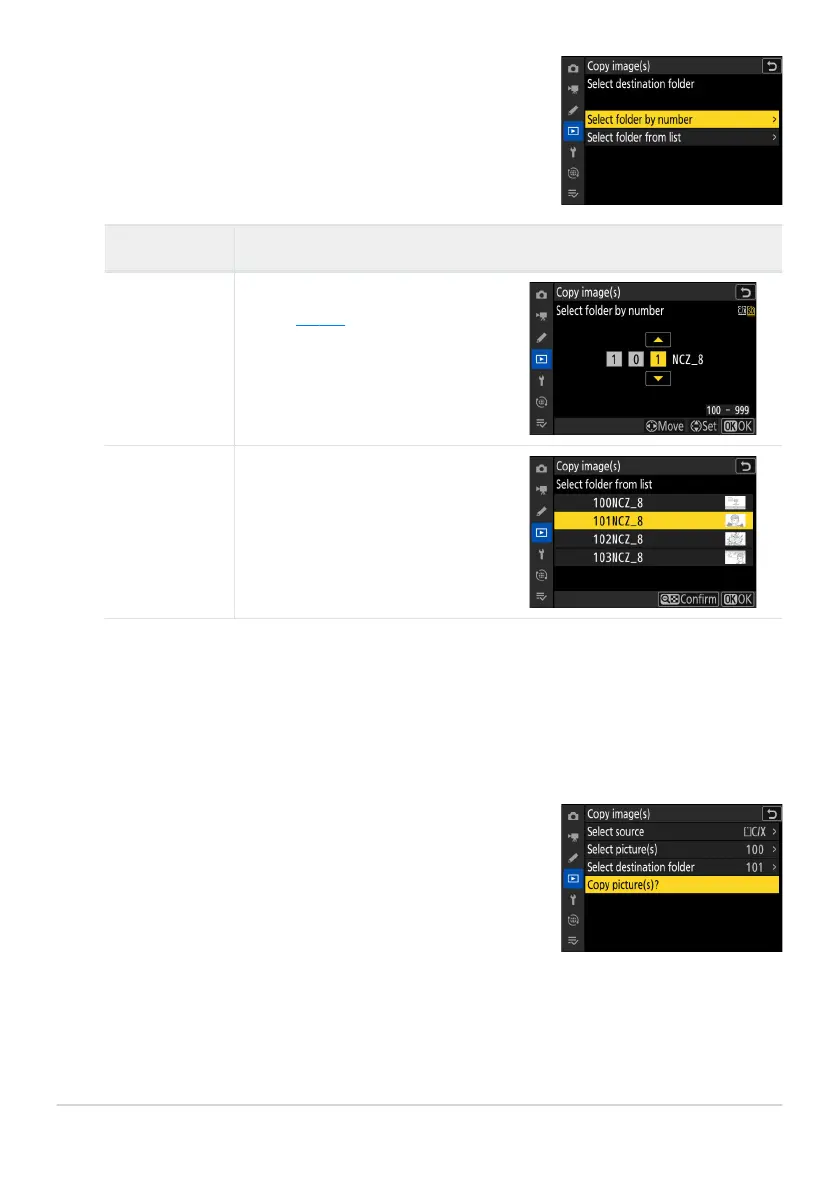
Choose a destination folder.
Highlight one of the following options and pr
ess 2.
Choose [Copy picture(s)?].
Highlight [Copy picture(s)?] and pr
ess J to display a
confirmation dialog.
Enter the number of the destination
folder (0 425). If a folder with the
selected number does not alr
eady
exist, a new folder will be created.
Choose the destination folder from
a list of existing folder
s.
Option Description
[Select folder
by number]
[Select folder
fr
om list]
Select the folder
.
Aft
er entering a folder number or highlighting the folder name, press J to select the folder and
return to the [Copy image(s)] menu.
705
Copy Image(s)
8
9
10



 To Next Page