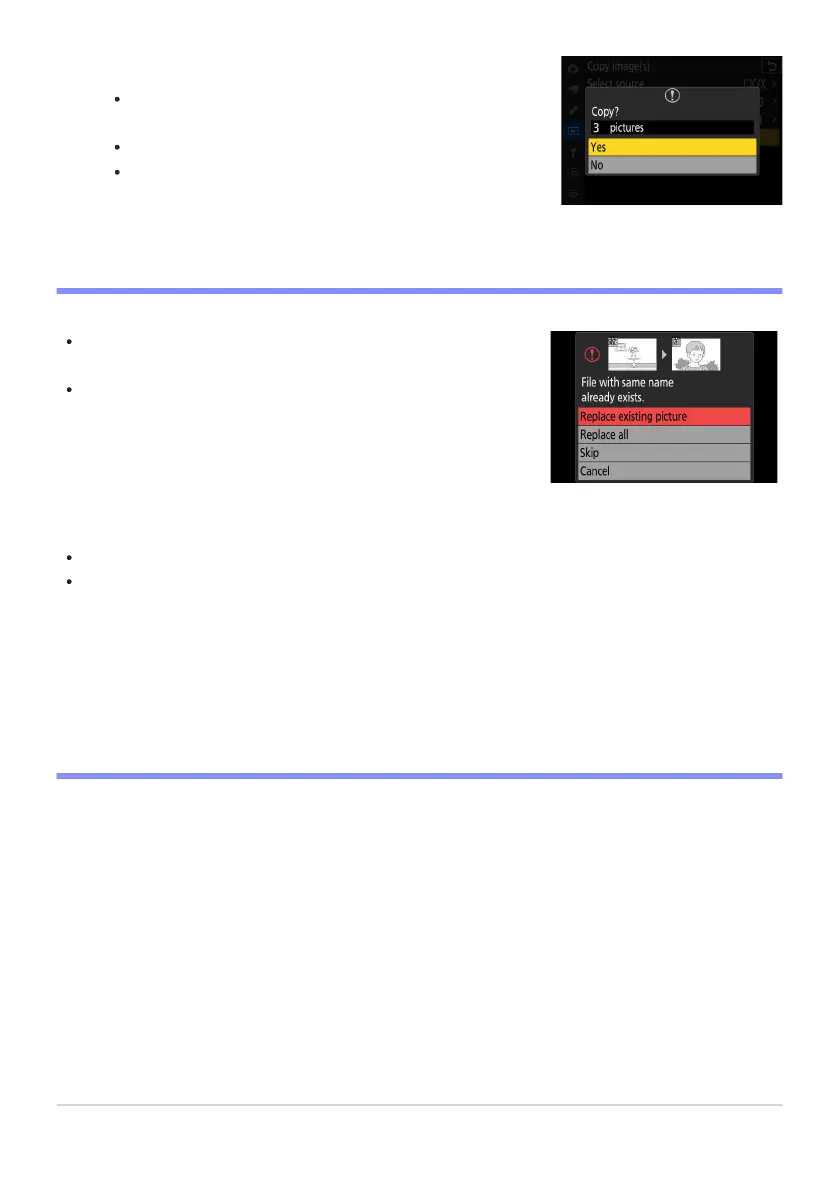
Choose [Yes].
The camera will display the message “Copy?” t
ogether with
the number of pictures that will be copied.
Highlight [Yes] and press J to copy the selected pictures.
Press J again to exit when copying is complete.
Pictures will not be copied if there is insufficient space on the
destination card.
If the destination folder contains a file with the same name as
one o
f the pictures to be copied, a confirmation dialog will be
displayed. Select [Replace existing picture] or [Replace all] to
replace the existing file or files. Protected files in the destination
folder will not be replaced. Select [Skip] to continue without
replacing existing files. Select [Cancel] to exit without copying
any further pictures.
Ratings and protection are copied with the pictures.
To prevent loss of power while copying videos, use one of the
following power sources:
A fully-charged battery
An optional EH‑7P charging AC adapter
An optional EH‑8P AC adapter with a UC‑E25 USB cable
(featuring Type C connectors at both ends)
An optional EP‑5B power connector with an EH‑5d, EH‑5c, or
EH‑5b AC adapter
-
-
-
-
D Cautions: Copying Pictures
706
Copy Image(s)
11



 To Next Page