6-51
Note 2. PID control feedback cannot be set for more than one analog input.
Note 3. Use different settings for the PID target value and the PID feedback value.
Adjust
the responsiveness
of the PID control by means of the proportional gain (P), integral time (I), and
derivative time (D).
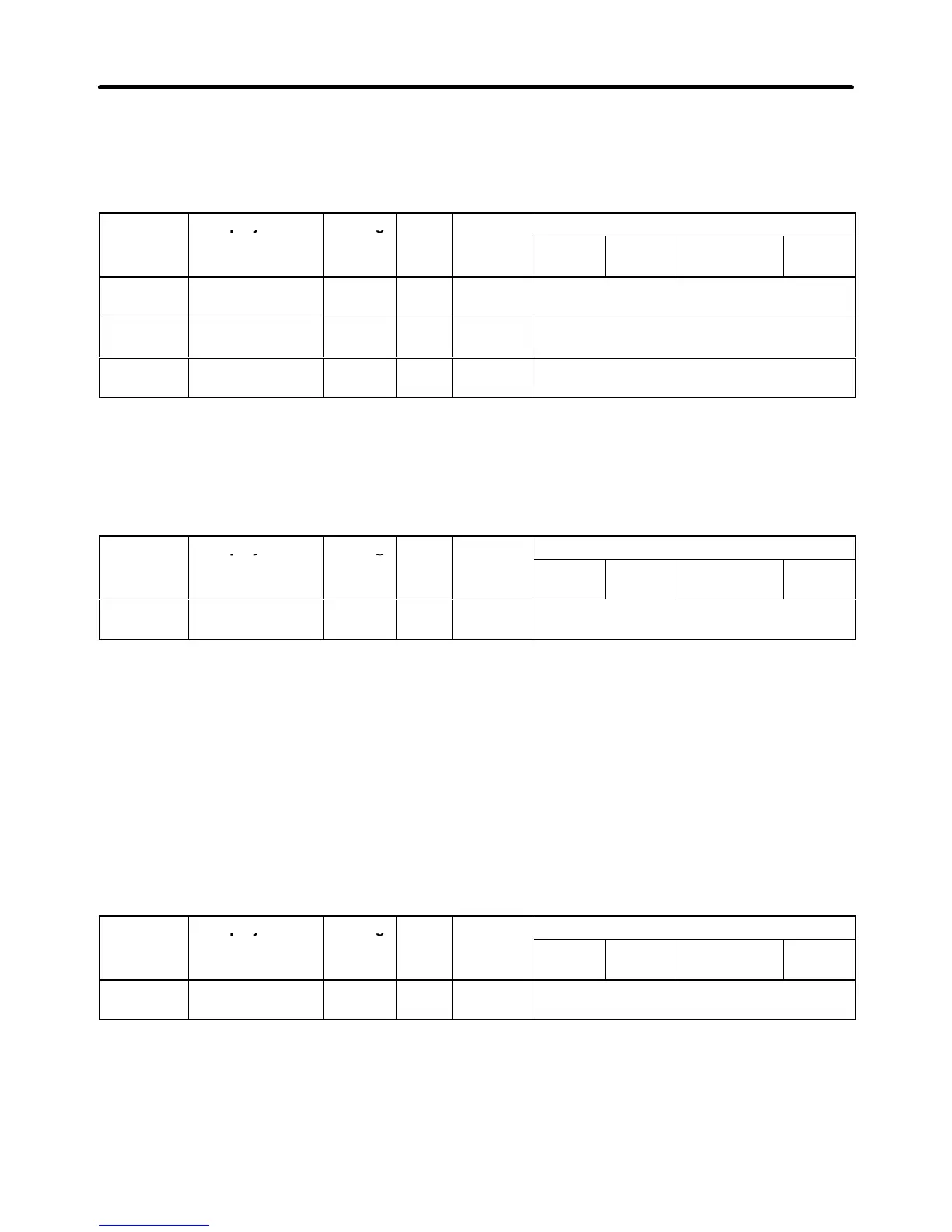
Parameter Display name Setting Units Default
Valid access levels
number
range setting
V/f
Control
V/f with
PG
Open Loop
Vector
Flux
Vector
b5-02 PID Gain 0.00 to
25.00
Multi-
ple
1.00 Advanced
b5-03 PID I Time 0.0 to
360.0
Sec 1.0 Advanced
b5-05 PID D Time 0.0 to
10.00
Sec 0.00 Advanced
These parameters can be changed during operation.
Explanation of Set Values
• Optimize
the responsiveness by adjusting it while operating an actual load (mechanical system). (Re
-
fer to
Adjusting PID Control
on page 6-55.)
• Any control (P, I, or D) that is set to zero (0.0, 0.00) will not operate.
Parameter Display name Setting Units Default
Valid access levels
number
range setting
V/f
Control
V/f with
PG
Open Loop
Vector
Flux
Vector
b5-04 PID I Limit 0.0 to
100.0
% 100.0 Advanced
This parameter can be changed during operation.
Explanation of Set Values
• This
parameter prevents the calculated value of the integral control in the PID control from exceeding
the fixed amount.
• Parameter
b5-04 is preset at the factory to the optimum value for most applications, so there is normal
-
ly no need to change the setting.
• Reduce
the set value if there is a risk of load damage, or of the motor going out of step, by the
Inverter
’s
response
when the load suddenly changes. If the set value is reduced too much, the target value and
the feedback value will not match.
• Set
this parameter as a percentage of the maximum frequency
, with the maximum frequency taken as
100%.
Parameter Display name Setting Units Default
Valid access levels
number
range setting
V/f
Control
V/f with
PG
Open Loop
Vector
Flux
Vector
b5-06 PID Limit 0.0 to
100.0
% 100.0 Advanced
This parameter can be changed during operation.
Explanation of Set Values
• Parameter
b5-06 prevents the frequency reference after PID control from exceeding the fixed amount.
• Set
this parameter as a percentage of the maximum frequency
, with the maximum frequency taken as
100%.
Advanced Operation Chapter
6












 To Next Page