Internal Assemblies — Front Case 4: Repair
99
Replace LCD Display R1.1
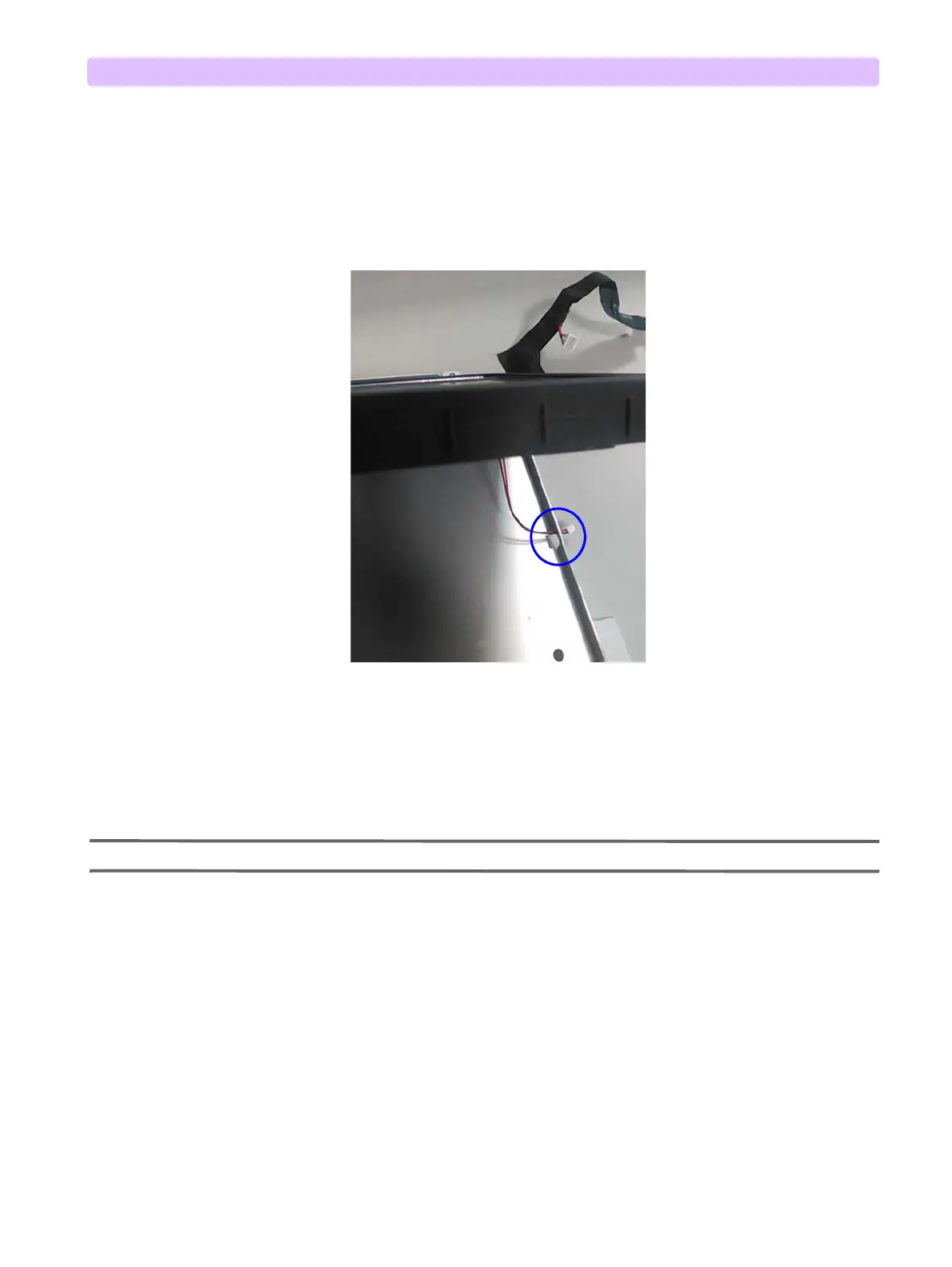
1 Put the LCD Display R1.1 assembly into the metal shield. Put the 2-pin LCD Display wire through
the small metal hole on the shield, see Figure 66.
2 Remove the protective thin film on the LCD screen.
3 Install and tighten the five M 3x10 screws with washers, see Figure 62.
4 Put the LCD Display Cable into the plastic cable fastener on UI PCA, see Figure 65.
5 Plug the 6-pin connector on LCD Display Cable into the UI PCA, see Figure 65.
6 Plug the 2-pin LCD Display Wire into the UI PCA, see Figure 65.
7 Close the Case. See “Closing the Case” on page 149.
NOTE: Do not touch the LCD screen.
To Complete the Replacement:
Run Performance Verification and Safety testing as described in the “Performance Verification”
chapter.
Figure 66 LCD Display Assembly-6
Insert the 2-pin LCD Display Cable
Wire rough the small hole on the
metal shield



 To Next Page