GX-6000 Operator’s Manual PID Sensor Maintenance • 132
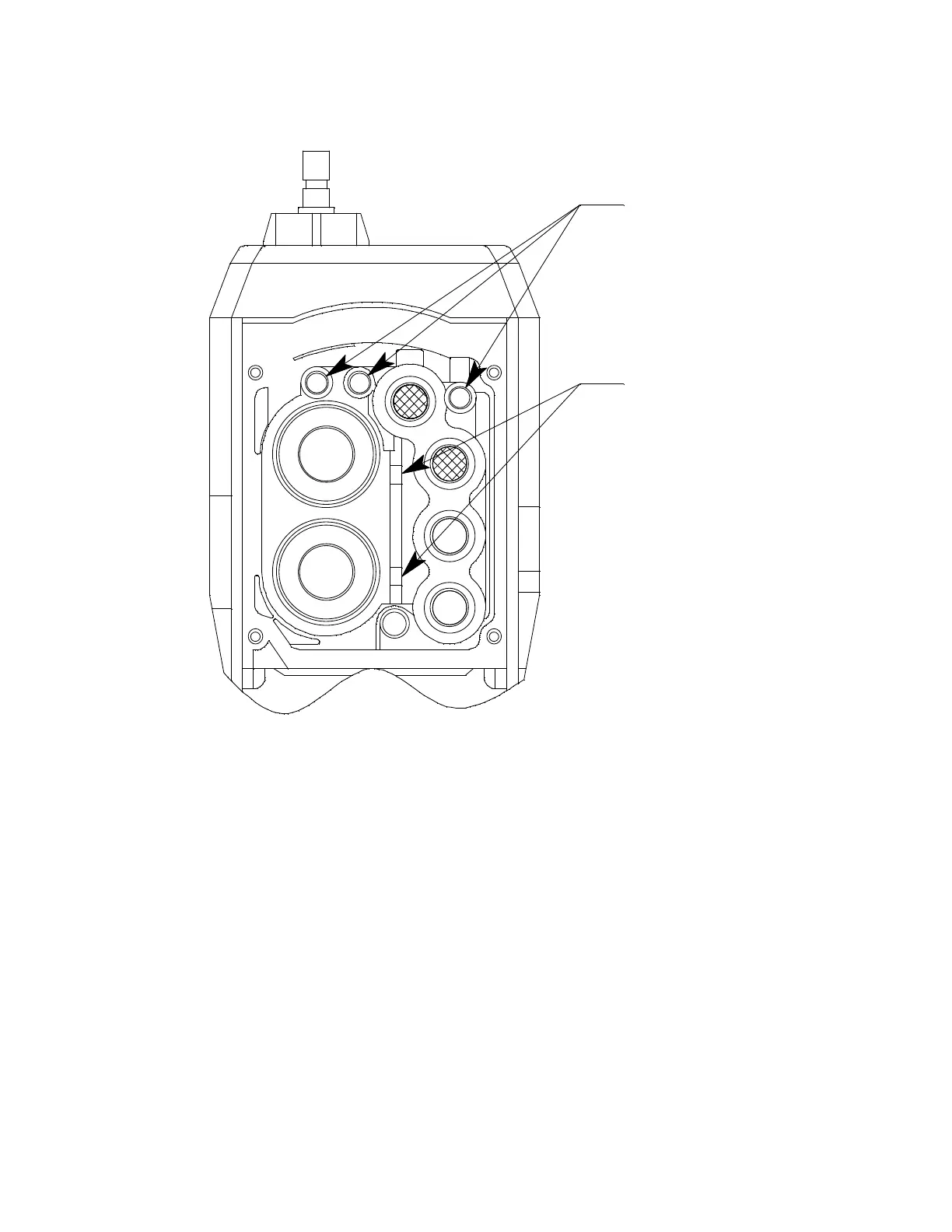
pushed down in the center and secured under the gasket aligning tabs.
Failure to install the sensor gasket appropriately may result in
inaccurate gas readings.
Figure 35: Sensor Gasket Seating
21 . Insert the flow chamber back into the instrument.
22 . Tighten the flow chamber’s four screws that were loosened in Step 2.
23 . Start up the GX-6000 by pressing and briefly holding the POWER/
ENTER button.
24 . To verify that the sensor gasket was inserted properly:
a. Plug the inlet with your finger.
b. Verify that the GX-6000 goes into low flow alarm. If the GX-6000
does not go into low flow alarm, turn the instrument off and attempt
to seat the sensor gasket again.
25 . Calibrate the PID sensor as described in “Chapter 4: Calibration Mode”
on page 68.
Gasket Aligning Tabs
Flow Fitting Connections



 To Next Page
 Loading...





