101 • Updating the Language Setting GX-6000 Operator’s Manual
9 . Press and release POWER/ENTER to save the changes and return to the
main menu.
Updating the Language Setting
The LANGUAGE menu item allows you to select the language for the GX-
6000’s user interface. The available choices are English (factory setting),
Japanese, Italian, Spanish, German, French, Portuguese, Russian, and
Korean.
1 . From the main menu, place the cursor next to LANGUAGE.
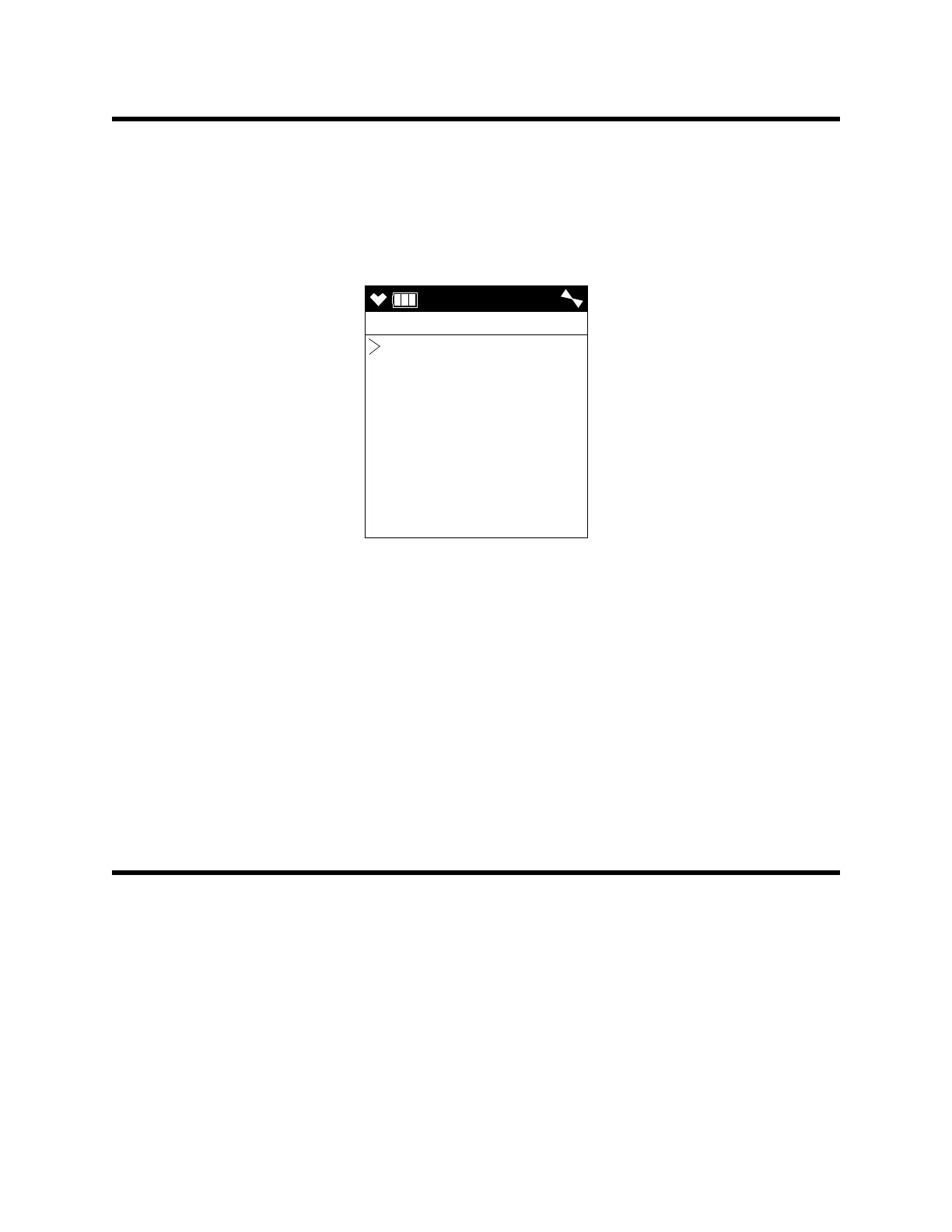
2 . Press and release POWER/ENTER. The Select Language Screen
appears with the cursor in front of the current language.
3 . Use ▲AIR or SHIFT ▼ (PANIC) to move the cursor in front of the
desired language.
If you do not wish to select a new language, press and release DISP/
LOCK. The unit will return to the main menu.
4 . Press and release POWER/ENTER to save the new language setting and
return to the main menu. The GX-6000’s user interface will now be in
the newly selected language.
Viewing the ROM/SUM of the Instrument
The ROM/SUM screen shows the firmware version that is loaded in the
instrument and the firmware checksum.
1 . Use the ▲AIR or SHIFT ▼ (PANIC) button to place the cursor next to
ROM/SUM.
USER
LANGUAGE
ENGLISH
JAPANESE
ITALIAN
SPANISH
GERMAN
FRENCH
PORTUGUESE
RUSSIAN



 To Next Page
 Loading...





