WEC8500/WEC8050 (APC) Operation Manual v10.1 128
©Samsung Electronics America
o change-apc [CURRENT_APC_NAME] [NEW_APC_NAME]
o change-mac [APC_NAME] [MAC_ADDRESS]
APC MAC address (xx:xx:xx:xx:xx:xx)
In the APC system, enter the system mac address output
parameter value of ‘show system info’ command.)
4 To check the configured APC list, execute the ‘show apc-list’ command.
Configuration using Web UI
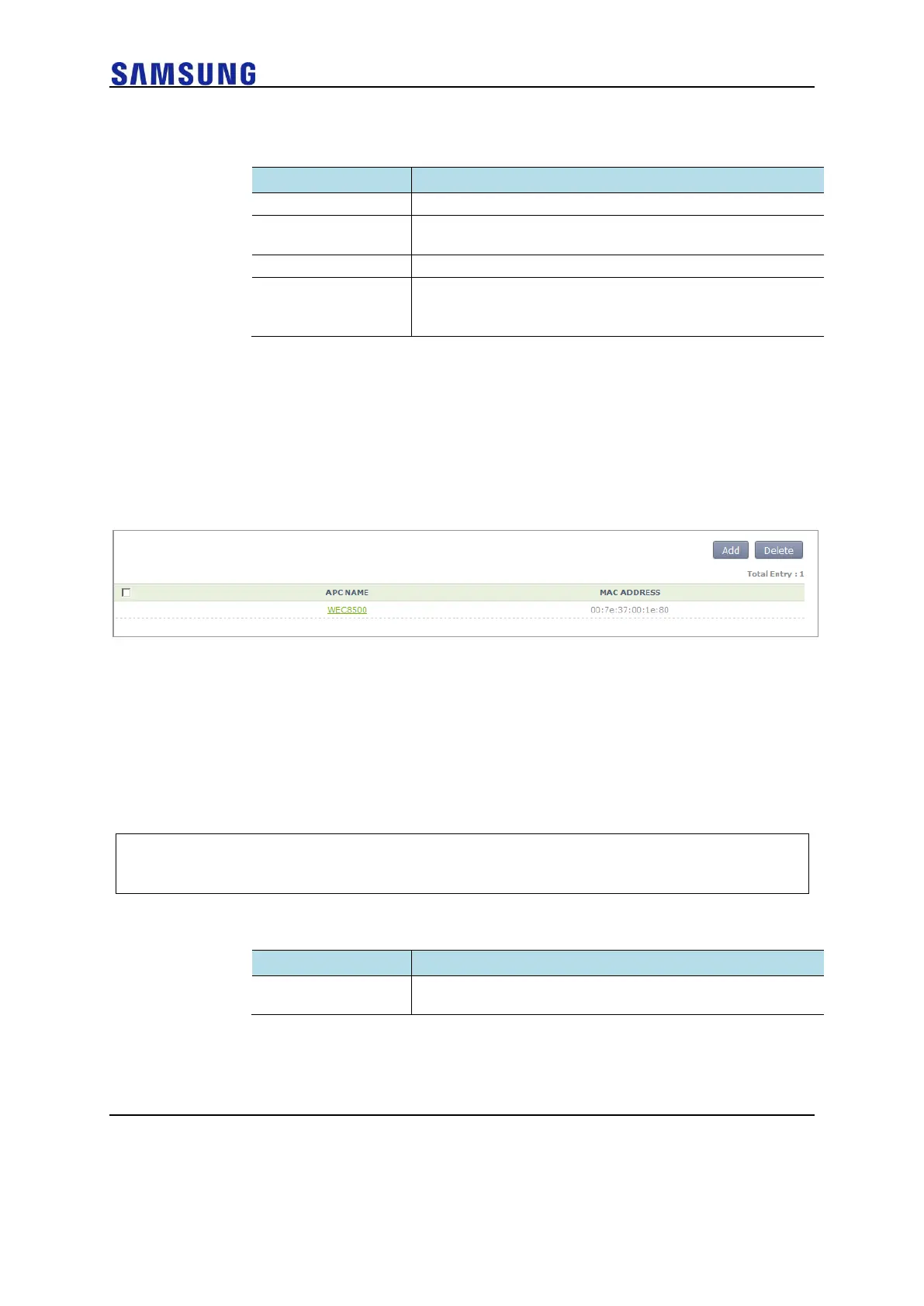
In the menu bar of <WEC Main window>, select <Configuration> and then select the
<Controller> <APC Lists> menu in the sub-menus. Operator can add a new APC by
clicking the <Add> button in the figure.
Figure 92. APC List Management Window
Management Interface Configuration
The APC can communicate with a W-EP wireless LAN AP using management interface.
This is one of the information that must be configured first of all for wireless LAN service.
Configuration using CLI
To configure management interface, execute the command as follows:
1 Go to the configure mode of the CLI.
WEC8500# configure terminal
WEC8500/configure#
2 Configure a management interface.
o apc ap-mgmt-if [IP_ADDRESS]



 To Next Page