WEC8500/WEC8050 (APC) Operation Manual v10.1 294
©Samsung Electronics America
of each Wlan at the bottom of the menu.
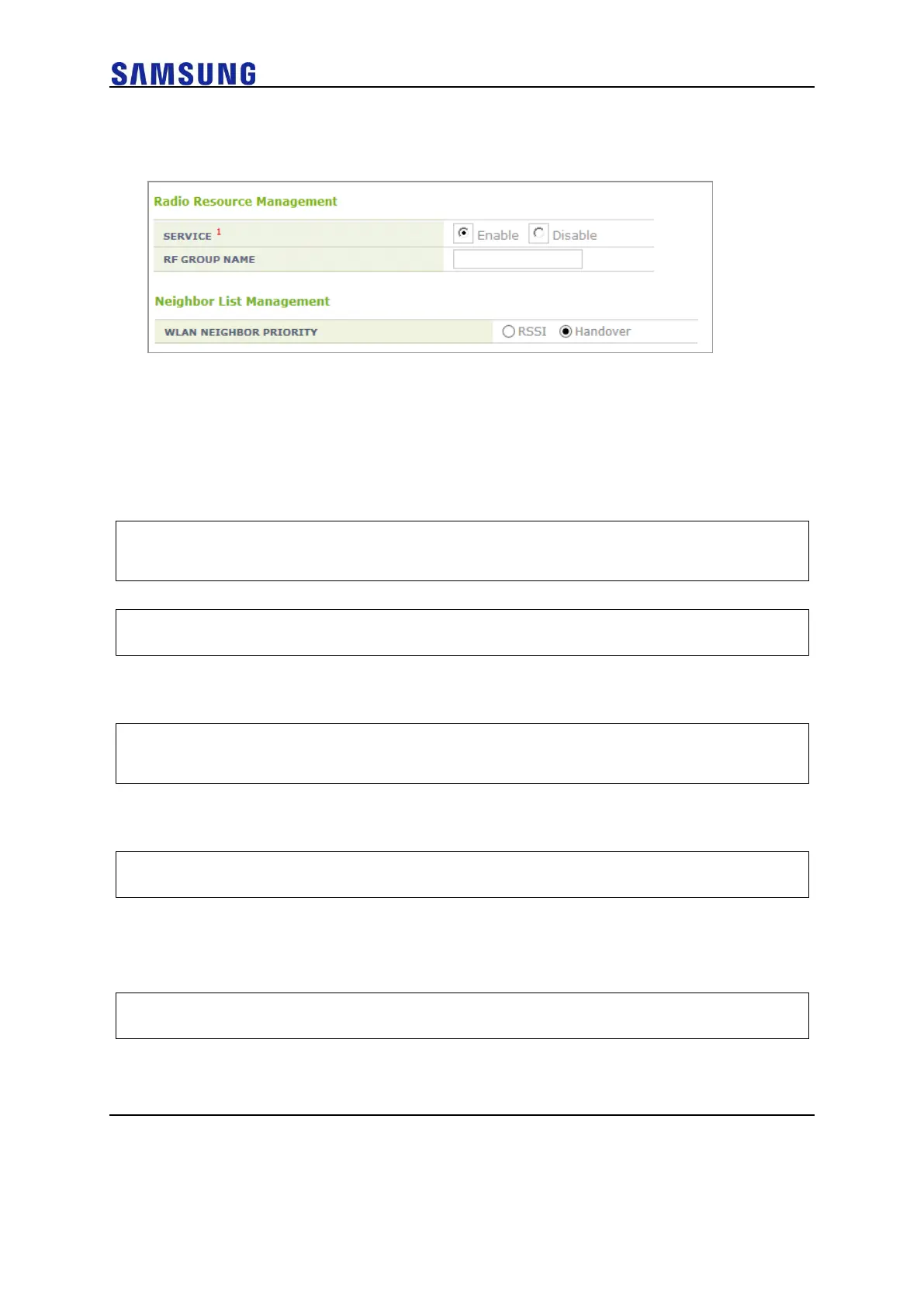
Figure 206. RRM Configuration Window
DPC Configuration
This section describes the setting options of the DPC function which automatically sets
the Tx Power of the AP.
Configuration using CLI
1 Go to configure rrm configuration mode of CLI.
WEC8500# configure terminal
WEC8500/configure# rrm
2 Go to the wireless section where you want to change the settings.
WEC8500/configure/rrm# 80211a
3 Set the DPC function. Enter the dpc setting mode and set it to ‘enable’.
Use the ‘no’ parameter to disable the mode. The function operates only
when the RRM is set to 'Enable'.
WEC8500/configure/rrm/80211a# dpc
WEC8500/configure/rrm/80211a/dpc# enable
4 Execute the following command to change the Received Signal Strength
Indication (RSSI) threshold for neighbor AP. The default value is -70
(dBm).
WEC8500/configure/rrm/80211a/dpc# rssi-threshold [value]
5 If you need to change the RSSI threshold for the station, execute the
following command.
The default value is -70 (dBm). This parameter is used only in the DCS-
DPC joint algorithm.
WEC8500/configure/rrm/80211a/dpc# rssi-threshold-for-stn [value]
6 Execute the following command to change the execution interval. The
default value is 600 (seconds).



 To Next Page