WEC8500/WEC8050 (APC) Operation Manual v10.1 172
©Samsung Electronics America
o ac-stamp-interval [INTERVAL]
3 To check the information, execute the ‘show apc ap-time-config’
command.
Configuring NTP Type using CLI
1 Go to configure apc ap-time-config configuration mode of CLI.
WEC8500# configure terminal
WEC8500/configure# apc
WEC8500/configure/apc# ap-time-config
WEC8500/configure/apc/ap-time-config#
2 Add the NTP server information to transmit to AP. Maximum 10 NTP
server information can be added. To delete the configured NTP server
information, enter ‘no’ parameter in front of the command
o add-ntp [NTP_SERVER_ADDRESS]
o no add-ntp [NTP_SERVER_ADDRESS]
o ntp-interval [NUMBER]
3 Configure the method of transmitting the time information to an AP as
‘ntp’.
o mode ntp
4 Use the ‘show apc ap-time-config’ command to check the configured
information.
Configuration using Web UI
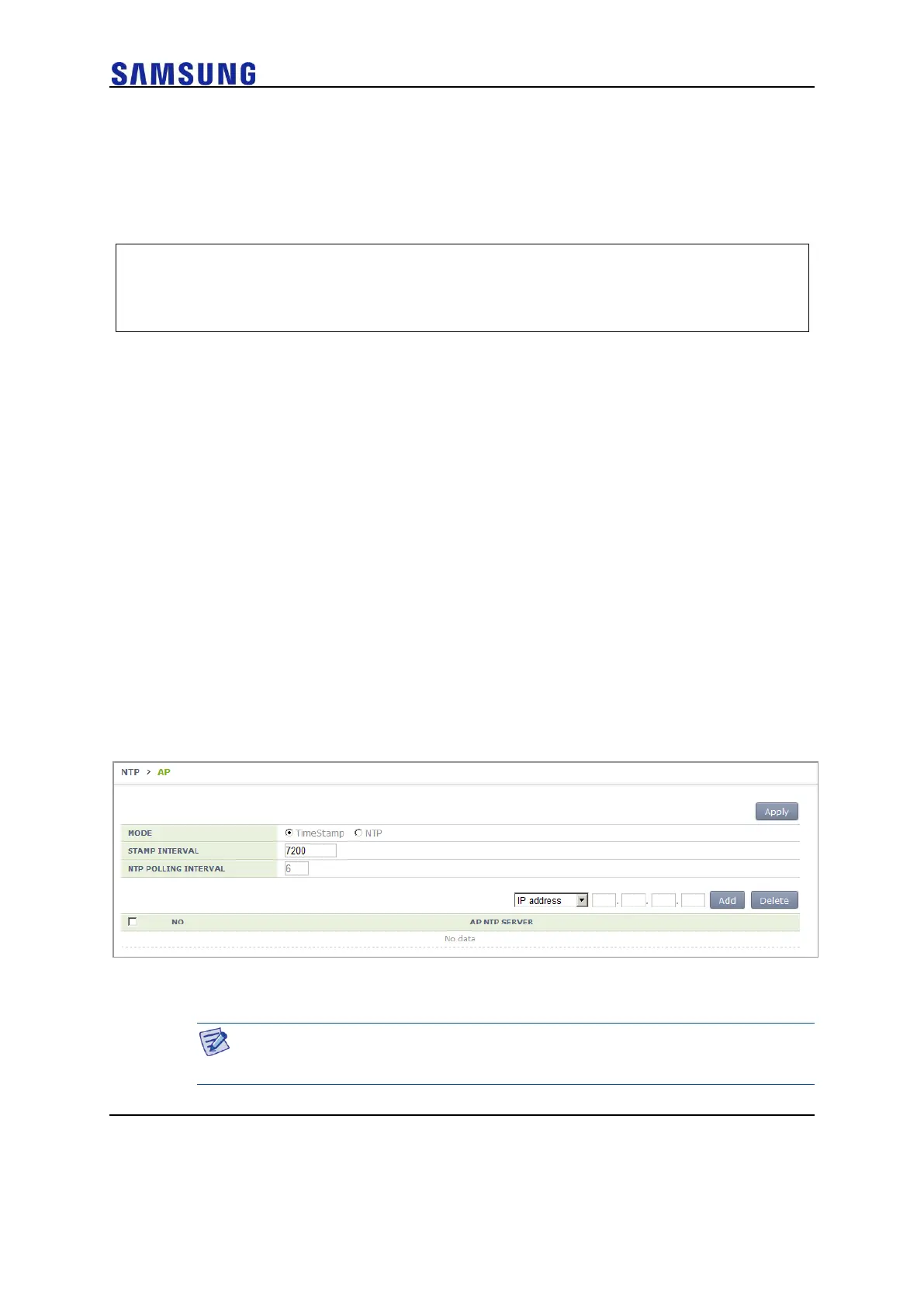
In the menu bar of <WEC Main Window>, select <Configuration>, select <NTP> in the
submenu, and then select a time setting mode of the AP (Time Stamp or NTP), timestamp
interval, and NTP polling interval. Also, you can add/remove NTP server from which to
fetch time access information for the AP.
Figure 117. AP Time Synchronization Configuration Options
AP Configuration
The management interface of APC must be configured for the connection
between APC and W-EP AP.



 To Next Page