WEC8500/WEC8050 (APC) Operation Manual v10.1 25
©Samsung Electronics America
In the menu bar of <WEC Main window>, select <Administration> and then select
<Local Management Users> menu in the sub menu. The subtree shows the <APC> and
<AP> menu items. Select <APC>.
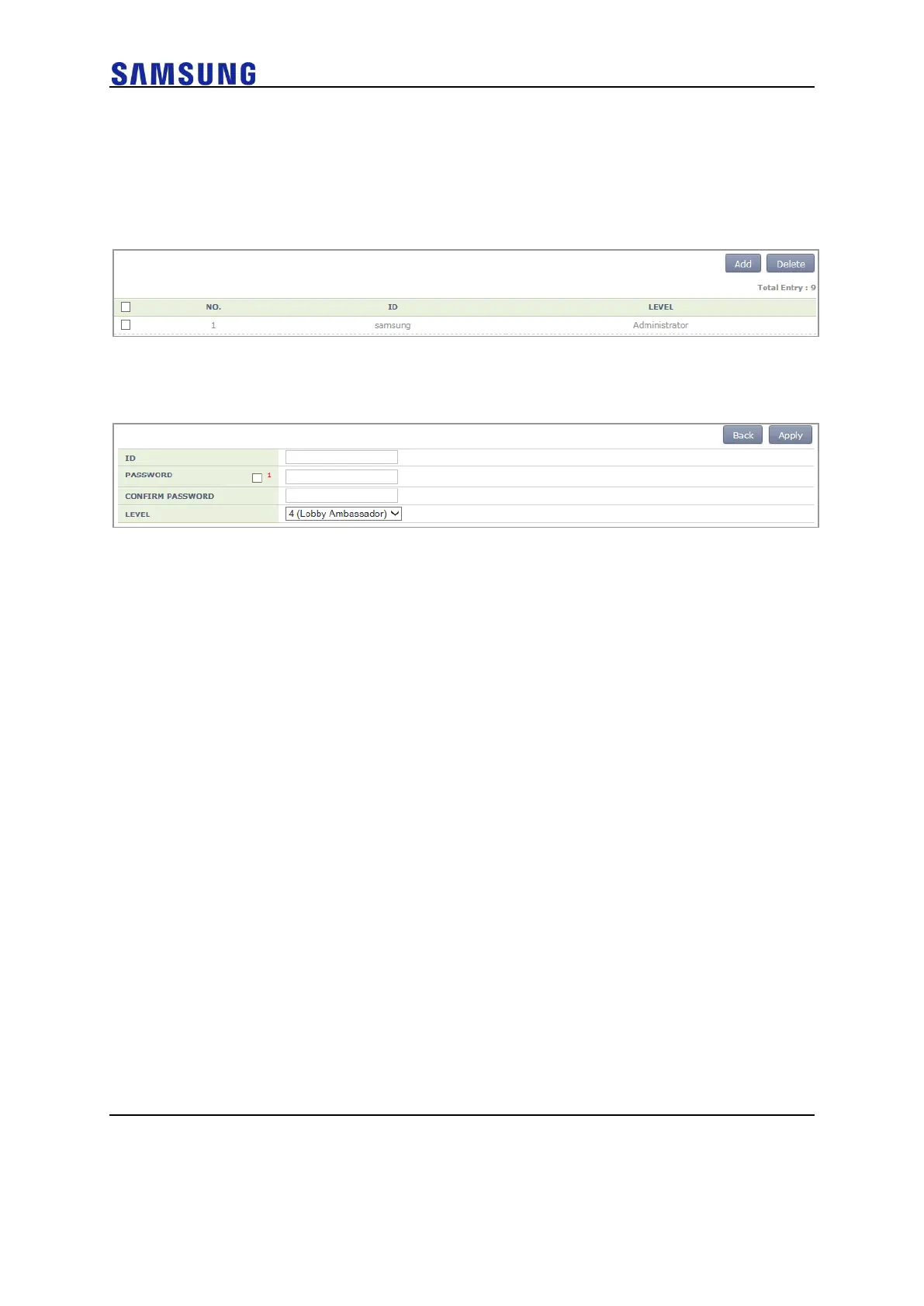
You can add or delete an operator account in the WEC.
Figure 19. Operator Account Management Window
1 To add an account, click the <Add> button.
Figure 20. Operator Account Addition Window
2 Enter an item according to each parameter description, and click the
<Apply> button.
o ID: Username to add
o PASSWORD: User’s initial password
o CONFIRM PASSWORD: Re-enter the initial password
o LEVEL: User privilege
1 (Administrator): Administrator privilege that allows to execute all
the commands
2 (Operator): Can change system configuration.
3 (Monitor): Can retrieve system status.
4 (Lobby Ambassador): Temporary user



 To Next Page