WEC8500/WEC8050 (APC) Operation Manual v10.1 244
©Samsung Electronics America
WEC8500# configure terminal
2 Switch to the DHCP proxy.
WEC8500/configure# ip dhcp-proxy enable
3 To check the configured information, use the ‘show ip dhcp-proxy’
command.
4 Use the below command to check an IP address that is leased through
the DHCP proxy.
WEC8500t# show ip dhcp proxy-lease
IP address | Server IP | MAC address | Lease Expiration time
10.10.10.100 1.1.1.1 00:1c:bf:c1:50:28 2012/08/31 12:00:24
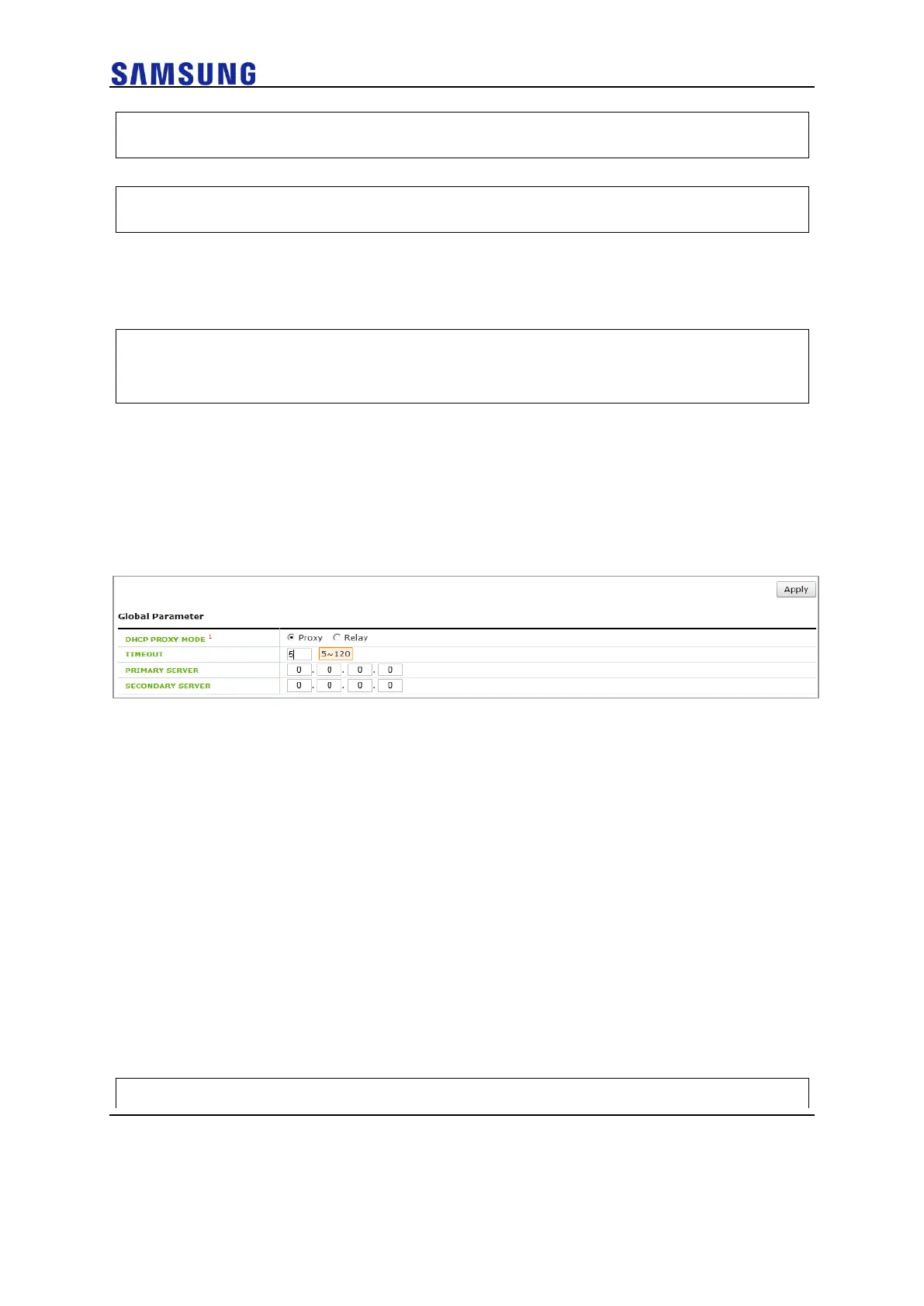
Configuration using Web UI
In the menu bar of <WEC Main window>, select <Configuration> and then select the
<DHCP> <Proxy> menu in the sub-menus.
You can configure the Proxy mode of DHCP to relay/proxy. Change the radio box for
configuration in the DHCP PROXY MODE of Global Parameter item.
Figure 165. DHCP Proxy
Option 82 Configuration
The APC uses the DHCP Option 82 to provide various services during IP allocation by
forwarding the information such as access control, QoS, or security policy etc., when a
wireless terminal connected to an AP receives an IP address.
The Option 82 has two fields that are remote ID and circuit ID. Enter the name of an
interface for which the APC constantly does relay/proxy in the circuit ID and enter a part
of AP information in the remote ID accordingly. One of the following three data can be
used as the remote id of Option 82:
• ap-mac: 802.11 MAC data of the AP. The length is 12-byte (Default).
• ap-mac-ssid: The character string of SSID is added to the data of AP-
MAC. The length is variable.
• ap-mac-ssid: Ethernet MAC data of the AP. The length is 12-byte.
To configure Option 82 related functions, go to the interface mode by executing the
following command:
WEC8500# configure terminal



 To Next Page