WEC8500/WEC8050 (APC) Operation Manual v10.1 27
©Samsung Electronics America
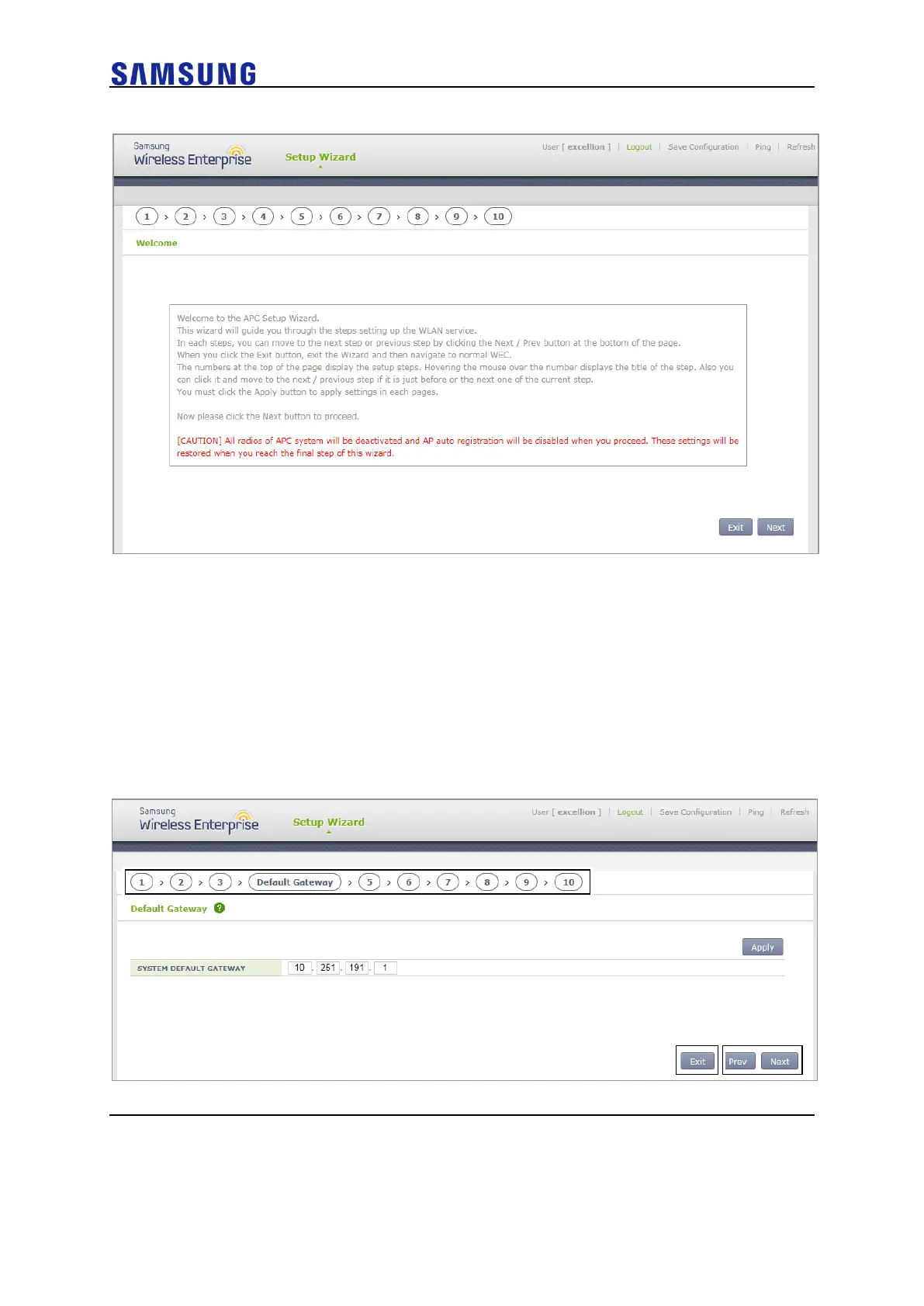
Figure 21. Initial Setup Wizard Welcome Screen
Press the Next button to move to the configuration step 1 and then start the basic settings.
Press the Exit button to close the wizard and then move to the general WEC screen.
Start the wizard and then deactivate all wireless communications of the APC system as
well as the function of automatically registering the AP. The settings are recovered at the
last step of the wizard.
Description on the Screen
Figure 22. Move to the Setup Step of the Initial Setup Wizard



 To Next Page