WEC8500/WEC8050 (APC) Operation Manual v10.1 182
©Samsung Electronics America
the APC is first installed, a default account is provided (id: root, password: samsung).
Up to three AP CLI accounts can be added, and at least one account must be configured.
Therefore, if there is only one remaining account, it cannot be deleted.
(* While each account may be in any of the three available levels (Administrator/Operator/
Monitor), there are currently no functional differences for the APs.)
Configuration using CLI
Execute the following commands to configure the AP access account:
1 Go to configure APC mode of CLI.
WEC8500# configure terminal
WEC8500/configure# apc
WEC8500/configure/apc #
2 Add an AP CLI account.
o ap-account [ID] [PASSWORD] [LEVEL]
This is the ID of the AP CLI account.
Only an alphanumeric value of up to eight characters can be entered.
This is the password of the AP CLI account.
Only an alphanumeric value of up to eight characters can be entered.
This is the level of the AP CLI account.
Available values are administrator/operator/monitor.
3 An account can be deleted by entering the ‘no’ parameter as shown
below:
o no ap-account [ID]
4 Use the ‘show apc ap-account’ command to retrieve the AP configuration
information.
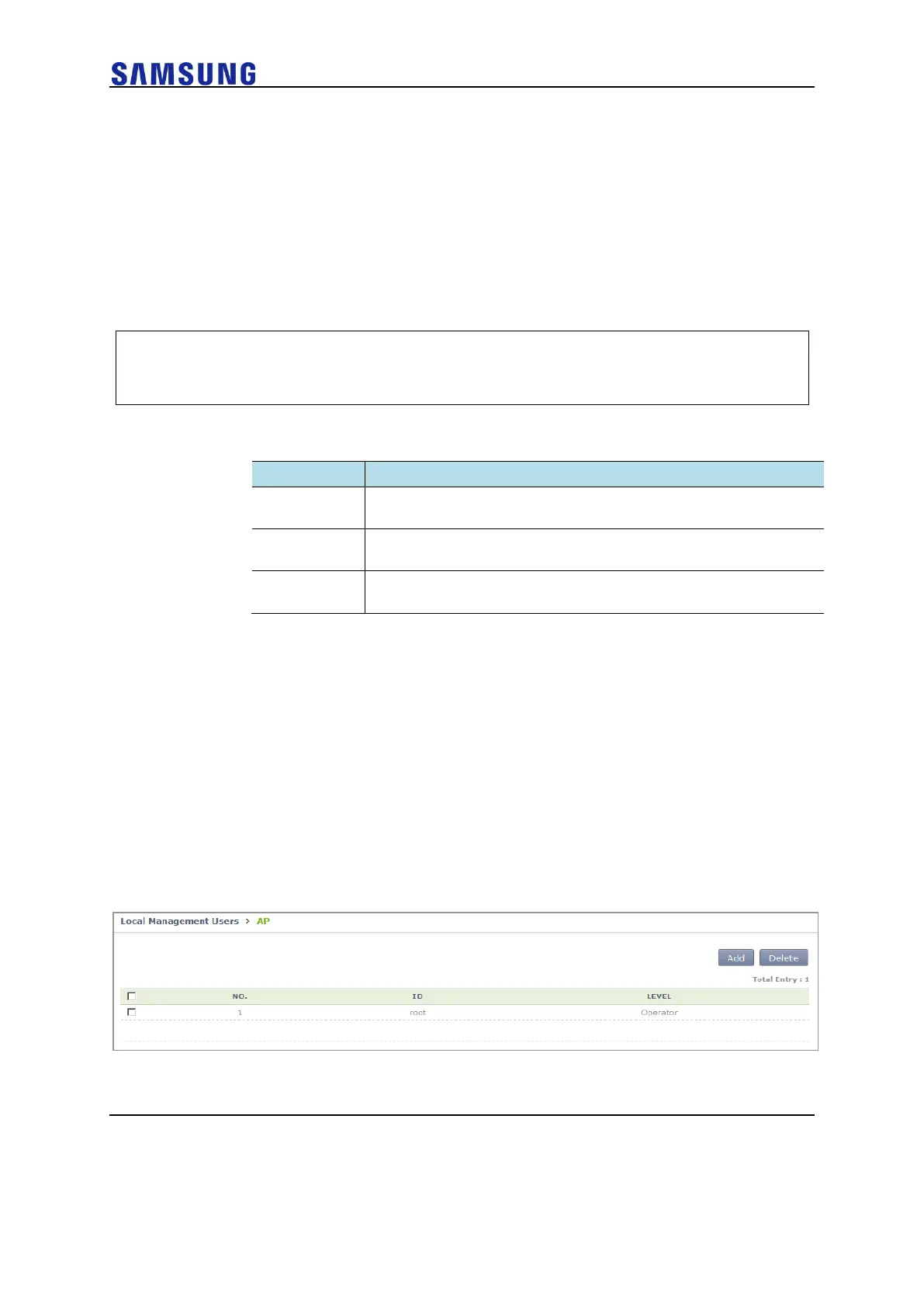
Configuration using Web UI
In the menu bar of <WEC Main Window>, select <Configuration>, and then select
<Local Management Users> AP in the submenu.
Click the ‘Add’ or ‘Delete’ button to add or delete the AP CLI account.
Figure 122. AP CLI Account Add/Remove Window



 To Next Page