WEC8500/WEC8050 (APC) Operation Manual v10.1 48
©Samsung Electronics America
This is a command that makes the interface not working. The ‘no’ parameter is used to
restart the interface.
• shutdown
• no shutdown
Configuration using Web UI
In the menu bar of <WEC Main window>, select <Configuration> and then select the
<Controller> <Interfaces> menu in the sub-menus. You can configure an interface
and VLAN.
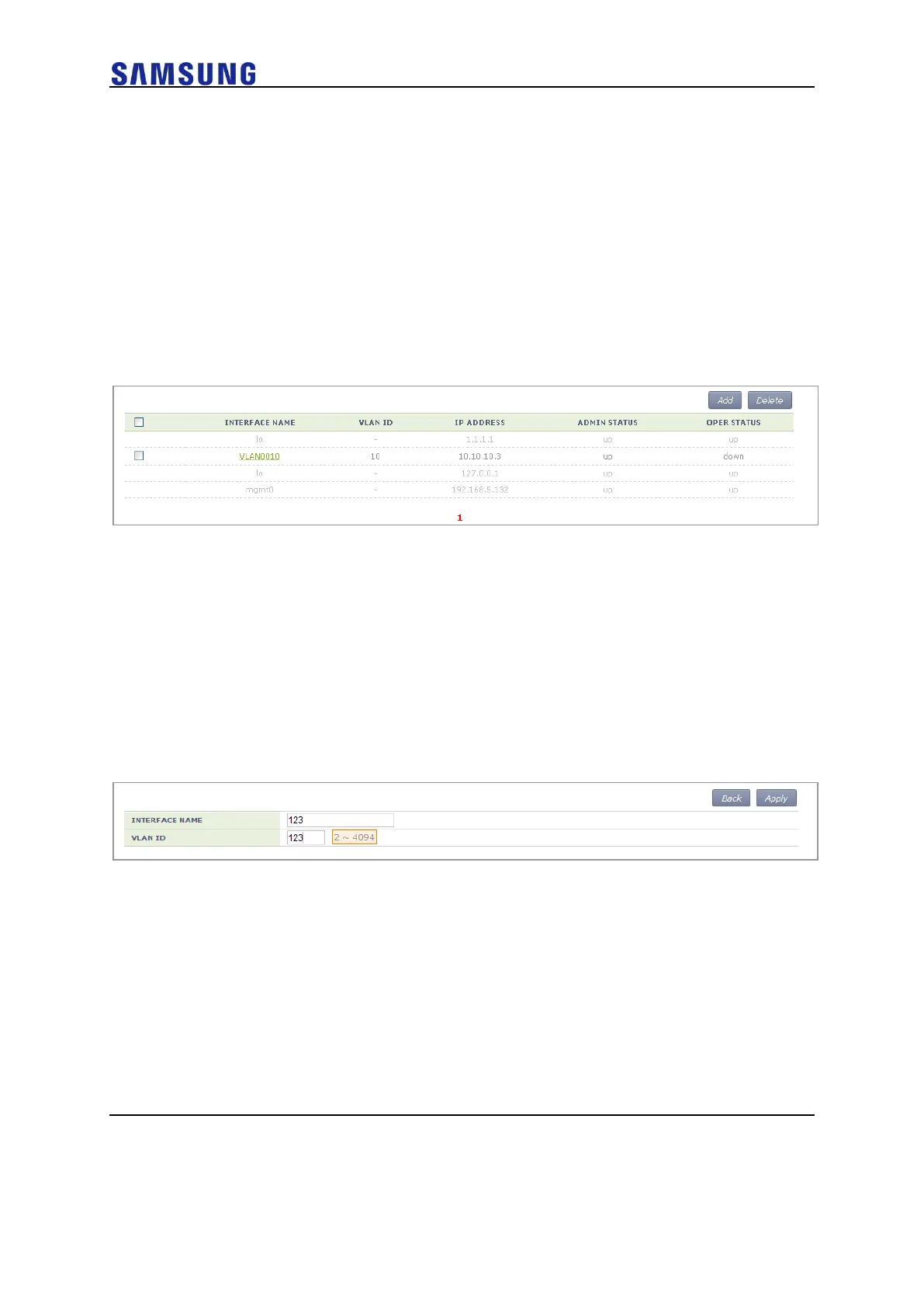
The Interface initial window is shown below.
Figure 46. Interfaces Window (1)
[Adding VLAN]
1 In the Interface initial window, click the <Add> button to go to VLAN
creation window.
2 Enter an INTERFACE NAME and VLAN ID in the VLAN creation window.
The INTERFACE NAME describes a VLAN to create and English
characters without a space, numbers, and ‘_’ can be used. The VLAN ID
is the number from 1 to 4094 and it specifies a unique VLAN value.
Click the <Apply> button to go to detail configuration screen.
Figure 47. Interfaces Window (2)
3 Perform a detailed configuration in the VLAN detail configuration
window.
If you specify PRIMARY DHCP SERVER or SECONDARY DHCP
SERVER in the DHCP area, you can specify the configuration of a DHCP
server.
After configuration, click the <Apply> button to apply it to the system.



 To Next Page