WEC8500/WEC8050 (APC) Operation Manual v10.1 274
©Samsung Electronics America
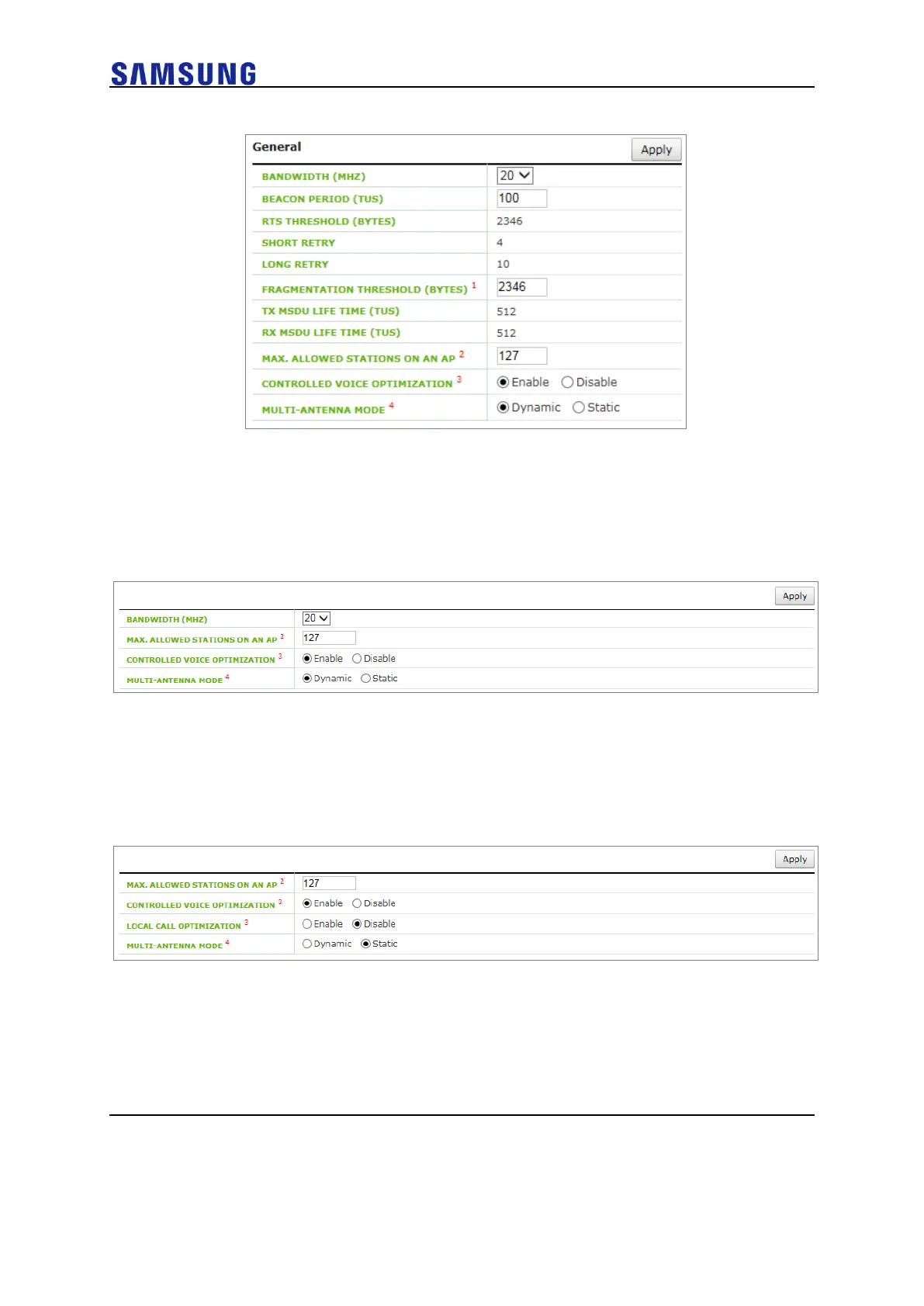
Figure 194. Configuring Voice Optimization by Radio
2 Configure for each AP Group
In the menu bar of <WEC Main window>, select <CONFIGURATION>
and then select the <AP GROUPS> <802.11a/n> or <802.11b/g/n>
menu in the sub-menus.
Figure 195. Configuring Voice Optimization by each AP Group
3 Configure for each AP
In the menu bar of <WEC Main window>, select <CONFIGURATION>
and then select the <ACCESS POINTS> <802.11a/n> or
<802.11b/g/n> <General> menu in the sub-menus.
Figure 196. Configuring Voice Optimization by each AP
To enable Controlled Voice Optimization (CVO), select Enable in the CONTROLLED
VOICE OPTIMIZATION. To disable it, select Disable.



 To Next Page