WEC8500/WEC8050 (APC) Operation Manual v10.1 372
©Samsung Electronics America
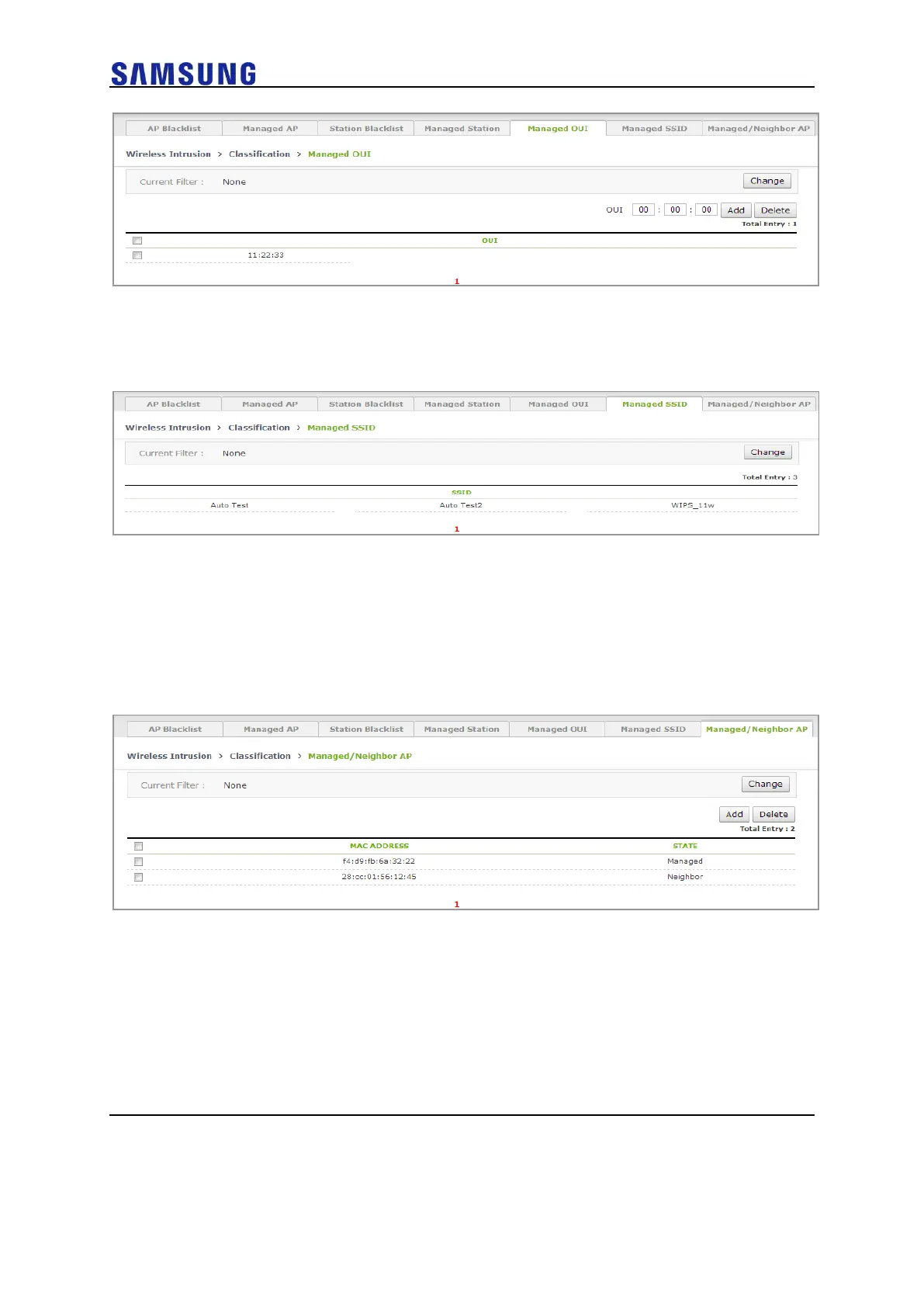
6 In the [Managed SSID] tab, you can check the SSID that the WLAN is
using.
Figure 246. Managed SSID Window
7 If you click Add in the [Managed/Neighbor AP] tab, operator can go to
the Managed/ Neighbor AP list addition screen and can add a
Managed/Neighbor AP list.
Operator can also delete it by using Delete.
o [Managed/Neighbor AP] tab main screen
Figure 247. Managed/Neighbor AP Search/Configuration Window
o Managed/Neighbor AP list addition screen



 To Next Page