WEC8500/WEC8050 (APC) Operation Manual v10.1 30
©Samsung Electronics America
Service Setup Wizard
Overview
The Service Setup wizard aims to finish the basic settings by guiding the settings required
for APC operation. It supports the basic settings to operate the APC and does not support
the settings which are additional or not used frequently. They must be made through the
general WEC screen.
WLAN Setup Wizard
In the menu bar of <WEC Main window>, select <Configuration> and then select
<Wizard> <WLAN> menu in the sub menu.
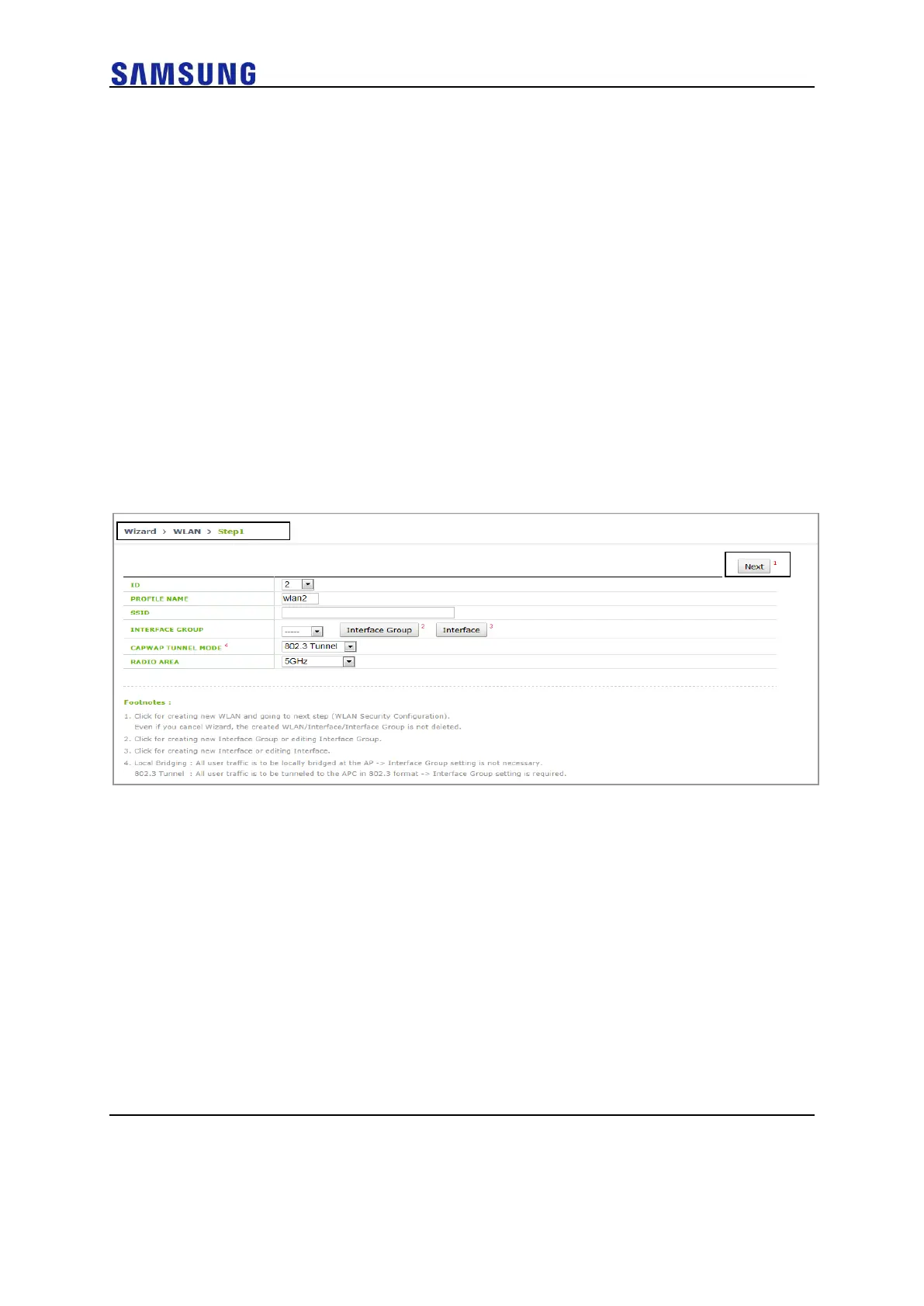
For step 1, start WLAN Setup.
Description on the Screen
Figure 23. WLAN Setup Wizard Step.1



 To Next Page