WEC8500/WEC8050 (APC) Operation Manual v10.1 347
©Samsung Electronics America
Service Account
Configuration using CLI
1 Adding or deleting an account for open API service, execute the
command as follows:
o account [USERNAME] description[DESCRIPTION]: Adds a user
o no account [USERNAME]: Deletes a user
WEC8500/configure/open-api# account test description "test account"
Password [8~25] : *********
Confirm Password : *********
User(test) was created
WEC8500/configure/open-api# no account test
User(test) was deleted.
2 To check user account information, use the ‘show open-api account’
command.
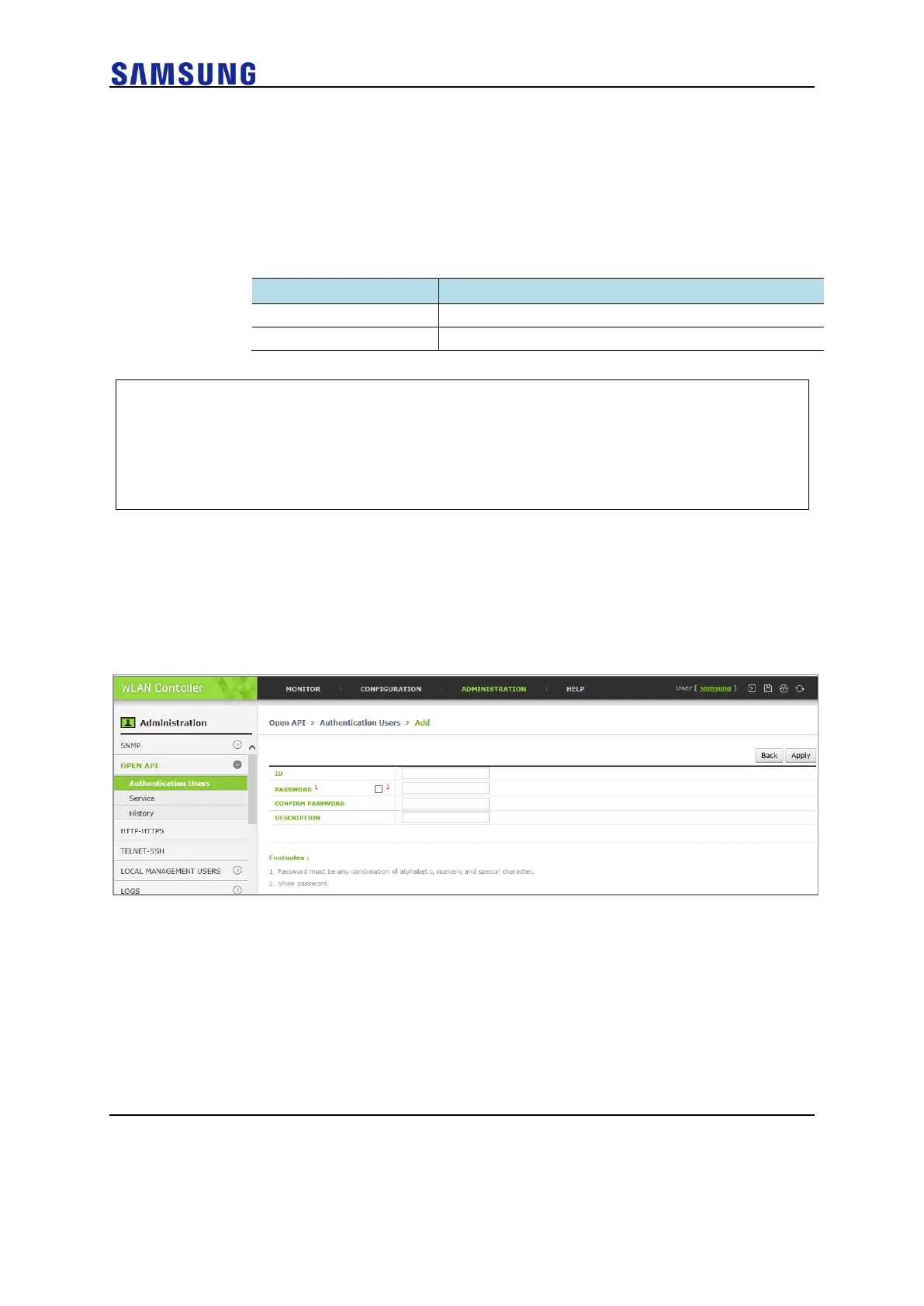
Configuration using Web UI
In the menu bar of <WEC Main window>, select <Administrator> and then select <OPEN
API> < Authentication Users > menu in the sub-menu.
Figure 227. Open API Service Account Window



 To Next Page