WEC8500/WEC8050 (APC) Operation Manual v10.1 60
©Samsung Electronics America
Layer 3 Protocol Configuration
This provides the IP address configuration and static/dynamic routing configuration of an
interface. The APC provides the Open Shortest Path First (OSPF) routing protocol.
IP Address Configuration
The procedure for IP address configuration is given below:
1 Go to configure interface configuration mode of CLI.
WEC8500# configure terminal
WEC8500/configure# interface ge2
2 Set up an IP address.
WEC8500/configure/interface ge2# ip address 100.100.100.1/24
3 Enable the interface.
WEC8500/configure/interface ge2# no shutdown
Static Routing Configuration
Configuration using CLI
1 Go to the configure mode of the CLI.
WEC8500# configure terminal
2 Configure static routing.
WEC8500/configure# ip route 10.2.3.0/24 30.30.30.2
Configuration using Web UI
In the menu bar of <WEC Main window>, select <Configuration> and then select the
<Controller> <Network> <Static Route> menu in the sub-menus.
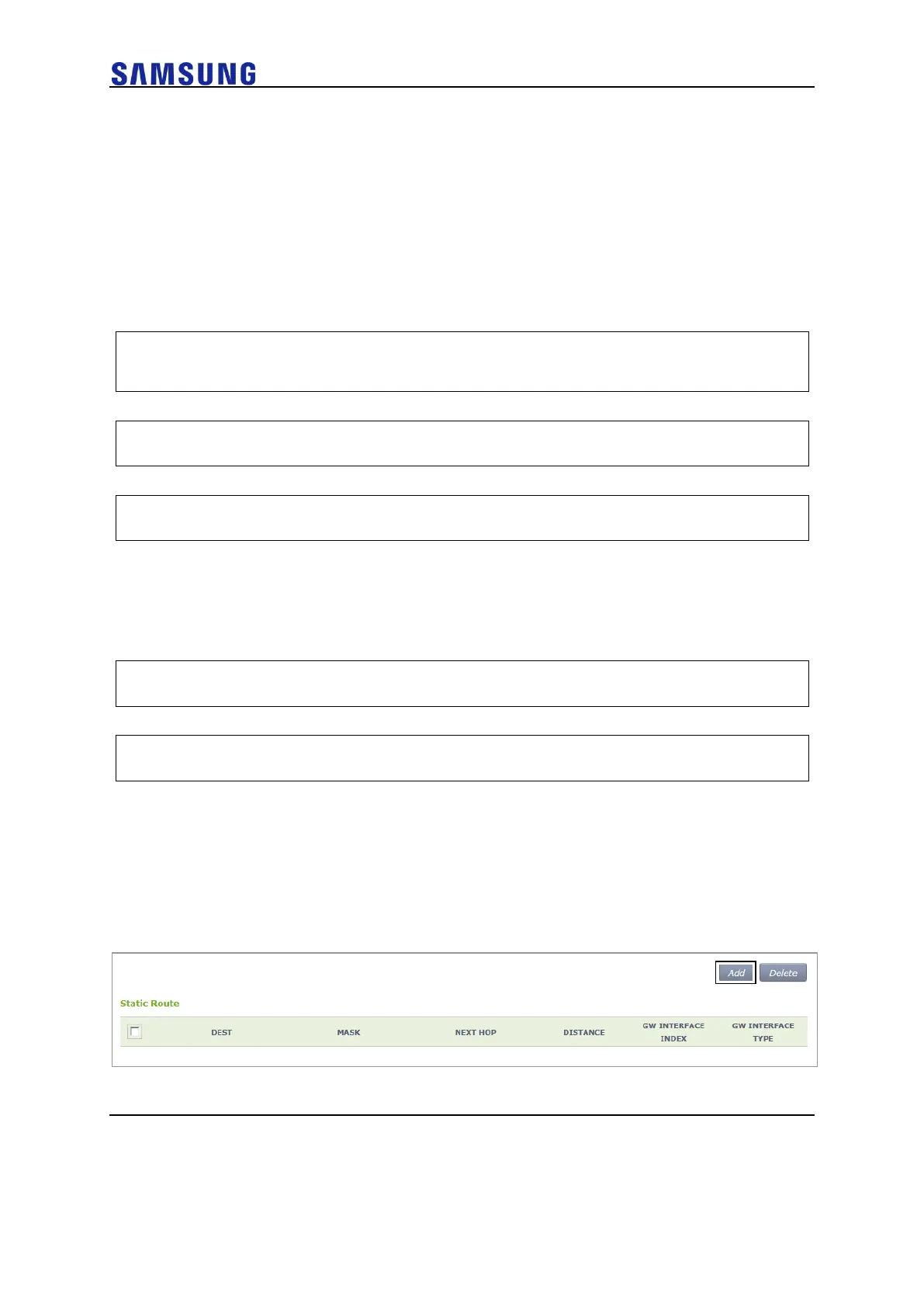
The configured static route list is displayed on the window. When you click the <Add> or
<Delete> button, you can add or delete a static routing entry.
Figure 54. Static Routing Configuration Window
After adding or deleting an entry, check if the information is reflected to the list in the



 To Next Page