• user-option [1-254] int [integer] [active/passive]
• user-option [1-254] uint [unsigned integer] [active/passive]
• user-option [1-254] int16 [16 bit integer] [active/passive]
• user-option [1-254] uint16 [16 bit unsigned integer]
[active/passive]
• user-option [1-254] ipaddress A.B.C.D [active/passive]
• no user-option [1-254] string [string] [active/passive]
• no user-option [1-254] octet aa:bb:cc [active/passive]
• no user-option [1-254] int [integer] [active/passive]
• no user-option [1-254] uint [unsigned integer] [active/passive]
• no user-option [1-254] int16 [16 bit integer] [active/passive]
• no user-option [1-254] uint16 [16 bit unsigned integer]
[active/passive]
• no user-option [1-254] ipaddress A.B.C.D [active/passive]
A usage example is given below.
WEC8500/configure/ip/dhcp/pool test# user-option 3 string “hi, there” active
WEC8500/configure/ip/dhcp/pool test# user-option 200 octet 33:4A:5C:6F:DD passive
WEC8500/configure/ip/dhcp/pool test# user-option 201 int -3000
WEC8500/configure/ip/dhcp/pool test# user-option 202 uint16 300
WEC8500/configure/ip/dhcp/pool test# user-option 203 ipaddress 111.22.22.33
[Retrieving Pool Information]
To check the entire information of a DHCP pool, execute the ‘show ip dhcp pool’
command. If you enter a pool name as a parameter as shown in ‘show ip dhcp pool [POOL
NAME]’, you can check the information of a specific pool.
[Retrieving DHCP Lease Information]
To check the DHCP lease information, execute the ‘show ip dhcp lease’ command.
Configuration using Web UI
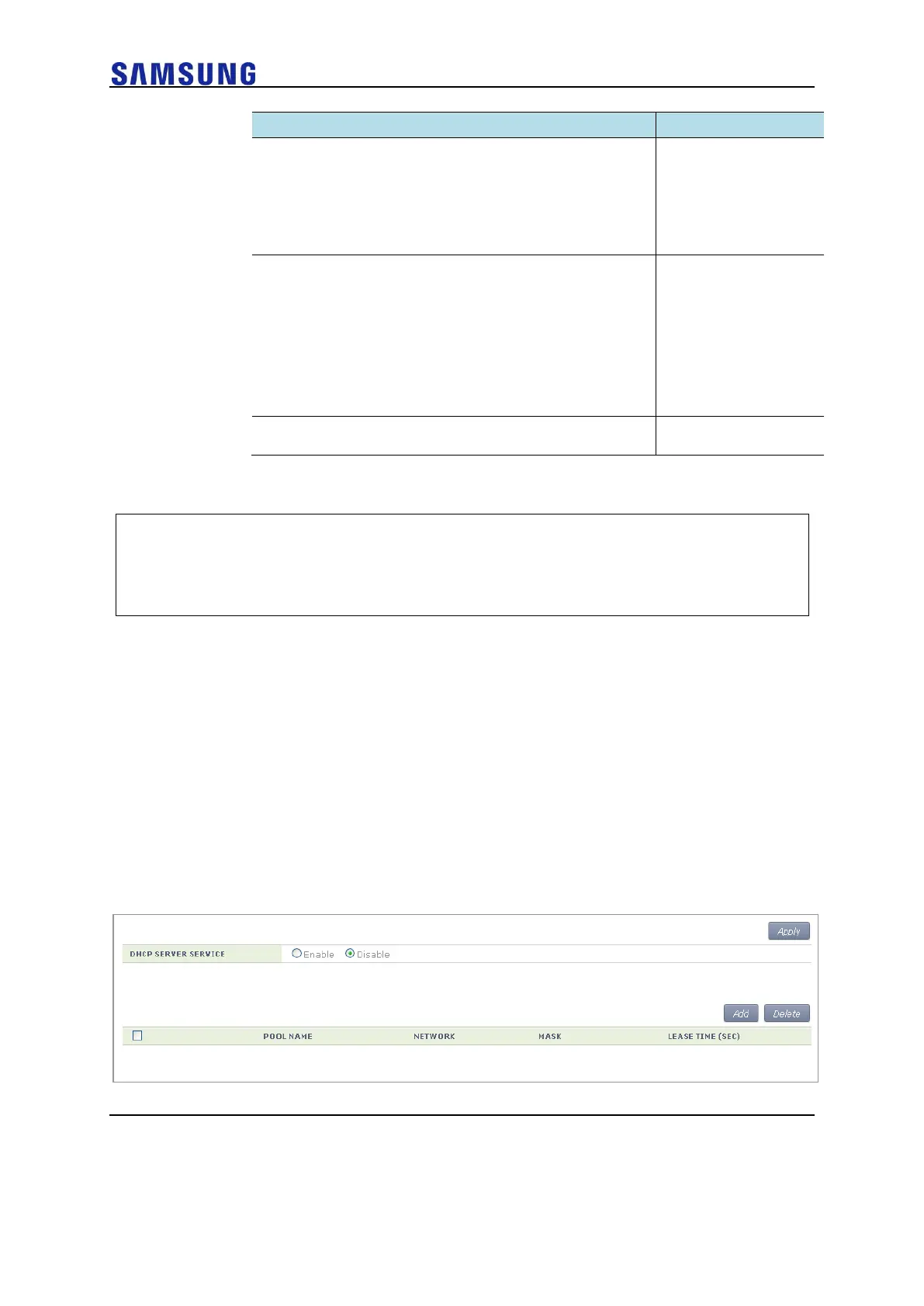
In the menu bar of <WEC Main window>, select <Configuration> and then select the
<DHCP> <Internal Server> menu in the sub-menus.
Click the <Add> or <Delete> button to add or delete a DHCP pool.
Figure 162. DHCP Pool (1)



 To Next Page