WEC8500/WEC8050 (APC) Operation Manual v10.1 426
©Samsung Electronics America
Configuration using Web UI
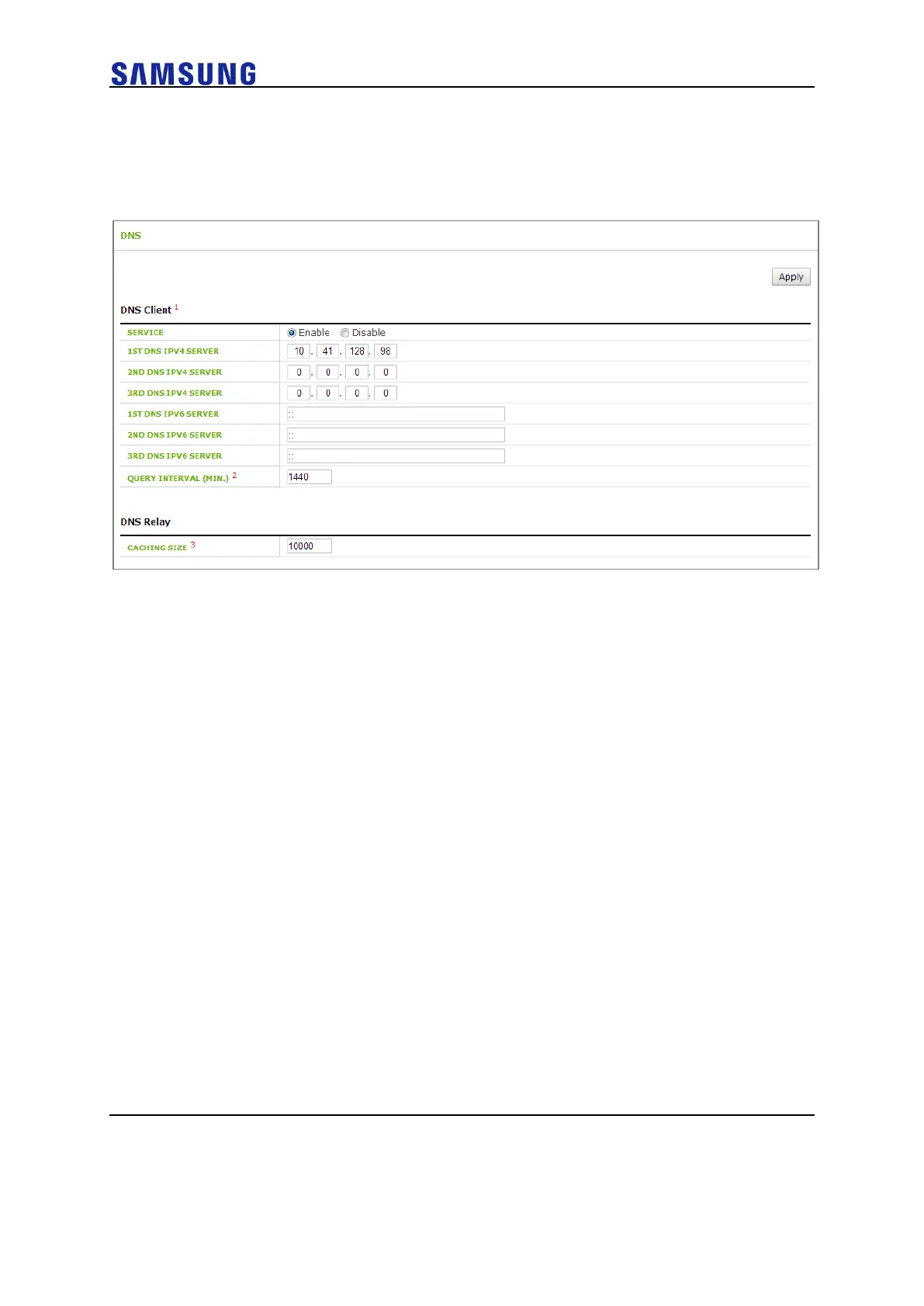
In the menu bar of <WEC Main window>, select <Configuration> and then select the
<DNS> menu in the sub-menus.
Figure 295. DNS Proxy
The DNS Relay item supports DNS Proxy configuration. In the SERVICE, you can enable
or disable a DNS proxy and configure the cache size of the DNS proxy in the CACHING
SIZE. If the cache size is 0, disable the cache.



 To Next Page