WEC8500/WEC8050 (APC) Operation Manual v10.1 252
©Samsung Electronics America
Configuration of Venue Name
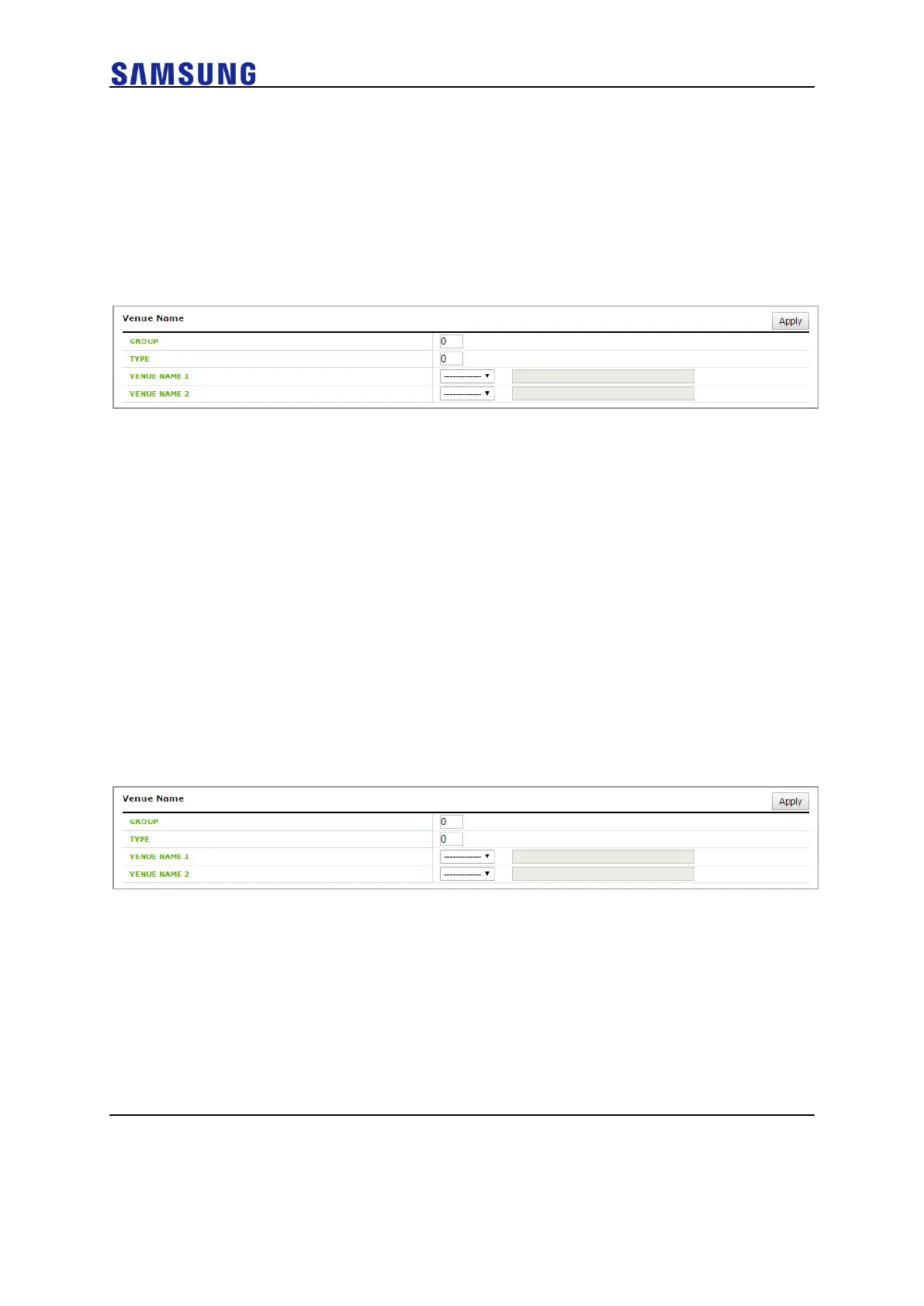
Configure the items included in the Venue Name ANQP-element.
Configuration using Web UI
In the menu bar of <WEC Main window>, select <CONFIGURATION> and then select
the <WLANS> menu in the sub-menus. Select a WLAN ID to change in the WLANs
screen and go to the <General> tab in <Hotspot>.
Figure 173. Venue Name Configuration Window
After configuring the below items, click the <Apply> button.
• GROUP
• TYPE
• VENUE NAME 1
• VENUE NAME 2
Network Authentication Type Configuration
Configure the items included in the Network Authentication Type ANQP-element.
Configuration using Web UI
In the menu bar of <WEC Main window>, select <CONFIGURATION> and then select
the <WLANS> menu in the sub-menus. Select a WLAN ID to change in the WLANs
screen and go to the <General> tab in <Hotspot>.
Figure 174. Network Authentication Type Configuration Window
After configuring the below items, click the <Apply> button.
• ACCEPTANCE OF TERMS AND CONDITIONS
• ON-LINE ENROLLMENT SUPPORTED
• HTTP/HTTPS REDIRECTION
• DNS REDIRECTION



 To Next Page