WEC8500/WEC8050 (APC) Operation Manual v10.1 9
©Samsung Electronics America
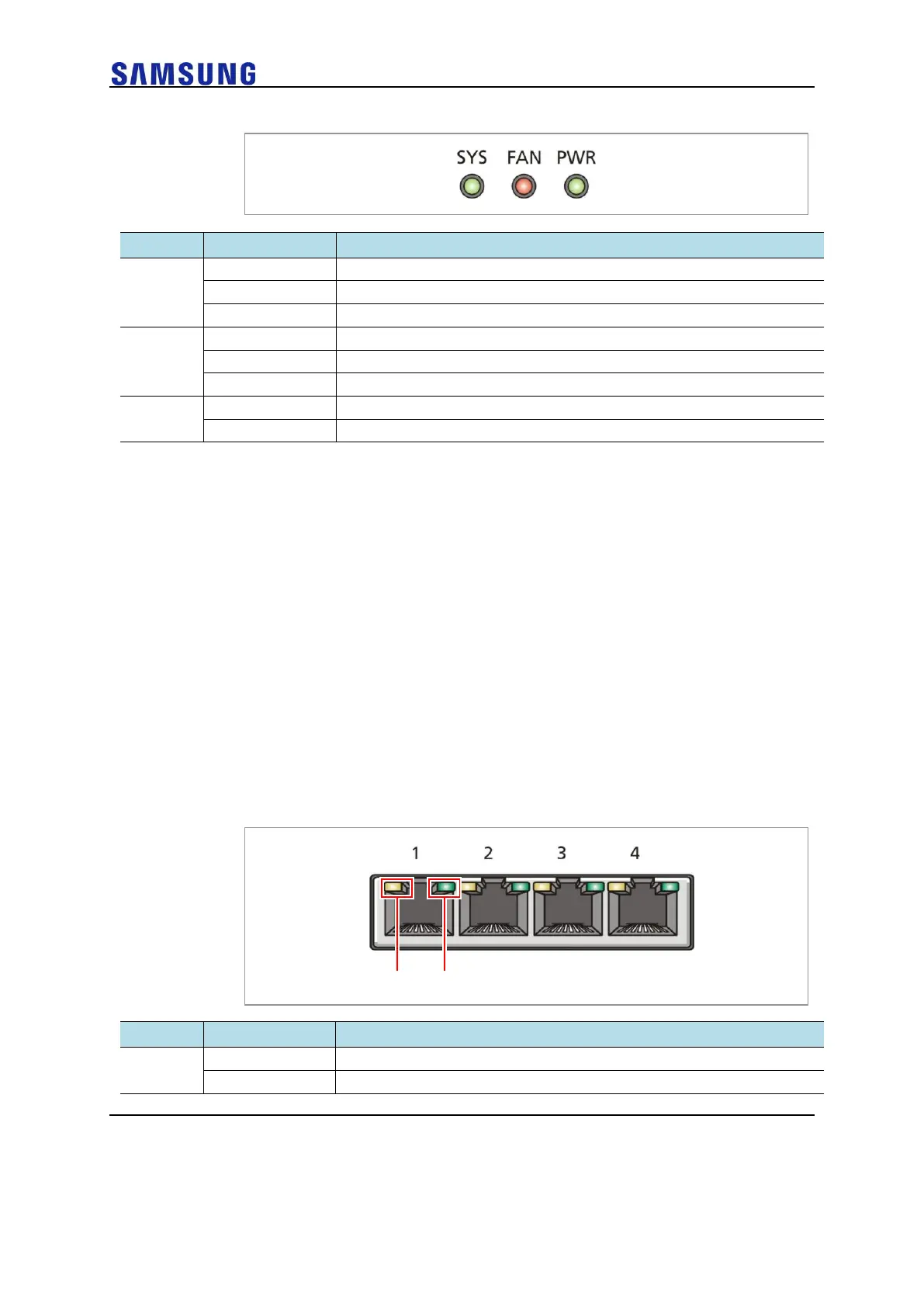
Figure 9. Status LED Configuration
The system is operating normally
The system is now booting
Preparing the system for booting
The installed FAN module is operating normally
The system is now booting
The power is supplied normally
The power is turned off or not supplied
Console Port (RS232C)
A console port is provided to check the operational status of WEC8050 or for input through
the CLI.
Its basic requirements are as follows:
• Default baud rate: 115200 bps
• Character size: 8 Characters
• Parity: None
• Stop bit: 1, Data bit: 8
• Flow control: None
Ethernet Port
It has 4 10/100/1000 Base-T ports.
Figure 10. Ethernet Port Configurations
Blinking while data exchanging



 To Next Page