WEC8500/WEC8050 (APC) Operation Manual v10.1 18
©Samsung Electronics America
NAT Configuration between AP and APC
The APC system provides the same services even when the APC or AP is in a NAT
environment.
If the APC system is in a NAT environment and obtaining a public IP address is difficult,
the APC can be configured to use a private IP address by enabling port mapping on the
existing NAT equipment, so that it can provide services to APs on the public IP network
and APs existing under other NAT networks.
Using this feature requires that the NAT equipment be applied with the following port
settings:
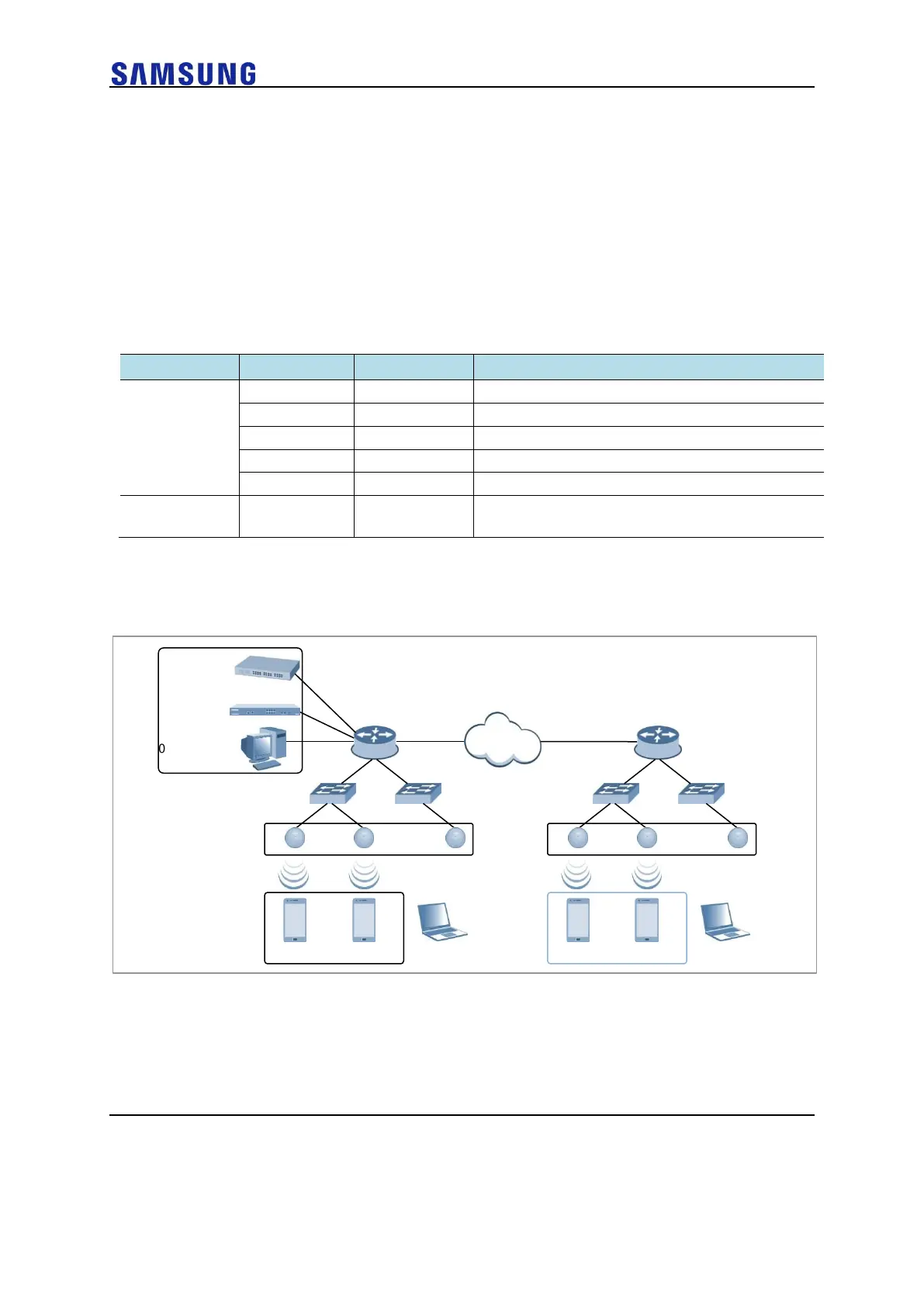
An example of service configuration diagram for the NAT environment is illustrated below.
Figure 16. AP-APC NAT Environment Configuration Diagram



 To Next Page