EasyManua.ls Logo

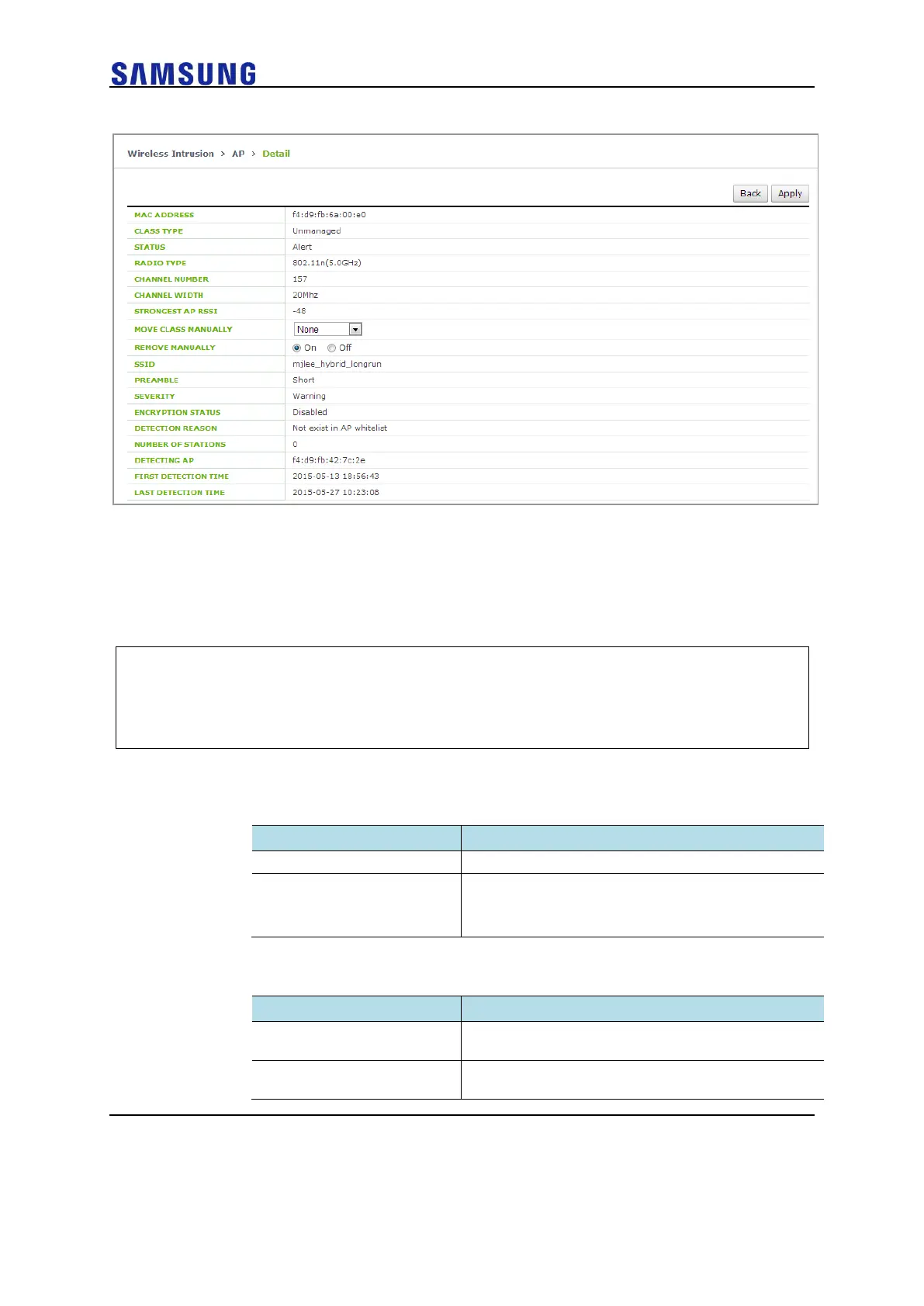
Samsung WEC8050 - Figure 238. Manual Remove Change Window in AP Detail Screen

Samsung WEC8050
680 pages
Print Icon
To Next Page IconTo Next Page
To Previous Page IconTo Previous Page
Loading...
WEC8500/WEC8050 (APC) Operation Manual v10.1 365
©Samsung Electronics America
Figure 238. Manual Remove Change Window in AP Detail Screen
Unauthorized AP detection option
Operator can enable or disable the AP detection option pre-defined in the system.
Configuration using CLI
1 Go to configure wi device ap configuration mode.
WEC8500# configure terminal
WEC8500/configure# wi
WEC8500/configure/wi# device
WEC8500/configure/wi/device# ap
WEC8500/configure/wi/device/ap#
2 Using the following command, configure the unauthorized AP detection
option.
o [OPTION] [NOTI_TYPE]

Parameter
Description
OPTION
Unauthorized AP detection option
NOTI_TYPE
Event save option
notify: Notify the state with alarm
detect: Save the state with sys log
The description of OPTION parameter is as follows:
Parameter
Description
ap-blacklist-check
Allocates ID = 901 by checking an AP included in the
black list.
honeypot-with-unmanaged-
station
Allocates ID = 902 by checking Honeypot and
unmanaged station is association status.

Table of Contents