WEC8500/WEC8050 (APC) Operation Manual v10.1 394
©Samsung Electronics America
WEC8500/configure# ip nat pool pool2 10.10.10.10 10.10.10.10 255.255.255.0
3 Configure a NAT to the interface.
WEC8500/configure# interface vlan1.30
WEC8500/configure/interface vlan1.30#ip nat outside
WEC8500/configure/interface vlan1.30#exit
4 Add the NAT rule by using access-list and pool.
WEC8500/configure# ip nat outside destination list fw6 pool pool2
[DNAT Configuration using Static IP]
To add DNAT using a static IP, execute the command as follows:
1 Go to the configure mode of the CLI.
WEC8500# configure terminal
2 Configure a NAT to the interface.
WEC8500/configure# interface vlan1.30
WEC8500/configure/interface vlan1.30#ip nat outside
WEC8500/configure/interface vlan1.30#exit
3 Configure a NAT rule using a static IP (A port can be also specified for
DNAT).
WEC8500/configure# ip nat outside destination static tcp 10.10.10.1 4300 30.30.30.2 23
[Checking NAT Configuration]
To check the created NAT, use the following command:
WEC8500/configure# show nat
Configuration using Web UI
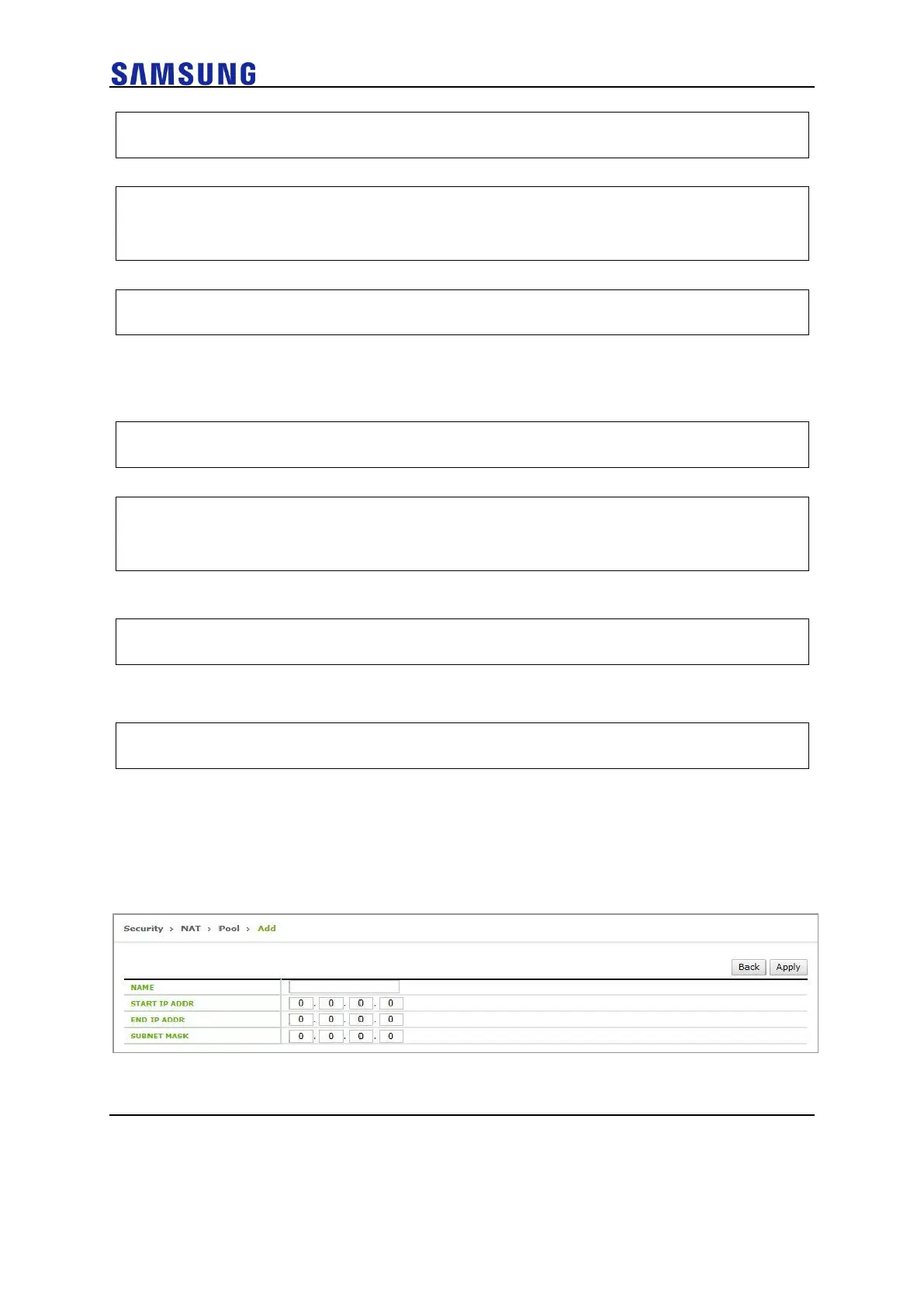
1 In the menu bar of <WEC Main window>, select <Configuration> and
then select the <Security> <NAT> <Pool> menu in the sub-
menus. Click the <Add> button and configure the NAT pool.
Figure 266. NAT Configuration (1)
2 Click the <Add> button in the Translation Rule window and configure the
Translation Rule. Select NAT TYPE as either SNAT or DANT. Select



 To Next Page