WEC8500/WEC8050 (APC) Operation Manual v10.1 45
©Samsung Electronics America
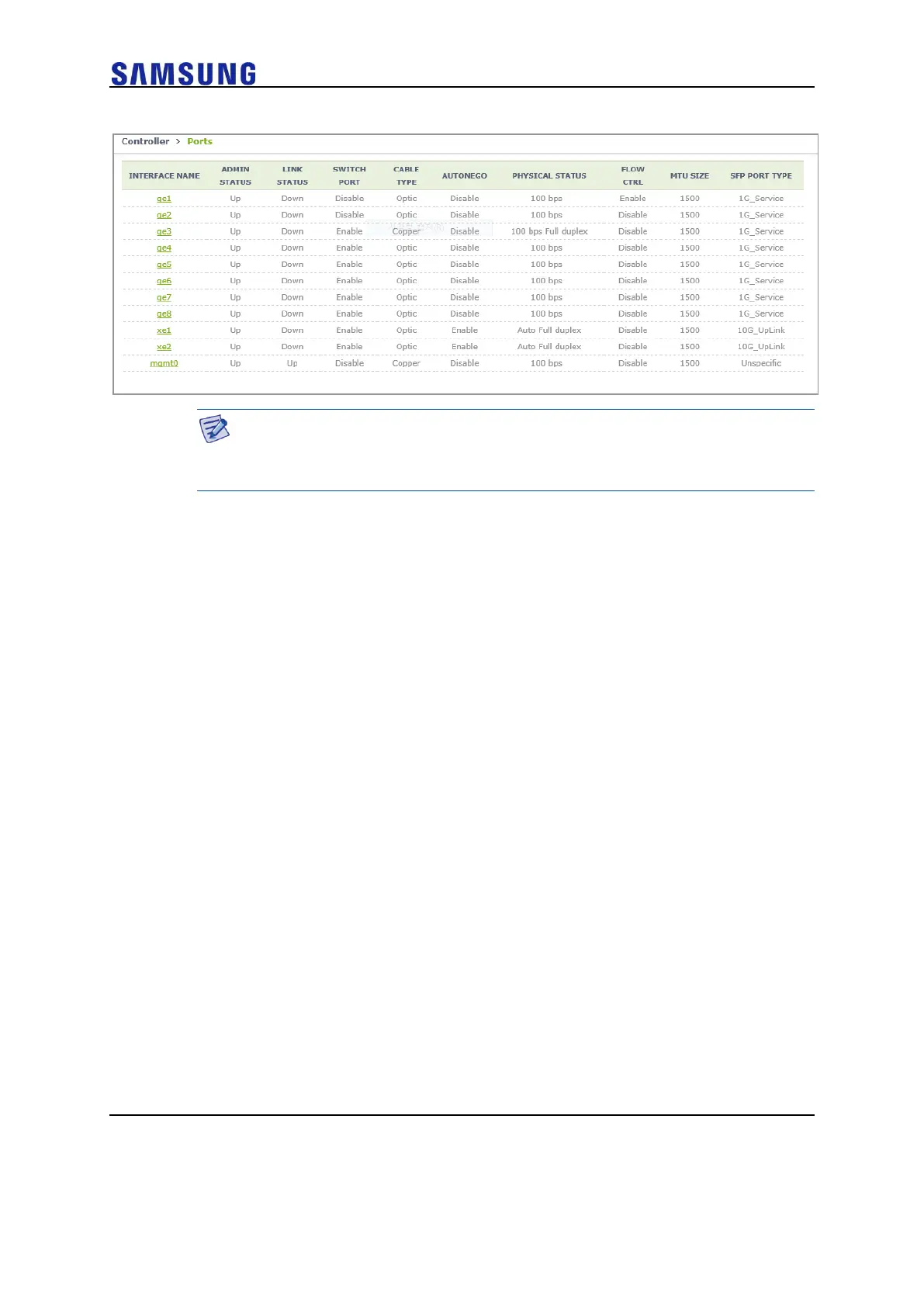
Figure 44. Port Management Window
The auto-nego, speed, or duplex can be configured only when the cable type
is Copper. They cannot be configured if the cable type is Optic (The auto-
nego should always be enabled whether the cable type is copper or optic).
[Port Configuration Change]
1 In the Ports initial window, click the <INTERFACE NAME> button to go
to port configuration change window.
2 In the port configuration change window, the auto-nego, speed, duplex,
admin status, flow control, mtu size, switch port, or ip address, and so
on can be configured.



 To Next Page