Setting Mode Setting Using Parameter Password
(c) Format 3: (Edit using function '462:Form Formats => 3')
Code: P1,D,P10,U,P40,BI,F1
Current variables contents are formatted as follows:
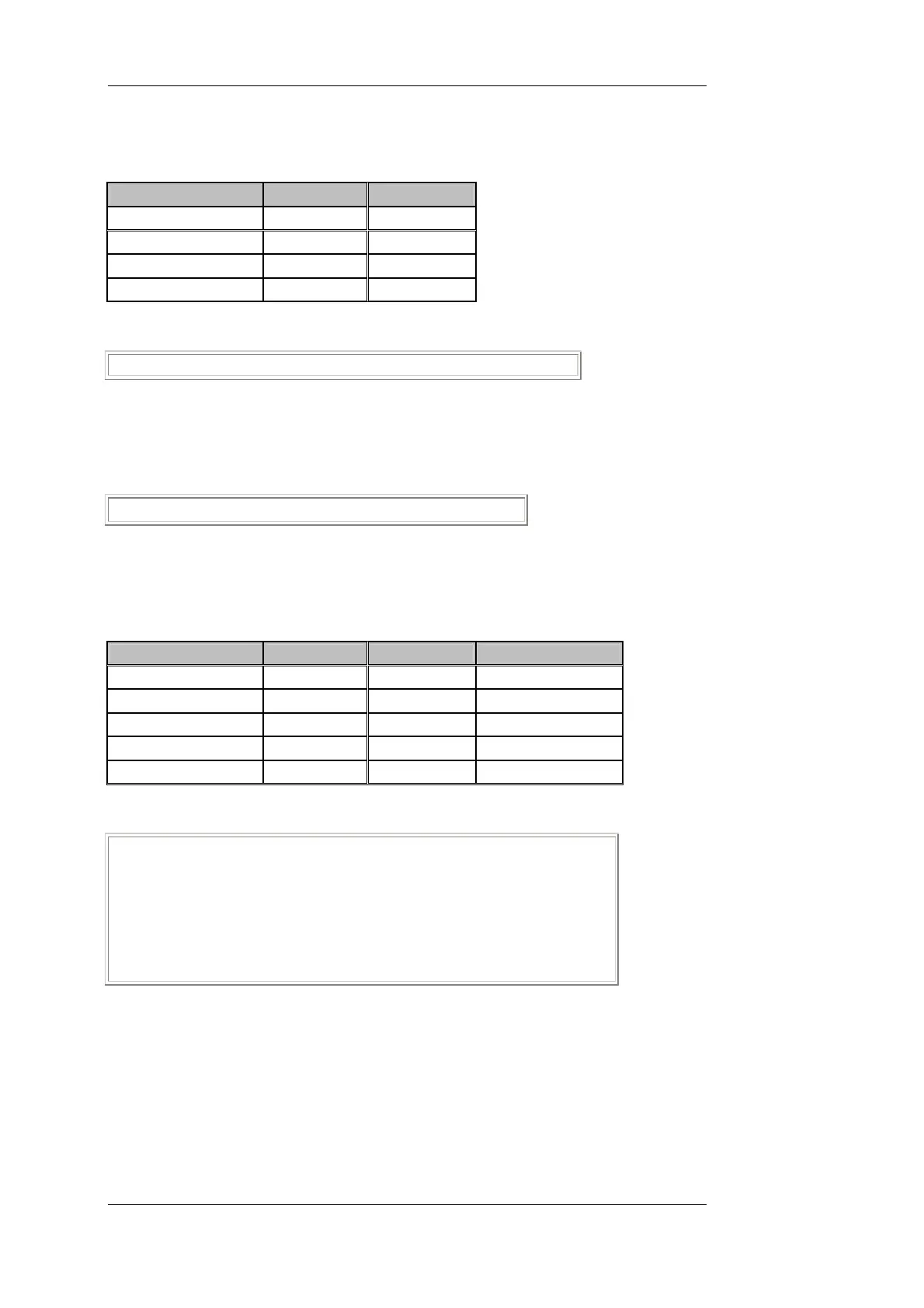
Formatting Instruction Variable Code Variable Name
Column=1 D Date
Column=10 U Time
Column=40 BI Balance total
1 * page feed
Print Sample:
11.01.00 12:30 567,89kg SU
(d) Formats 4, 5, 6:
Code: PRINTFORMAT, NOT YET, SET,Y1
Print Sample:
PRINTFORMAT NOT YET SET ⊗
⊗ Information that this print format has not yet been set.
(e) Page header format: (Edit using function '463:Page Header Format')
Code: Y5,P1,S1,P27,S2,P40,S3,Y2
Current variables contents are formatted as follows:
Formatting Instruction Variable Code Variable Name Variable Contents
5 * line feed
Column=1 S1 Form text 1 Date Time Cons.No.
Column=27 S2 Form text 2 Vehicle No.
Column=40 S3 Form text 3 Weight
2 * line feed
Print Sample:
<Blank>
<Blank>
<Blank>
<Blank>
<Blank>
Date Time Cons.No. Veh.No. Weight
<Blank>
<Blank>
BV-H2313 GB 0630 DISOMAT
®
Opus – Operating Manual
- 56 - © Schenck Process GmbH, Darmstadt


 To Next Page
 Loading...
