A2537-002/01 February 2020 8-7 SEMCO Proprietary Information
8.4.4 Data Port
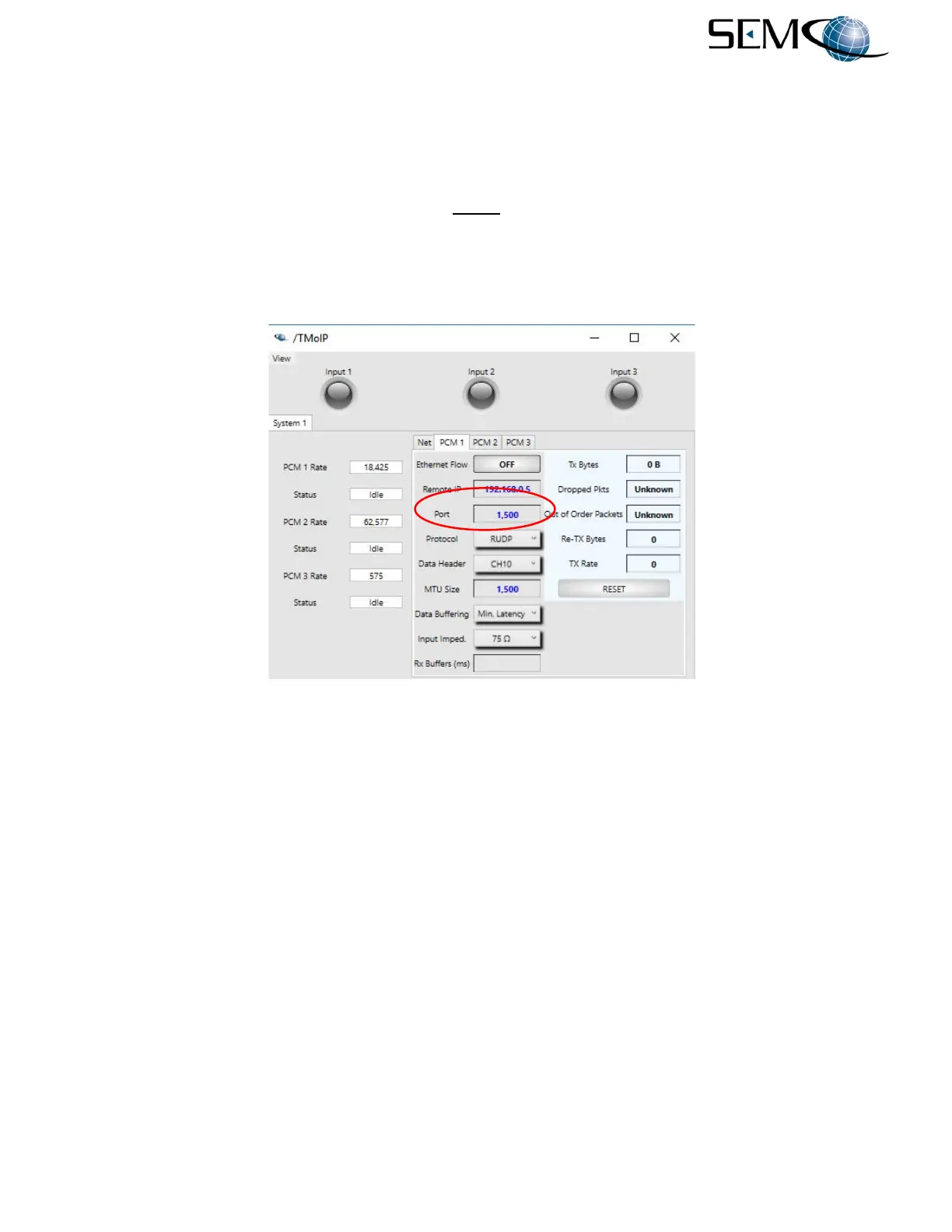
Entering Data Port values using the remote GUI is shown in Figure 8-9. The user clicks on the Port window
as shown, types in the Data Port values and Enter on the keyboard.
NOTE
The source port of the outgoing UDP packet is always 64999 +
channel number (i.e., channel 1 transmitting data has a source
port of 65000). The source port is not user configurable.
Figure 8-9
Data Port Entry on Remote GUI
8.4.5 Data Header
This parameter specifies whether to use the standard TMoIP header, use a slightly modified header to
allow for time to be multiplexed into the header before the data, or use CH10 header format.
The TMoIP specification requires that bit 9 of the header is reserved and set to zero. Time+TMoIP sets
this bit to one and places metadata after the TMoIP header and before the payload data.
Data Header selection using the remote GUI is shown in Figure 8-10. The user clicks on the arrow icon
next to the Data Header window, which accesses a pull-down window as shown. The user then selects
TM over IP, Time+TMoIP or CH10.



 To Next Page