A2537-002/01 February 2020 8-10 SEMCO Proprietary Information
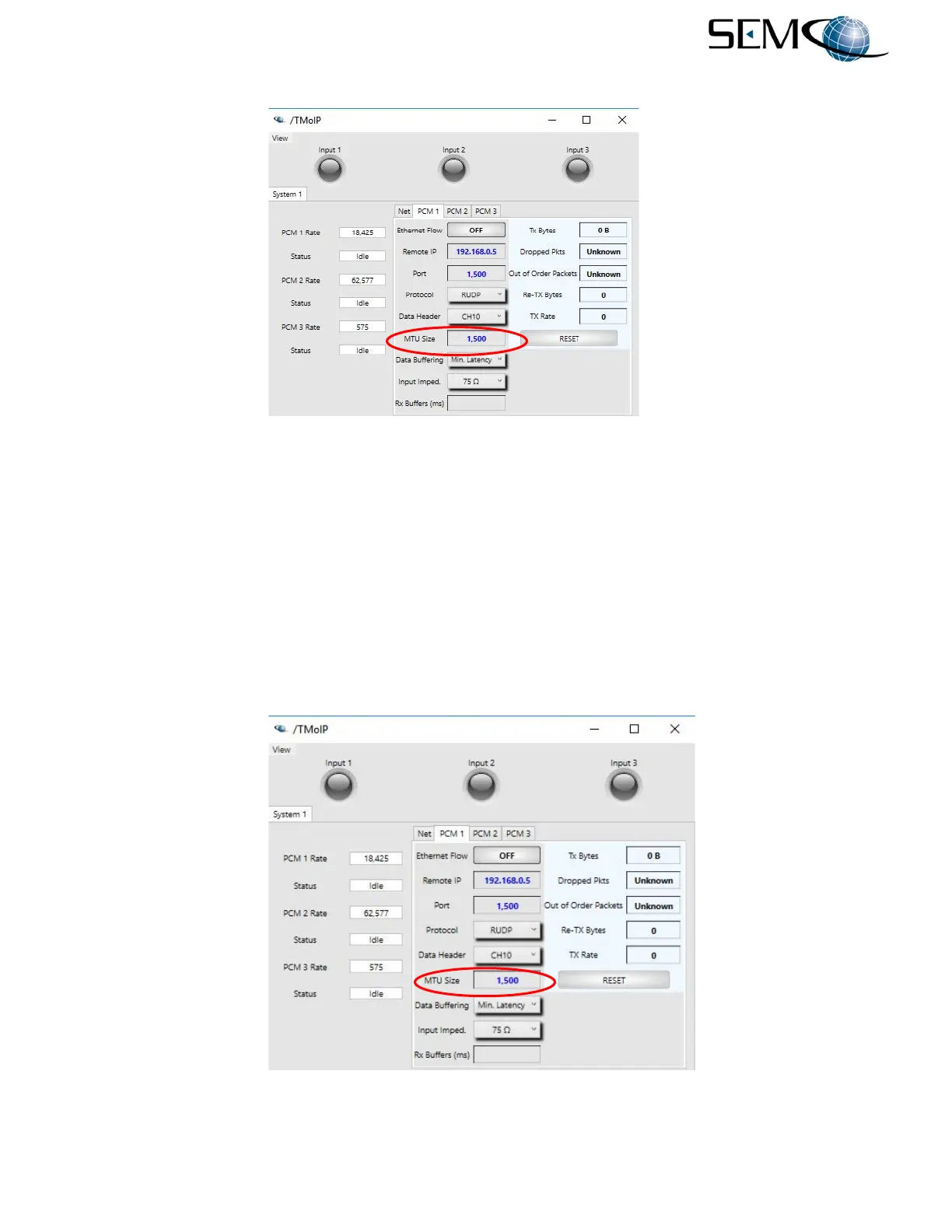
Figure 8-13
MTU Size Entry on Remote GUI
8.4.9 Rx Buffers
This parameter sets the number of receive buffers (memory) for the receive queue. Each buffer represents
one millisecond of data. The receive buffers are used for Out of Order packet reordering and RUDP re-
transmits. When operating on a jittery network, the Rx Buffers should be at least the number of
milliseconds of jitter. For example, if the network has a delay of 30 milliseconds and jitter of 5 milliseconds,
the Rx Buffers should be set to a minimum of 5 milliseconds.
Entering an Rx Buffers value using the remote GUI is shown in Figure 8-14. The user clicks on the Rx
Buffers (ms) window as shown, types in the Rx Buffer value and Enter on the keyboard.
Figure 8-14
Rx Buffer Entry on Remote GUI



 To Next Page