A2537-002/01 February 2020 8-6 SEMCO Proprietary Information
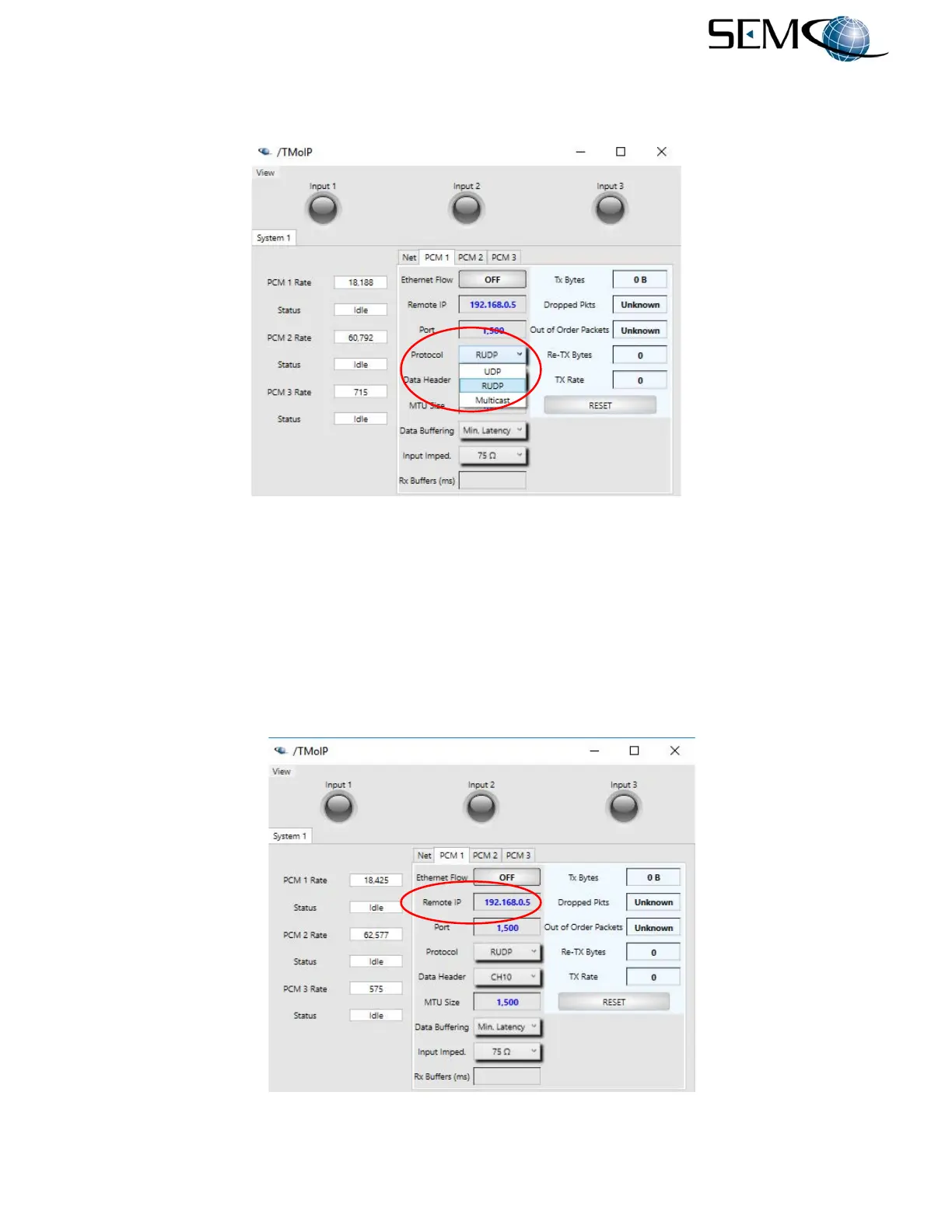
Protocol settings using the remote GUI are shown in Figure 8-7. The user clicks on the arrow icon to the
right of the Protocol window, and then clicks on the desired protocol setting in the pull-down menu.
Figure 8-7
Protocol Settings on Remote GUI
8.4.3 Remote IP Addresses
This parameter sets the IP Address of the remote unit on the other side of the link (i.e., receiving device).
Each channel has its own remote IP address parameter and can communicate with individual chassis and
devices. The Multicast protocol value must be in the range of 224.0.0.0 to 239.255.255.255.
Establishing remote IP addresses using the remote GUI are shown in Figure 8-8. The user clicks on the
Remote IP window as shown, types in the remote IP address and Enter on the keyboard.
Figure 8-8
Remote IP Address Entry on Remote GUI



 To Next Page