Cirklon Sequencer User Manual
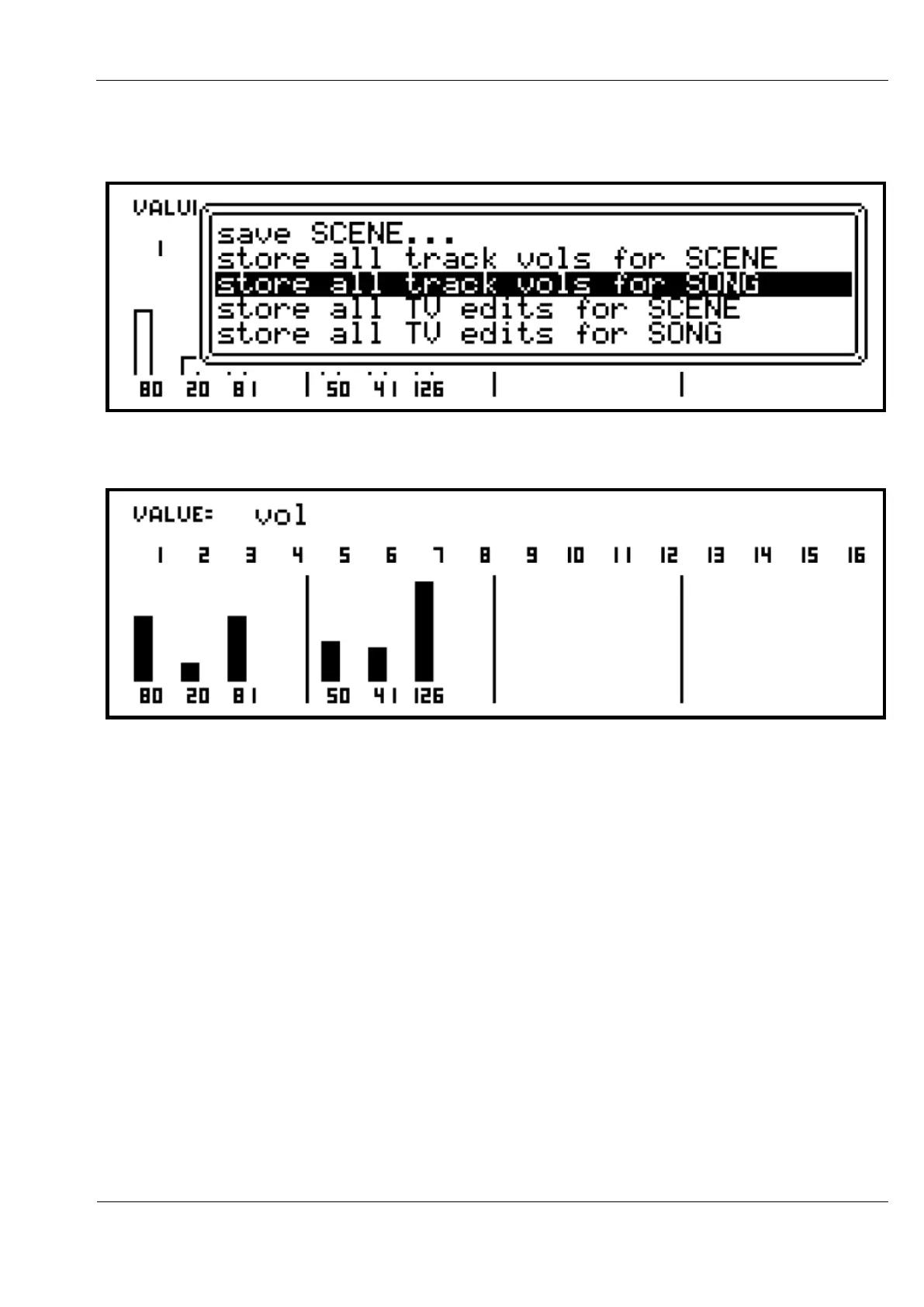
The current values for each track can be saved by pressing the SAVE key, then selecting the
store all track vols/pans for SONG/SCENE option:
When the current value matches the stored value, the display will show filled bars:
To remove a value, hold the DELETE key and press the track encoder. The delete process will
remove the edited/current value, then any stored value in the same way as the normal track
values.



 To Next Page