Cirklon Sequencer User Manual
15. Firmware update
Cirklon supports the loading of operating system updates via MIDI or MMC/ SD-card.
Due to the much greater speed of SD-card, it is strongly recommended to use this method.
The update process is carried out in a special firmware update mode, which is entirely
separate from the main sequencer program.
It is not possible for a failed OS update to leave Cirklon in an unusable state. You will always
be able to access update mode to try again if there is a problem with an OS update.
Before updating the firmware, you should always backup your current data, as described in
the previous section. The single SYX file backup is the best method to use.
In some cases, the data in memory will be unaffected by the update process, but this is not
always true.
In very rare instances, it may be required to use the individual file formats for backup and
restore of data between major version changes - this would be clearly indicated on the
download file page.
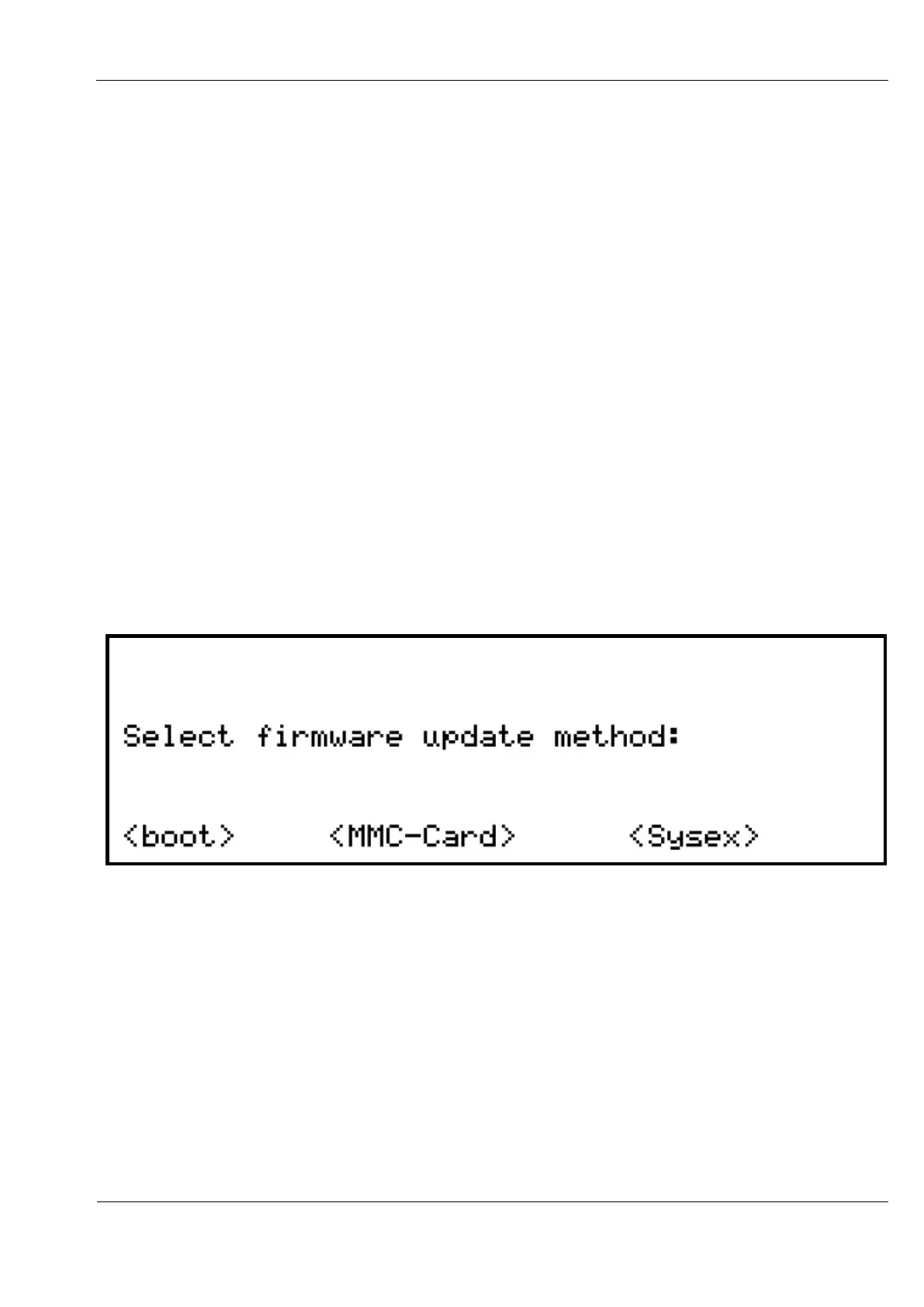
Firmware update mode is accessed by holding down step key 1 as you power Cirklon on.
This will bring up this display:
Firmware update images can be found on the download page at the Sequentix website:
http://www.sequentix.com/sq_download.htm
Beta versions which include new features can be found in the forum:
http://www.sequentix.com/forum
The image will be in the form of a .SYX file.
To load the update from MMC / SD-card, the file name must be CIRKOS.SYX
This name is hard-coded into update mode to maximise space available for the main code.



 To Next Page