Cirklon Sequencer User Manual
Gate Port Settings
To access the settings for the gate ports, turn the VALUE encoder clockwise beyond CV
output 16.
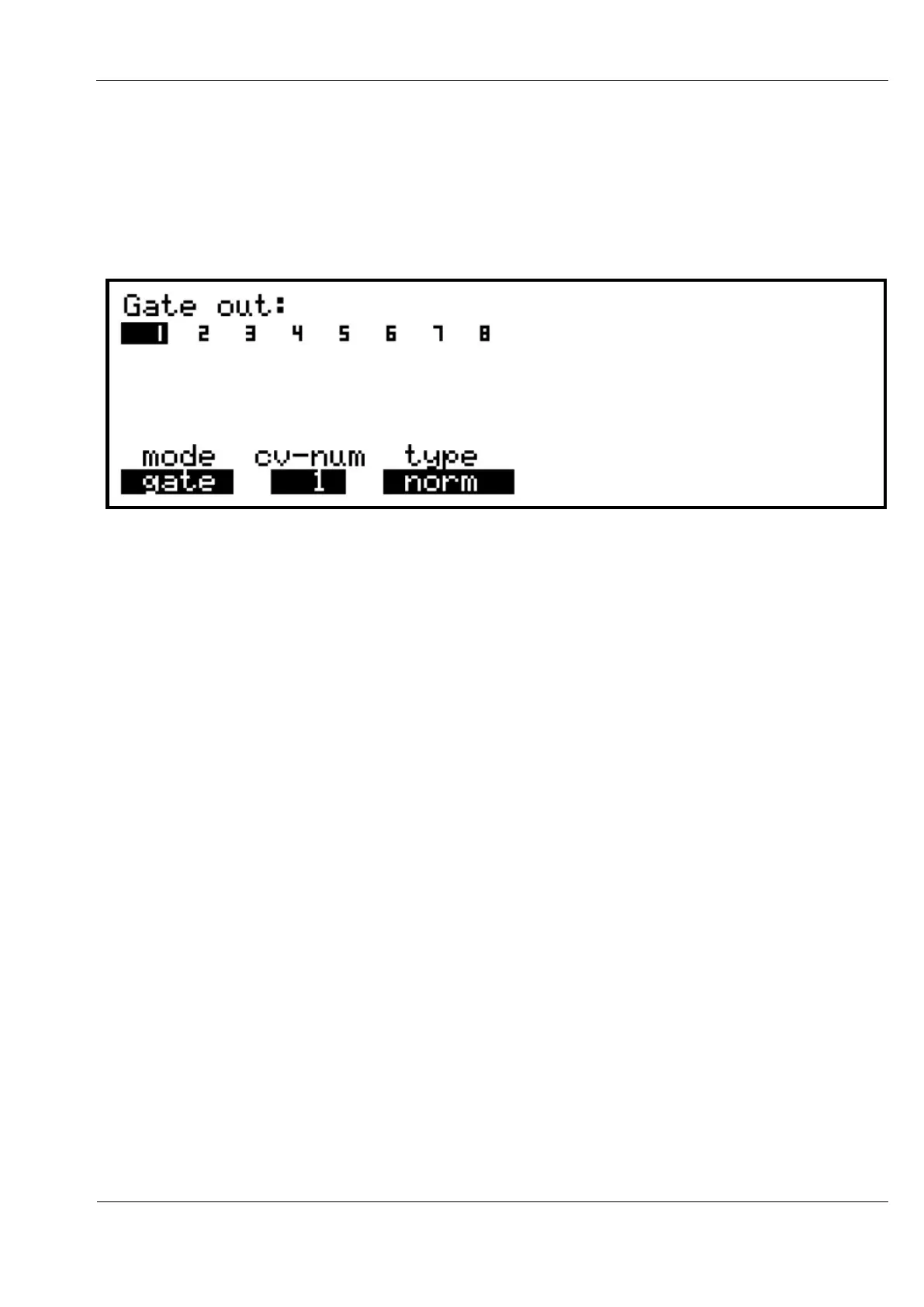
The display should look like this:
Selection of the gate port is made with VALUE as before, and the settings adjusted using the
usual encoders under the display.
The mode setting gives a choice of gate or clock.
The type option sets the electrical behaviour of the output, giving the choice of:
norm 5 volt output when the gate is active, 0 volts when off
S-trig “short-to-ground” (Moog-type) gate output
inverse this gives the opposite polarity to norm, for Yamaha’s CS40M and CS15D
Gate Mode
Gate outputs will usually be linked to the CV output being used to control the pitch of the
attached synth. This is done using the cv-num value, which has a range of 1 to 16.
For example, if you have set up CV output 1 to control the pitch of a synth in response to
notes played, setting gate output 1 to gate mode with cv-num set to 1, gate output 1 will turn
on when a note is played that matches the channel and range setting on CV output 1.
It is also possible to set a gate output to work independently of the CV outs, responding to
any notes played on a chosen MIDI channel.
To do this, adjust the value for cv-num beyond 16 – the label will switch to chan, with
channel numbers 1 to 16 now available for selection.



 To Next Page