Cirklon Sequencer User Manual
6. Play Mode Menu
The play mode menu is accessed from the SONG, SCENE or TRACK pages, by pressing the
MENU key.
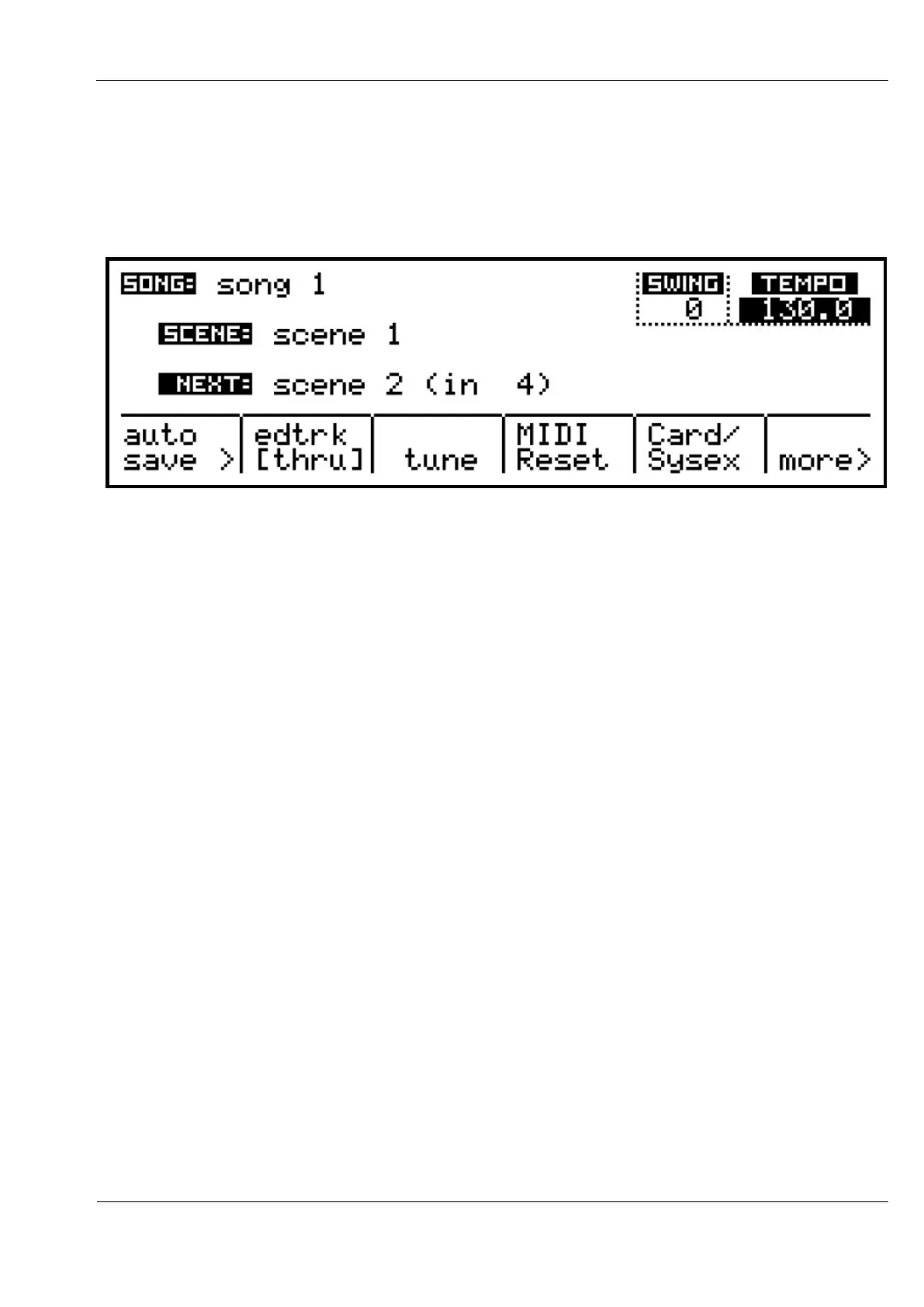
The main options appear along the bottom of the display:
Scene Auto Save
This option allows you to enable automatic saving of changes to saved scenes, as described in
the earlier section, Using Scenes.
A popup list shows and alters the current setting. This option resets to OFF at power-on.
Edit Track Thru Over-ride
This option allows you to temporarily disable the soft-thru transmission of notes from a
master keyboard on the current edit track.
While edit-track thru is disabled, the current edit track selection LED will flash.
Tune
This function is only accessible while Cirklon is stopped.
It will send a MIDI note C 4 on any active track. This is to give owners of unstable analogue
synthesizers a fighting chance of keeping them in tune.
MIDI Reset
While Cirklon is stopped, this option will send MIDI all-notes-off messages on all channels, to
clear any hanging notes.



 To Next Page