Cirklon Sequencer User Manual
The “Fixed” option marks this note so it always appears on a row of the drum grid in an
empty pattern, or a pattern where the note is not present and the row hasn’t yet been
manually added.
Note that you can scroll through the list and edit the labels for multiple notes at one time.
Pressing encoder 7 will add a note to the grid without leaving this list. An asterisk next to the
note name shows notes that have already been added.
Note also that the labels and fixed options are stored as part of the instrument definition for
the instrument assigned to the track.
Use the encoders to enter a label for the note C 4, then press ENTER.
On returning to the grid view, the entered label will appear in place of C 4, in the grid and
row views. To remove the label, rotate all three characters back to a space, and the original
note name will be shown again.
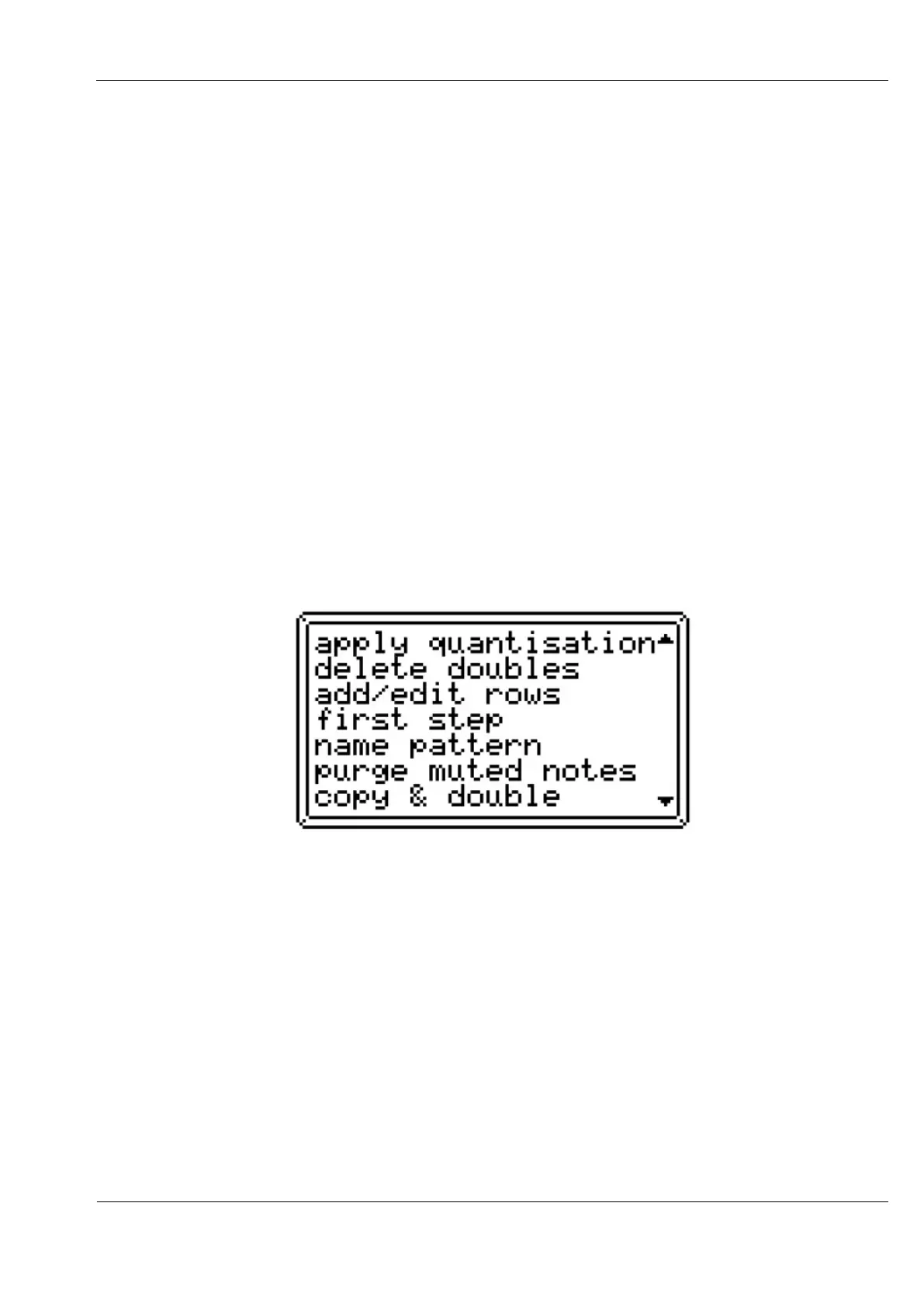
Other Edit Menu Functions
There are a number of other functions to be found on the edit menu:
Apply Quantisation
This function moves the start-times of all events in the pattern to the nearest step position,
according to the current view timebase setting.
Quantisation is most likely to be used in conjunction with real-time recording, where note
events are not quite “on the beat”.
Remember that patterns may also be left un-quantised, with real-time quantisation applied
using the “quant%” track control value.



 To Next Page