Cirklon Sequencer User Manual
Assigning Knobs A & B
To provide smooth, absolute control over track values, it is possible to assign the front panel
knobs A & B to any two of the track values.
These assignments will be remembered for each track, in each song.
Whenever you are on one of the play pages (SONG, SCENE or TRACK), the knobs assigned
for the current edit track will control their values directly, even though the track value page is
not visible.
To assign a knob, hold SHIFT then press the encoder under the track value to which you want
to assign the knob.
The display will show this message:
Simply move knob A or B, and the assignment is done.
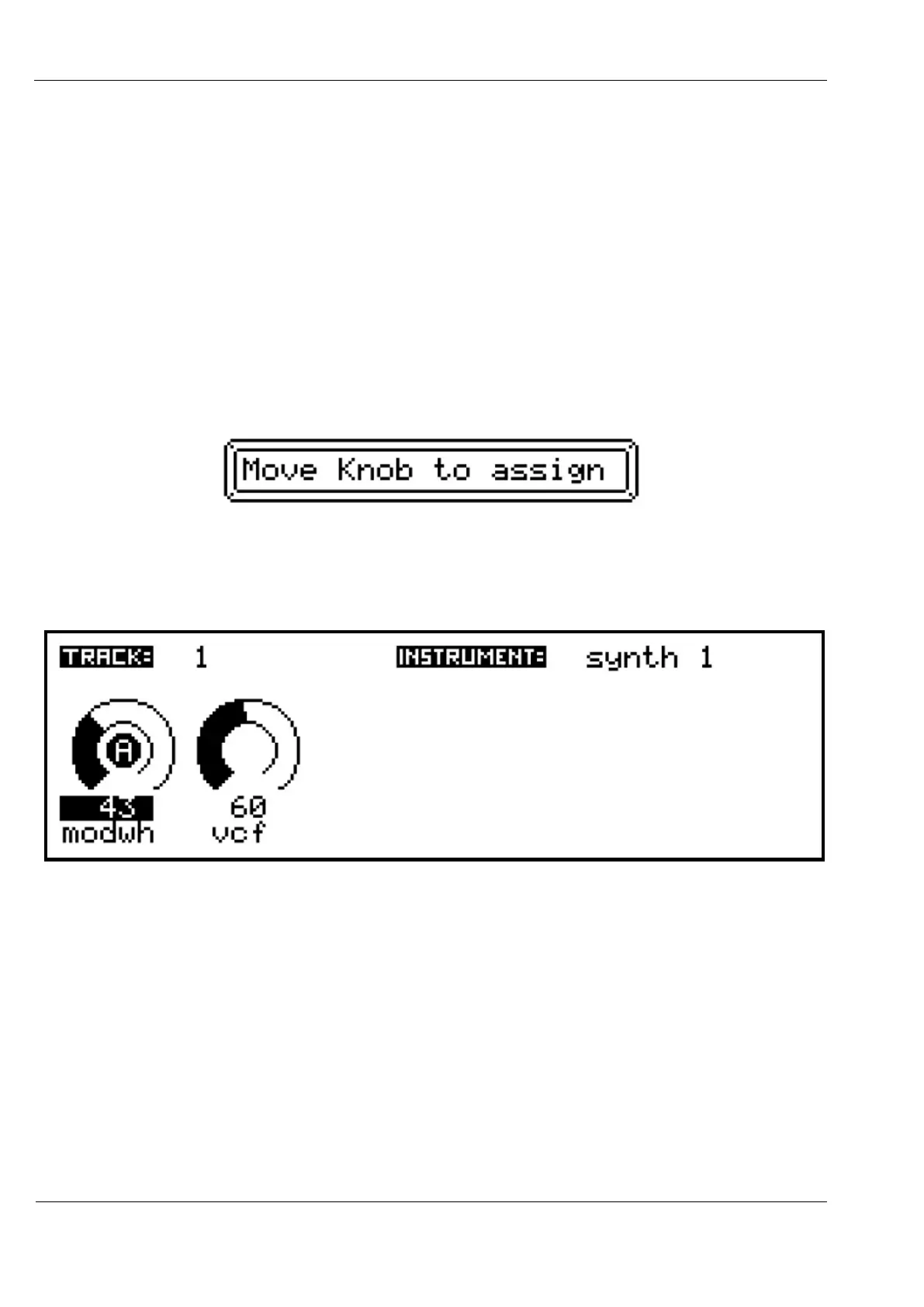
You can see that the knob has been assigned from the A or B label that now appears in the
centre of the value indicator:
You can continue to use the encoder to change the value after a knob is assigned.
But if you do, the knob will enter “pass-through” mode.
This means that moving the knob will have no effect until you pass through the current value
set using the encoder. An indicator line will appear to show the (inactive) knob position until
the current value is passed.
Saving Track Values
Track values can be saved at the song or scene level, to allow re-call of chosen settings during
the course of a song.



 To Next Page