Cirklon Sequencer User Manual
If these messages are recorded in a CK pattern, and sent back to the originating instrument, it
should recreate the original performance exactly.
Every note will be recorded with precise timing information, and a unique velocity value, in
contrast to the limited polyphony and shared velocity value in P3 patterns.
One disadvantage of the event list format is that it is possible to rapidly eat through memory
if you attempt to record too much information.
Drum Grid Edit
The primary reason for the addition of the CK pattern type in Cirklon was to overcome the
limitations of the P3 Sequencer for creating polyphonic drum patterns.
Therefore the main pattern edit mode for a CK pattern takes the form of a drum grid editor
which borrows heavily from some of the classic Japanese drum machines of the 1980s.
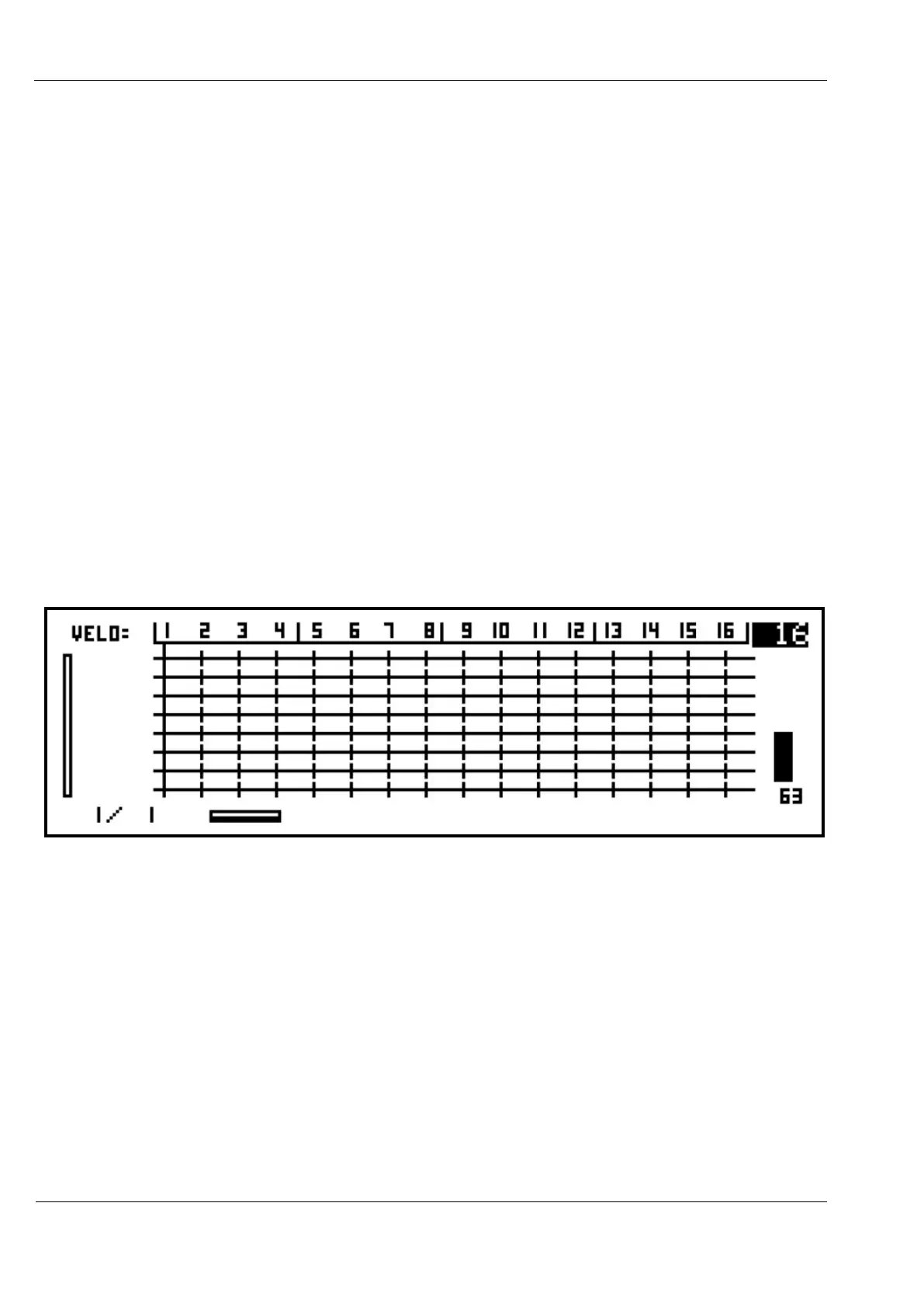
If you create and assign a CK pattern to a track, then press the PATTERN key, you will enter
drum grid edit. For a newly created pattern, with no notes entered or recorded, the display
will look like this:
Typically for a percussion pattern, you will be using a relatively fixed set of notes, each of
which is mapped to a drum sound on a synth, sampler or drum machine.
Drum grid edit shows each note present in the pattern on the rows of the grid, in ascending
order.
Since there are no notes in this new pattern, there are no note names beside any of the rows.
To manually enter new notes into the pattern, you first need to add a row for that note.
If you press one of the step keys before any rows are assigned, the message, “add note row
first !”, will appear, followed by a page for adding notes.
Otherwise, the add note page can be accessed via the edit menu.



 To Next Page