Cirklon Sequencer User Manual
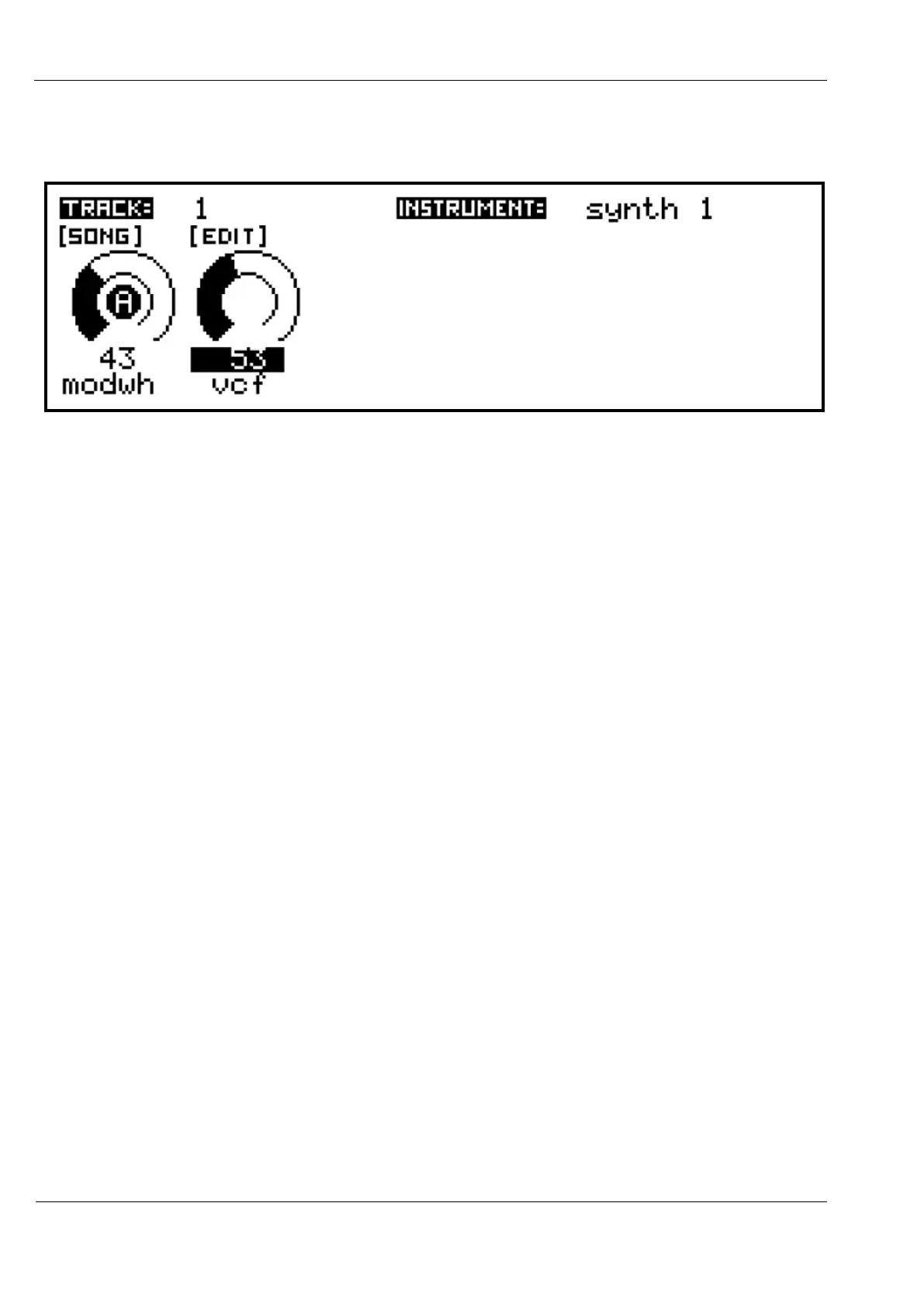
If either value is now adjusted using the encoders or knobs, a label will appear to show that
the value has been manually changed:
Saved settings for the selected value can be removed by pressing the DELETE key.
This works incrementally – if a saved value has been EDITed, the first press of DELETE will
revert to the saved setting. A further press of DELETE will then remove the saved setting.
Deleted settings saved at the SCENE level require the SCENE to be re-saved to make their
removal permanent.
Track Control Values
The second type of track values are potentially far more interesting than MIDI CCs.
They give access to a number of internal controls in the sequence engine which modify the
behaviour of tracks as they play patterns.
They are added in much the same way as the MIDI values – pick an empty slot, press
INSERT, then choose “track control”, and select one from the list.
The track control list includes one entry which is really a MIDI control – pgm, for sending
program change messages.
Track control values can also have knobs A or B assigned to control them directly, with
appropriate scaling of the knob position for those controls with wide value ranges.
And their values can be saved at the SONG or SCENE levels, as with the MIDI values.



 To Next Page