Cirklon Sequencer User Manual
Card SAVE
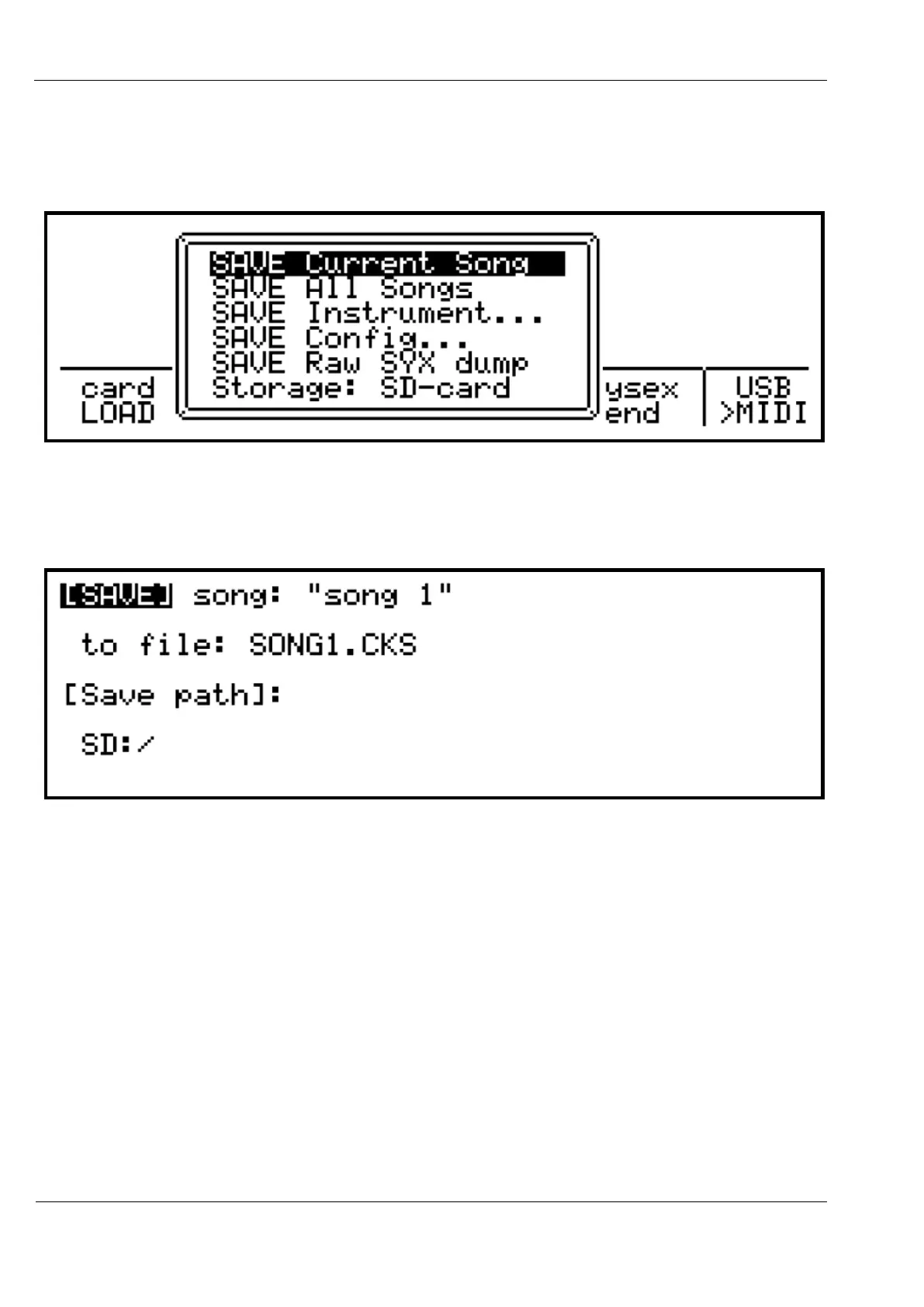
Pressing “card SAVE” brings up a list of save options:
Upon selecting the first option, “SAVE Current Song”, the display should be something like
this:
This page shows the current song name along with the filename and destination folder it will
be saved to.
The filename is based on the song name, but may have unsupported characters removed, and
be shortened to fit the MS-DOS 8.3 filename format. Due to licensing requirements, only
short file and folder names are supported in the FILENAME.EXT format.
With [SAVE] highlighted, you can save the song to the filename and folder shown by
pressing ENTER.
If a file with that name already exists in the current folder, you will be prompted to replace
the existing file, or cancel the save operation. If you choose to cancel, you will be returned to



 To Next Page