Cirklon Sequencer User Manual
Move SCENE
This function allows you to move the selected scene to another position in the song.
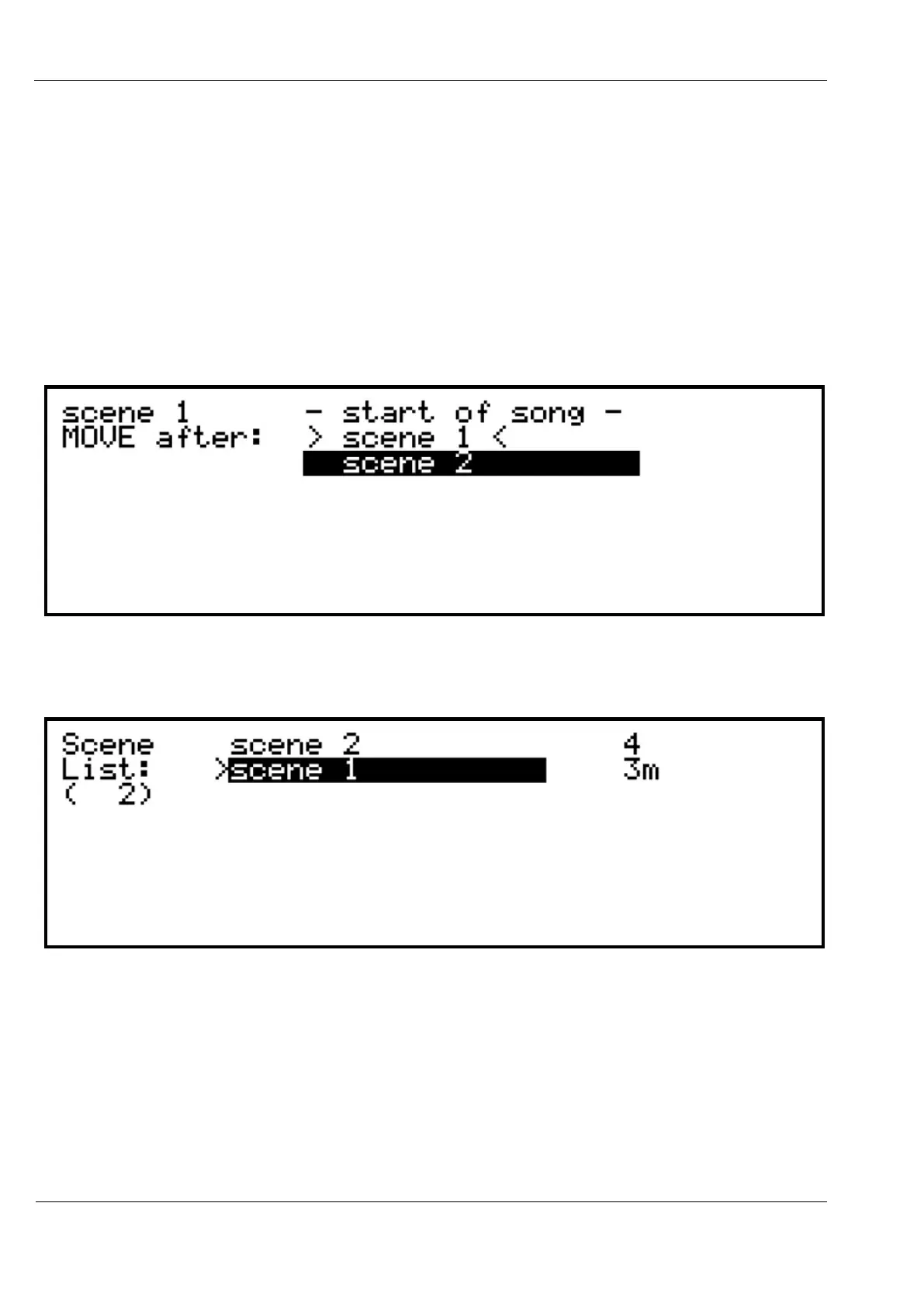
Select the scene in the list you wish to move, press MENU, then select move SCENE.
The display will show the full list of scenes. Scroll to the scene before the new location for the
selected scene.
An extra entry for “- start of song –“ allows you to move a scene to the very start of the song.
In this example, Scene 1 has been selected for moving:
…pressing VALUE/ENTER will reposition Scene 1 after Scene 2, thus changing the order of
the song:
Scene Loops
Normally in song play mode, a song will start at the first scene, play through all scenes, and
then repeat the final scene indefinitely.
A scene with all tracks muted can be saved as last scene to set a definite end to a song if
required.



 To Next Page