Cirklon Sequencer User Manual
Changes of direction take effect immediately. This could lead to a pattern getting out of step
with the patterns on other tracks.
To prevent this, after a change of direction, the pattern is flagged for re-synchronisation at the
next global bar loop.
The global bar will be described fully in a later section, but briefly it provides a reference for
the start of a common 1-bar loop, so irregular length patterns can be kept in step.
Timebase
The timebase setting determines the duration of each step as a division of the tempo.
The available timebase values are shown below:
The default timebase is 16.
The numbers relate to the equivalent note length of one step.
For example, timebase 16 means each step lasts for one sixteenth note.
The timebase settings with a T after the number are triplet settings.
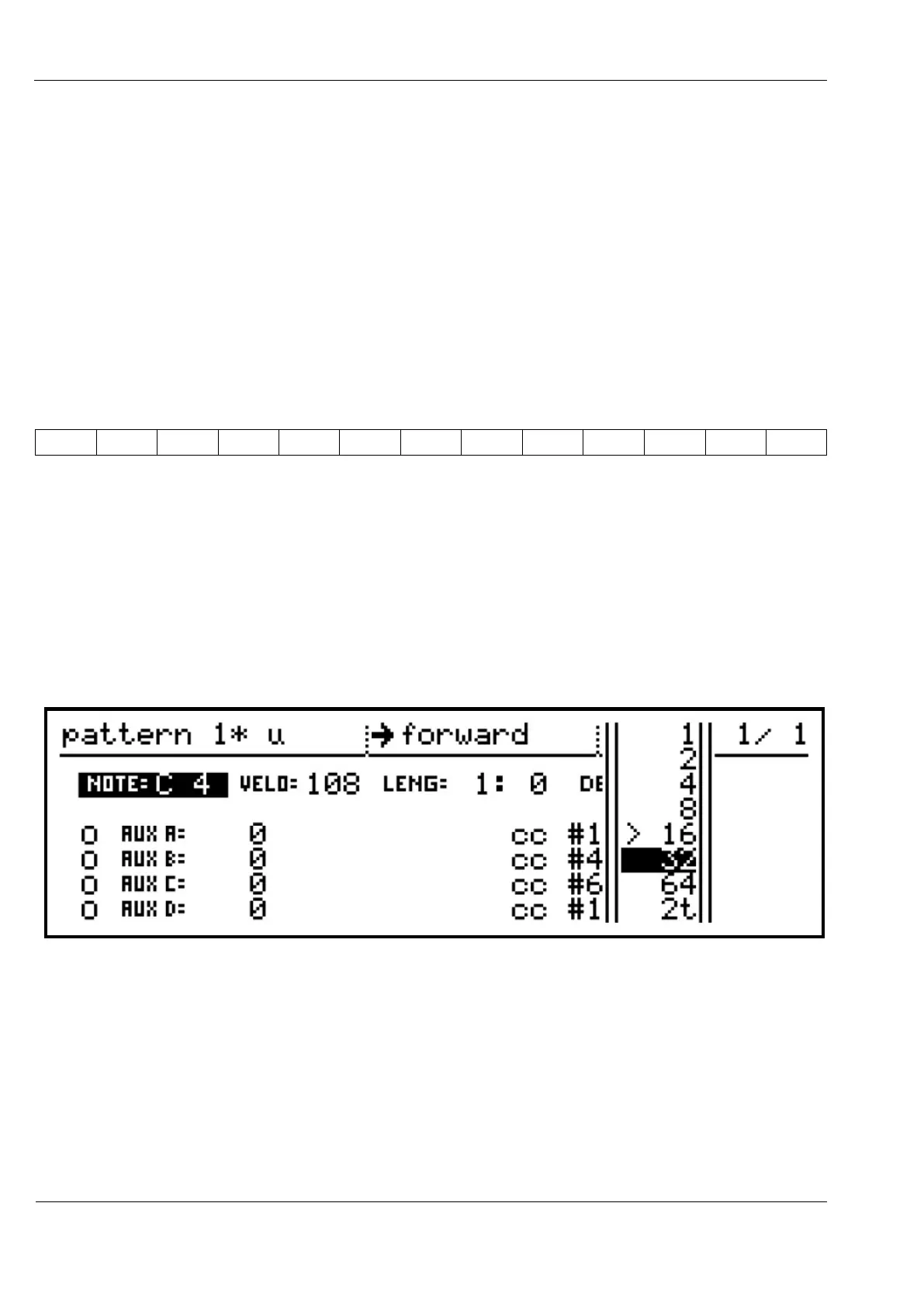
There are more timebase values available than will fit in the height of the display, so you will
find that the selection list will scroll up or down to allow access to all values:
As with direction, changes to the timebase value take effect immediately, but the pattern will
be flagged for re-sync with the global bar.
Last Step
Although each bar of a P3 pattern has up to 16 steps, you may want to use fewer for a shorter
pattern.



 To Next Page