Cirklon Sequencer User Manual
Editing a Saved Scene
When you have recalled a saved scene, either manually or by entering song play mode, you
can make changes to the pattern assignments and mute status of tracks, or change the scene
level values.
Changes made to a saved scene will not update the saved version of the scene.
You must normally re-save the scene if you want any changes to be permanent.
This prevents unexpected changes to finished scenes in songs where you might want to make
temporary changes to mutes, etc. during playback.
In some cases, for example where you are still working on the structure of a song making
changes to various scene values, you may find it easier to have changes to scenes save
automatically.
To enable this, you can turn on the “Scene auto-save” option found in the play mode menu –
see the later section for details.
When any changes are made to a scene so that it differs from the saved version, the SAVE key
will light when you are on the SCENE page.
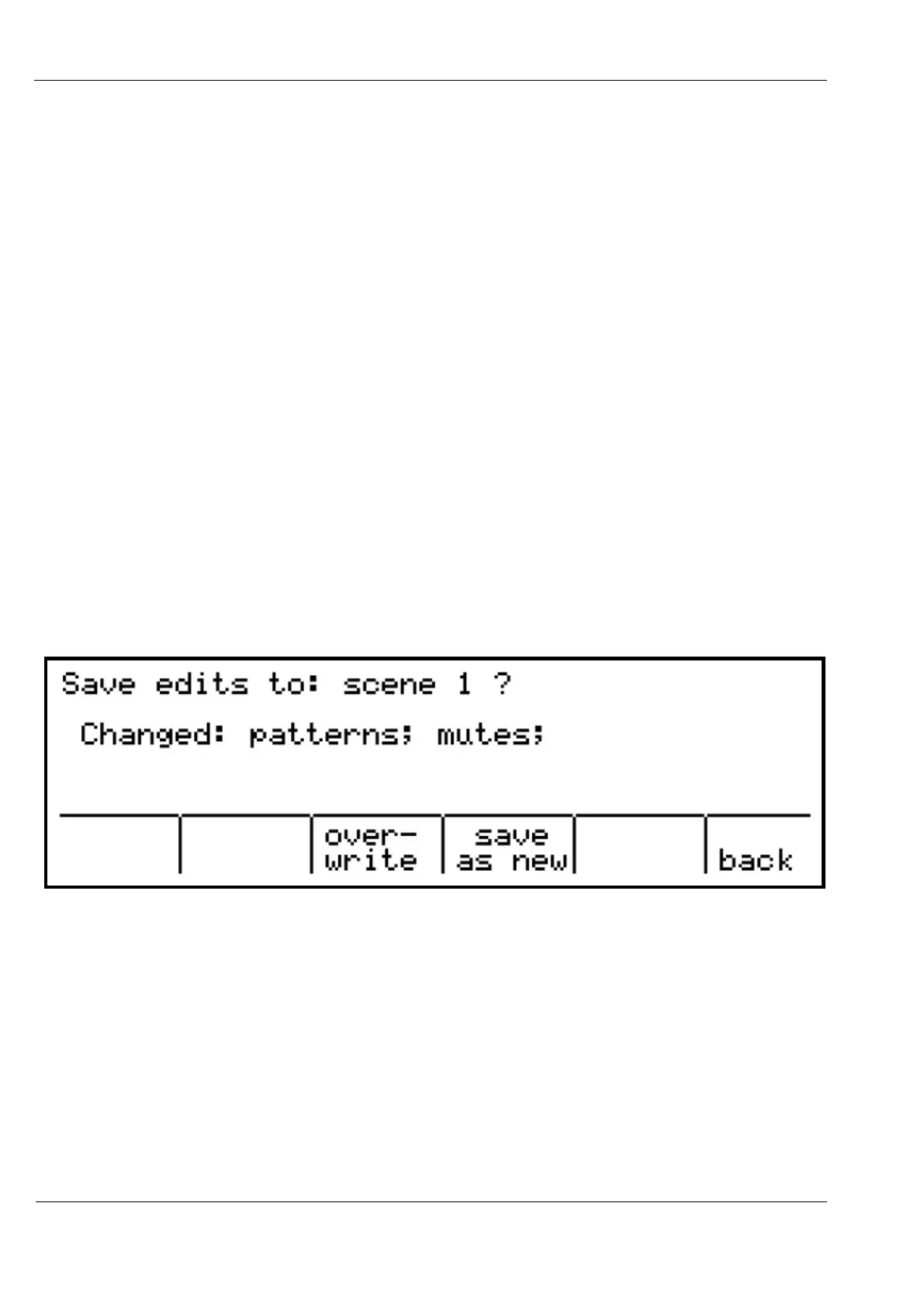
When you press the SAVE key, a display like this will appear:
This shows a reminder of what you have changed, in case you lost track.
The step encoders under the three options will light red.
You can:
- over-write save the changes to the scene
- save as new save the altered scene to a new scene
- back return to the scene page without saving



 To Next Page