Cirklon Sequencer User Manual
9. Track values
Track values are user-configurable controls with a variety of uses.
Although you add and use them entirely on the TRACK page, they are stored as part of each
instrument definition. Once a track control has been added to an instrument, it will appear
on any track to which that instrument has been assigned.
There are two types of track values:
Track MIDI values let you control parameters on your instruments by sending MIDI
controller messages.
Track control values give access to internal settings that dynamically alter pattern playback.
Adding a track MIDI value
A track MIDI value can send any MIDI CC or a program change message.
They can be used for real-time control, and can also be saved for the current SONG, or
SCENE.
Stored values will be sent when a song is first recalled, or at the start of chosen scenes.
The track values appear on a sub-page of the TRACK page, called (unsurprisingly) the track
values page.
You access this page by pressing TRACK when you are already on the TRACK page.
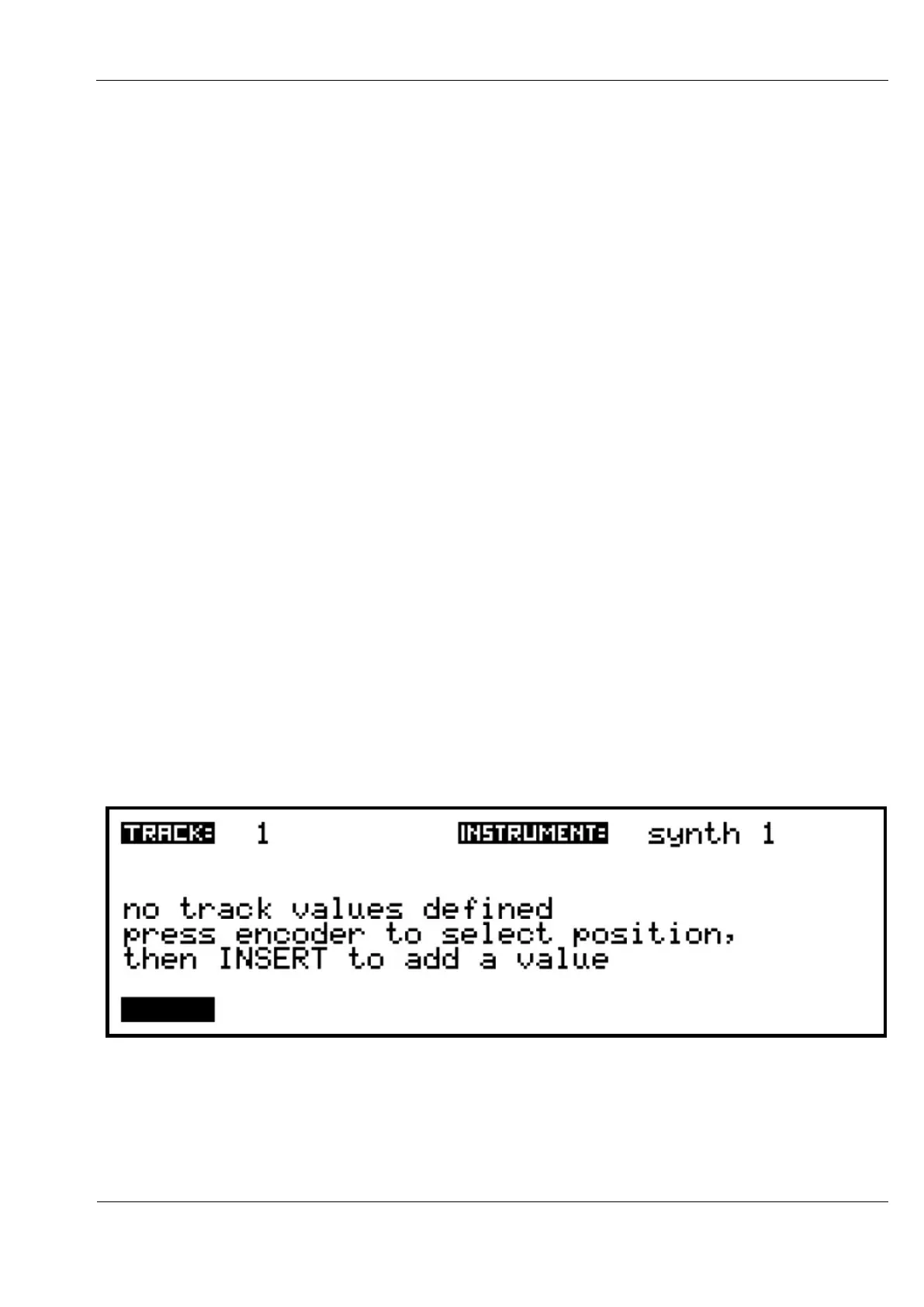
Before you have added any track values for the instrument assigned to a track, the track
values page will look like this:
The display is divided into six ‘slots’ that can each hold a track value. The encoders under the
display are used to edit the actual values while on this page, and the six encoder LEDs light
red as a reminder of this.



 To Next Page