Cirklon Sequencer User Manual
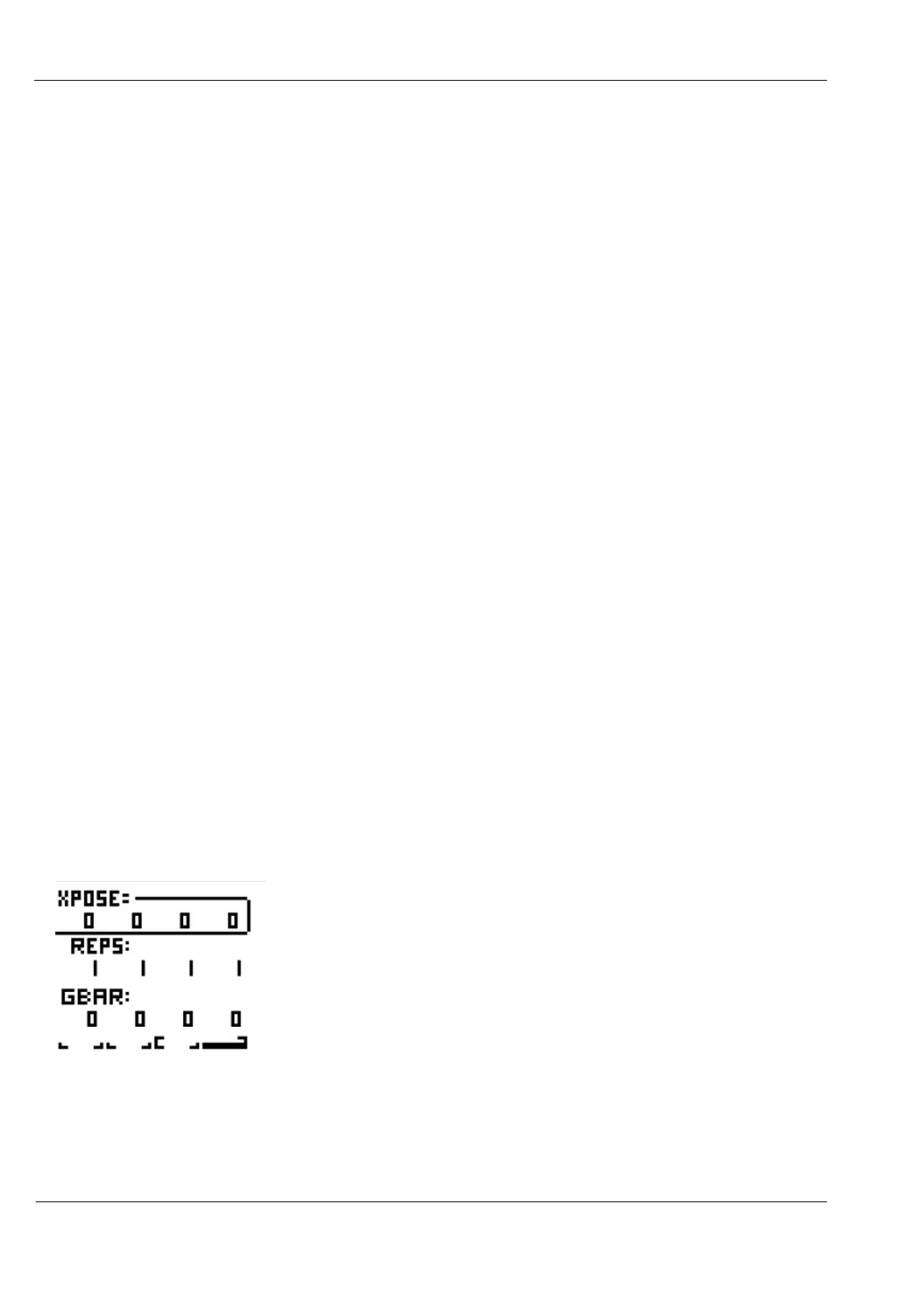
XPOSE allows you to transpose each bar up or down by 5 octaves.
REPS allows you to set each bar to repeat up to 99 times.
The GBAR value can be 0 or 1, to represent OFF or ON.
This is the global bar sync option. When active (set to 1), the bar will be reset to its first step
every time the global bar loops.
This will only have an effect if there are steps skipped in the bar, or its last step has been set
such that the total number of steps playing in the bar is not a factor of global bar length.
The practical result is that an odd-length bar will play for the full length of the global bar
before the pattern advances to the next bar.
Bar Loops
It is possible to set a bar loop within a P3 pattern.
Any bars before the start of the loop will play only once when the pattern starts to play.
Once in the loop section, the pattern will return to the first bar of the loop after the last.
Any bars in a pattern after the loop end will never play.
To set a bar loop, hold the SHIFT key, then press two of the step keys in turn, to set the first
and last bars of the loop section.
The LEDs below the looped bars will remain red, but bars before or after the loop section will
show amber.
You may have noticed the graphic below the bar values.
This shows the length of the pattern in bars and the current bar playing, and any bar loop.
For example, if we loop bars 3 and 4 of a 4 bar pattern, the value display would look like this:
- the larger marks around bars 3 and 4 indicates the loop limits.
The bar 4 marks are filled to show it’s the current playback position.



 To Next Page