Cirklon Sequencer User Manual
This is to prevent inadvertent edits to steps in the wrong bar if an encoder is being turned as
the bar advances.
Now that there are multiple bars in our P3 pattern, we can take a look at some values specific
to each bar. These are found in the bar edit page.
Bar Edit
To access the bar edit mode, press the BAR encoder.
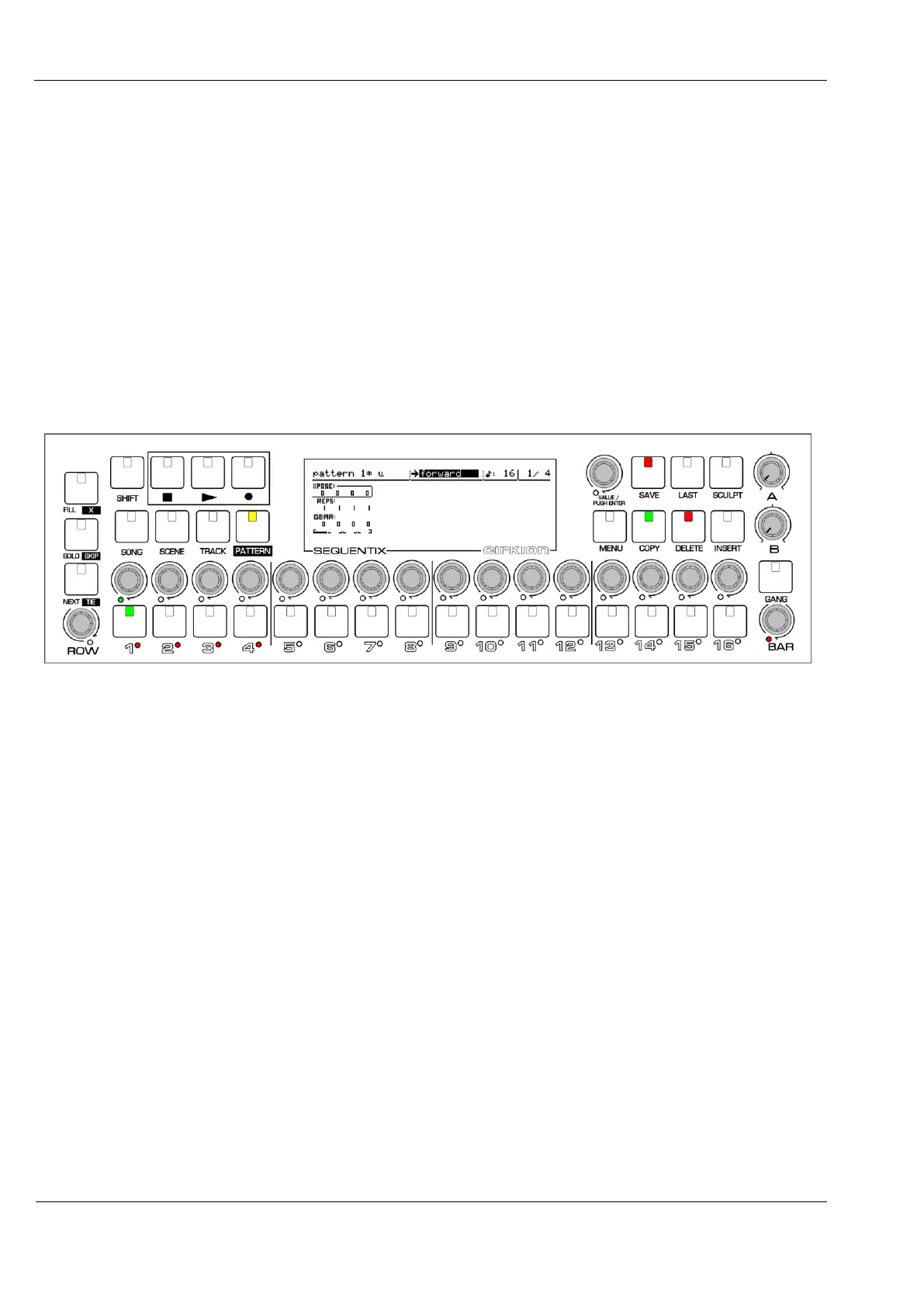
The display switches to a new view, shown here with the full panel, as it would appear for a 4
bar pattern:
Note that the ROW encoder LED, which was red in step edit, has turned off.
The BAR encoder LED will be green, unless bar follow is active, in which case it will remain
red.
The step keys and encoders take on different functions while in bar edit.
The current bar playback position is shown by a single step key LED.
The length of the pattern in bars is shown in red by the LEDs under the step keys.
The encoder LEDs indicate the current bar selected for editing in green.
You can press either the step keys or encoders to change the current bar selection.
The COPY and DELETE keys also light to show that they are active for use in bar edit.



 To Next Page