Cirklon Sequencer User Manual
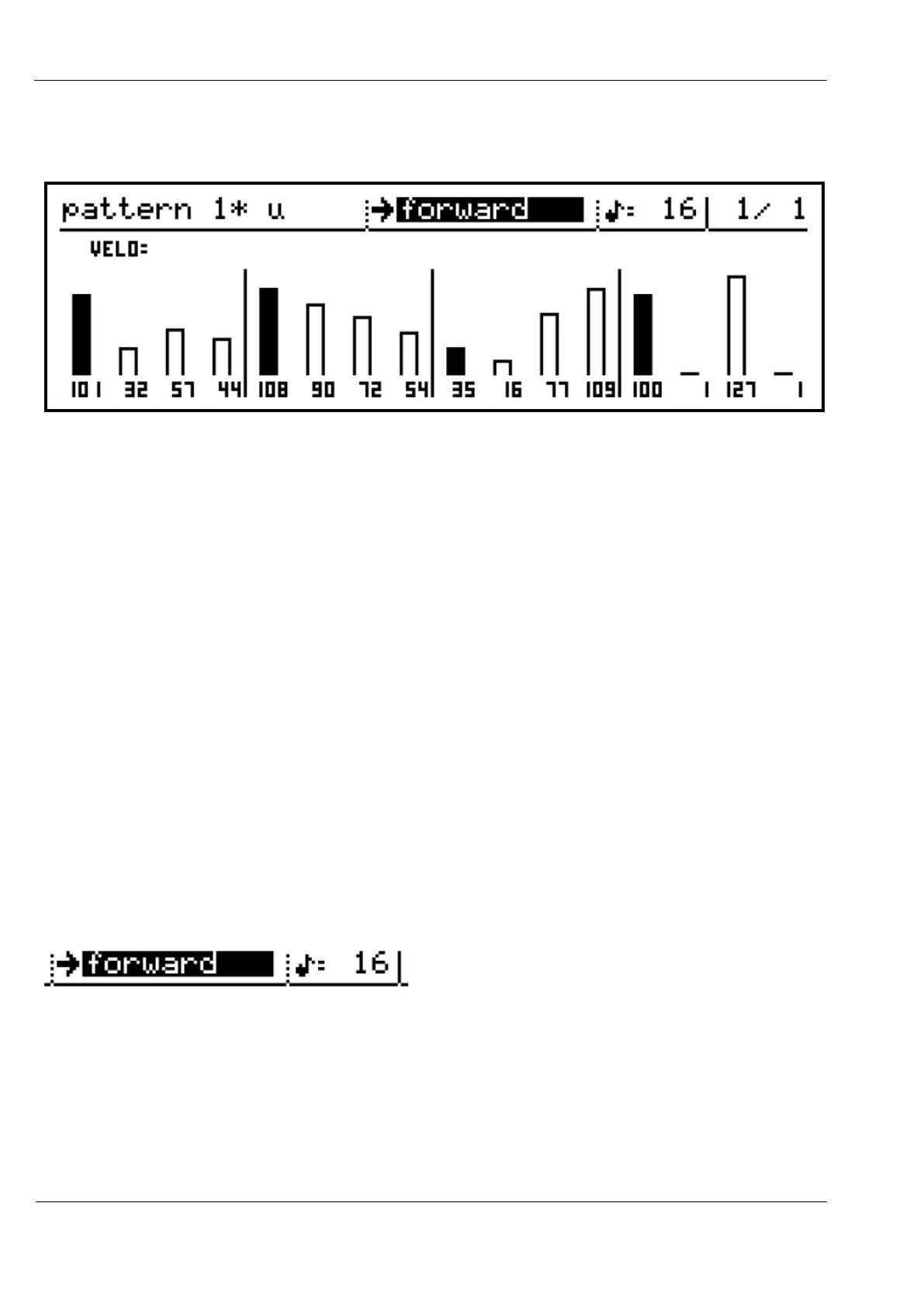
If we were then to hold step 5, and turn to reduce step 10’s value by one, this would be the
result:
Step 10 has decreased by 1, to 16.
Step 5 holds its value, but steps 6, 7, 8 and 9 are fitted to a straight line between the step 5 and
10 values.
This function is particularly effective for creating chromatic runs of notes and ramping
velocity or controller values.
Slope edit works with coarse editing of the values.
That is, if you press and hold a step encoder that you are turning, it will adjust the value in
larger increments. Indeed, both the first and last encoders can be held in and turned
simultaneously, for rapid adjustment of slopes.
Pattern Level Values
We’ll take a break from editing pattern steps to look at the pattern-level values.
Most important of these are the direction and timebase values.
These values appear on the top line of the pattern edit page.
Here the current direction is forward, and the timebase is 16:
These are edited in the same way as the main values on the play pages – select the value to
edit with the VALUE encoder, then press to edit the value.
Both values use a selection list, so the new value selection does not take effect until
VALUE/ENTER is pressed to select it.
You can cancel without changing the selection using the MENU key.



 To Next Page