Cirklon Sequencer User Manual
Track Mixer Page
The track mixer page gives you quick access to the MIDI volume and pan controls for every
track in the current bank.
These are available whether or not the volume and pan CCs have been added to the track
values for each instrument, although they will have no effect on tracks which don’t have an
instrument assigned.
To access the mixer page, from the TRACK page, hold SHIFT and press TRACK again.
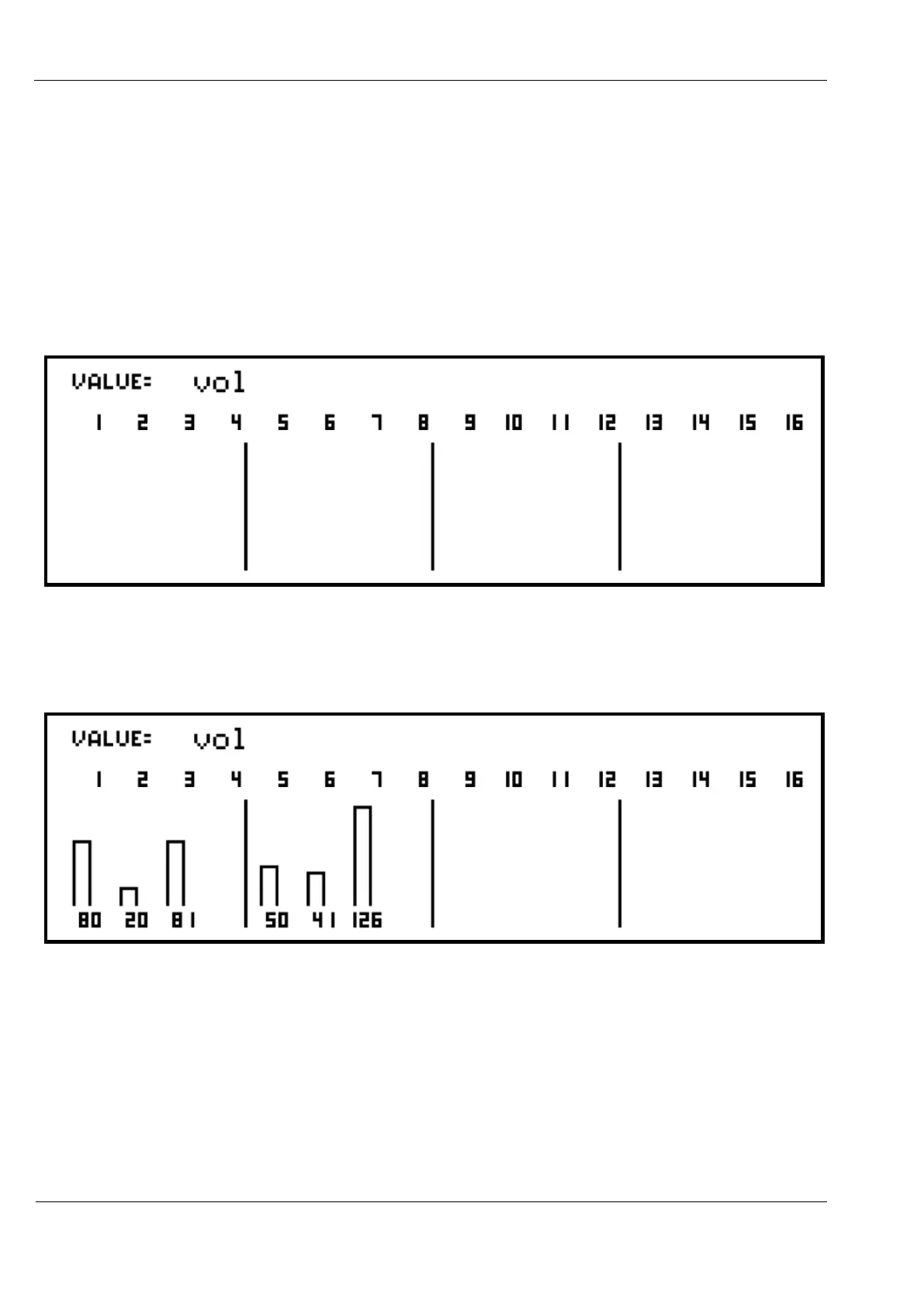
Assuming no volume or pan CCs are in use, the display will look like this:
The ROW encoder can be used to switch between the vol and pan controls.
The encoder for each track will send the selected controller, and update the display with the
new value:
If the same instrument is assigned with the same MIDI channel to more than one track, you
will notice that the value for each of its tracks change together when any is edited.



 To Next Page