Cirklon Sequencer User Manual
Xpose
This is the scene level transpose value.
All patterns will be transposed by the selected value, unless the instrument option “No
Xpose” is enabled, or the X-flag is set on some pattern steps.
The FTS option linked to the transpose value controls whether the force-to-scale settings are
applied before (pre) or after (post) the scene transposition.
With the XPose FTS option is set to post, in effect, the root note setting for FTS is also
transposed.
Saving a SCENE
Whenever you create a new song, you will start in the workscene.
Once you have created some patterns for the first section of your song, the workscene can be
saved to a stored scene.
To do this, ensure you are on the SCENE page, then press the SAVE key.
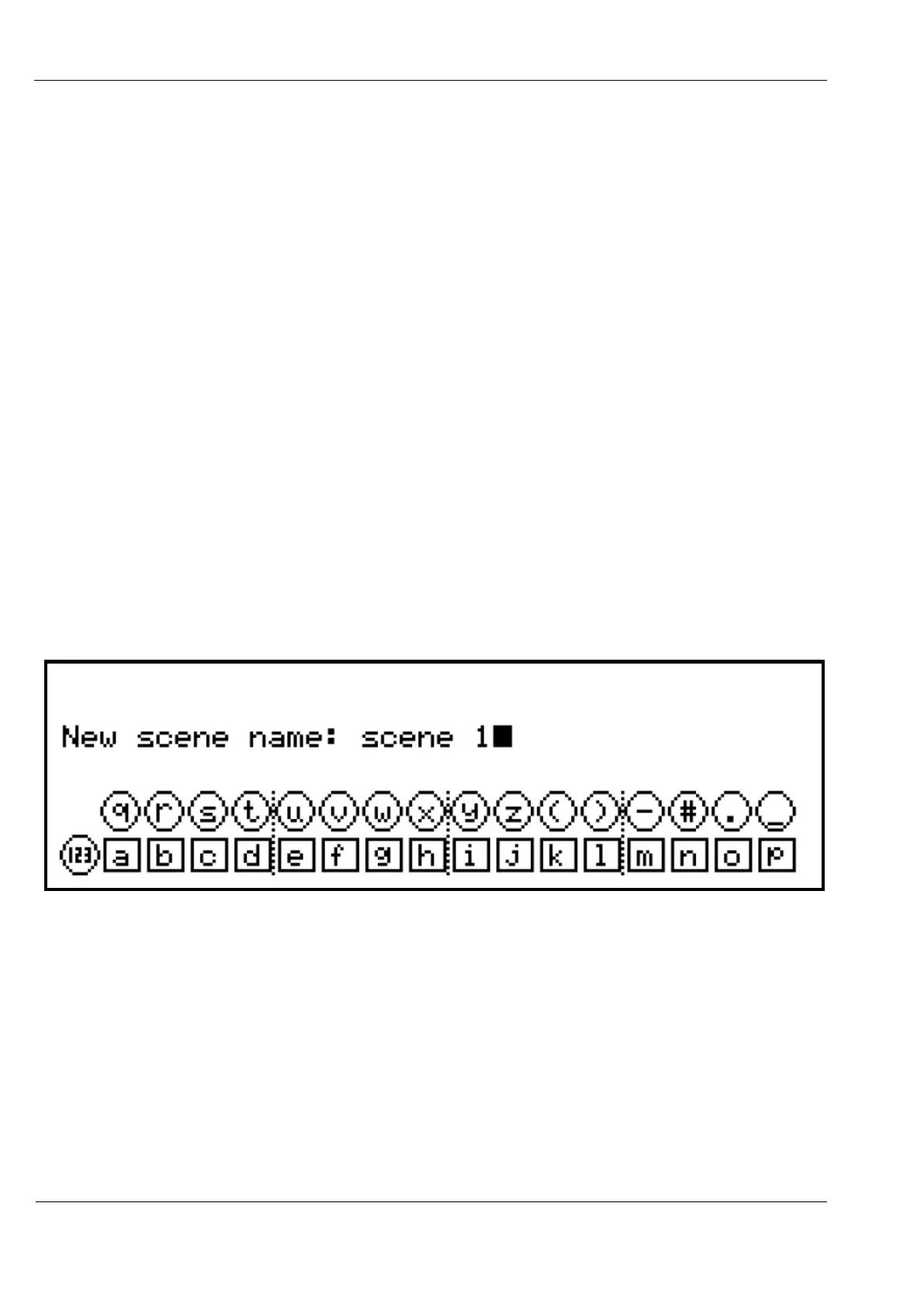
You will be prompted to enter a name for the scene:
You can edit this name in the usual way, or just press ENTER to accept the auto-generated
name.
Once the scene has been saved, you will remain in the workscene, as described before.
This is intended to simplify the progress of the initial building of a song.
Once a number of scenes have been added, you can switch to song play mode by switching to
the SONG page, or manually enabling song play.



 To Next Page